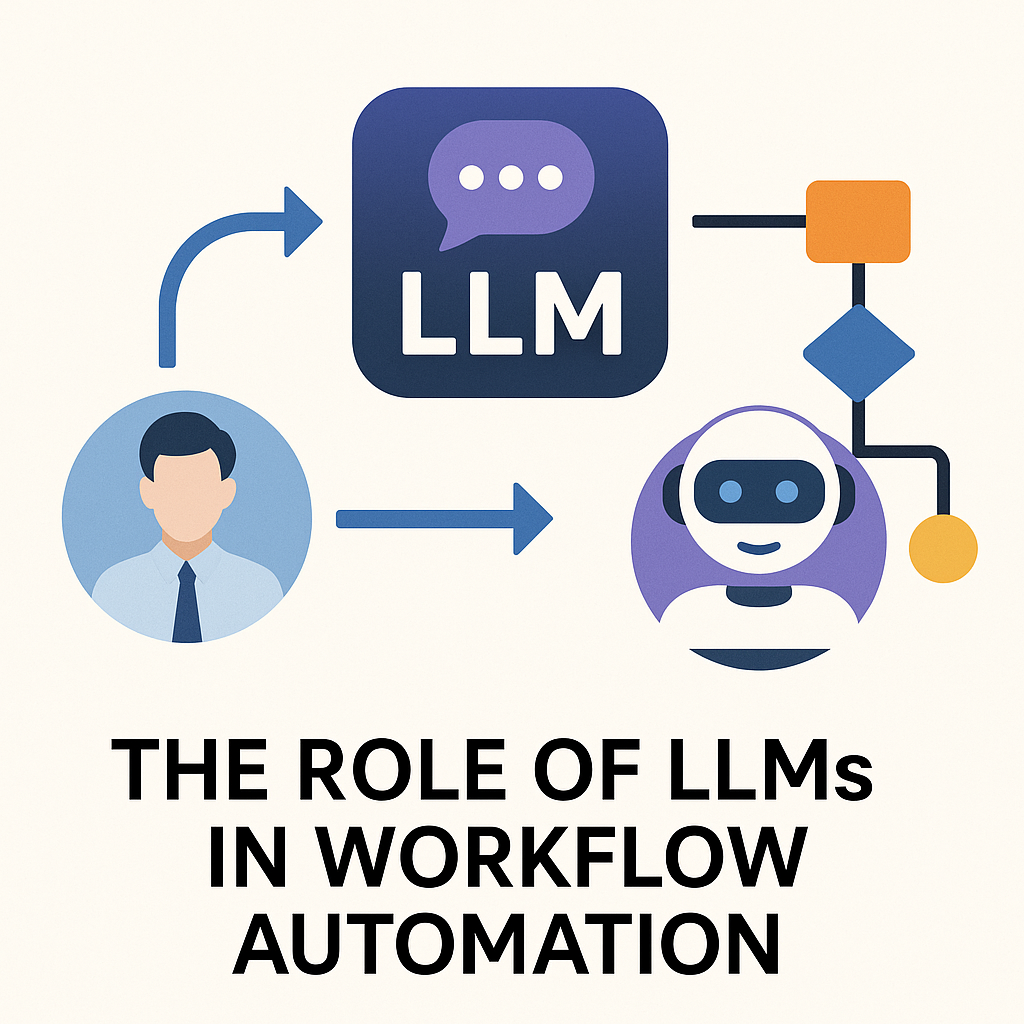

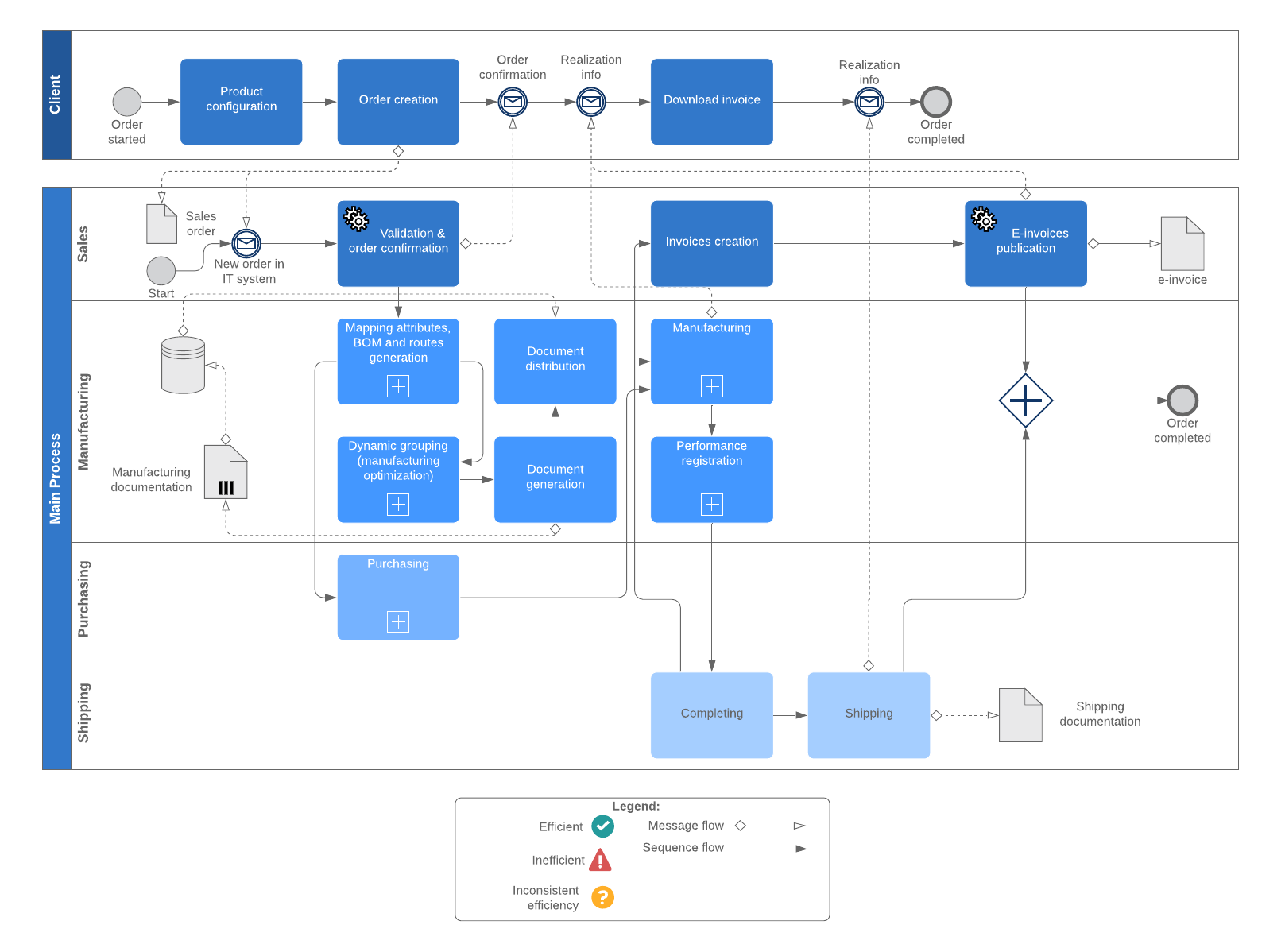
In the realm of People & Operations (PeopleOps), the conversations are increasingly shifting from manual workflows and rigid process chains to intelligent, adaptive automation. At the heart of this shift lies the technology of Large Language Models (LLMs), advanced AI models that understand and generate human-language at scale. In this blog I’ll explore how LLMs are changing workflow automation, what pain points this solves, what things to watch out for, and how a PeopleOps team (or broader enterprise operations team) can harness them effectively.
What are LLMs and why they matter for workflow automation
Let’s first get on the same page about what an LLM is, and then connect it to workflows.
A quick primer
An LLM (Large Language Model) is a machine-learning model trained on vast amounts of text (and sometimes code) data, so that it can generate, summarise, translate, reason over natural language. Wikipedia+2arXiv+2 Because of this, an LLM isn’t just a “fancy chatbot”, it can reason, interpret context, interact with tools, generate output that looks like human-written text, and even decide next steps in a chain of tasks.
Why it matters for workflow automation
Traditional workflow automation (for example via RPA, robotic process automation) tends to follow rigid rules: “If this event happens, then that action occurs, then that remains the flow…”. What LLMs bring in is a layer of flexibility, understanding, and natural language interface. For example:
- They can interpret a human-written request (“Please get all the expense reports for Q2 and summarise trends, highlight any > $5k items”) and execute subtasks.
- They can orchestrate subtasks, query data, generate summaries, decide which branch to follow.
- They can deal with free-form text (emails, chats) rather than just structured fields.
As one article puts it: “LLMs like GPT-4 and Claude are designed to understand and generate human language … making them ideal for tasks such as summarising legal documents or analysing large volumes of text data… They are the engine of next-generation AI workflows called agentic workflows, enabling a new level of autonomy and intelligence in automated processes.” V7 Labs+1
So from a PeopleOps lens, there are big opportunities: automating HR queries, onboarding sequences, training content generation, summarising employee feedback, linking with existing HR systems with more “intelligence” and less brittle rule-based flow.
Common pain points in workflow automation (that LLMs help with)
Before diving deeper, let’s list some of the typical problems teams face when building or scaling automation and then we’ll map how LLMs can address them.
Pain points
- Rigid workflows: Traditional automation often breaks when exceptions occur. If a process doesn’t follow the exact pre-defined path, the automation fails.
- Heavy manual intervention for unstructured data: HR and PeopleOps teams often deal with unstructured inputs (emails, chats, ambiguous requests). Converting them into structured steps is labour-intensive.
- Scalability challenges: As the volume of requests grows or variability increases (different countries, languages, formats) the workflow becomes harder to maintain.
- Maintenance bottlenecks: Rule-based automations require constant updates (new forms, new conditions, exceptions).
- Poor user experience: Employees or managers may get frustrated if automation feels “dumb”, doesn’t understand the context, or needs constant human correction.
- Integration gaps: Linking human-language inputs to enterprise systems (HRIS, ATS, payroll) often involves lots of glue-code or middleware.
How LLMs help
- Flexibility and adaptability: LLM-driven automation can interpret natural language, understand context or intent, and thus handle requests that don’t strictly follow a pattern. For example, an employee writes: “I’m moving to Pune next month, what do I need to do for relocation?” The system can interpret the request, fetch relevant forms, trigger approvals, link payroll/benefits systems, send a customised checklist.
- Handling unstructured inputs: Emails, chat transcripts, employee feedback, LLMs are good at summarising, extracting intent/entities, generating structured output. This dramatically reduces manual triaging. V7 Labs+1
- End-to-end orchestration: Beyond just one step, LLMs can act like “agents” that orchestrate multiple steps: decide what to do next, call appropriate system APIs, escalate when needed. Research is already showing LLMs being used for workflow orchestration. arXiv+1
- Better user experience: Natural-language interfaces (e.g., chatbots powered by LLMs) allow employees to interact conversationally instead of navigating forms and portals.
- Reduced maintenance overhead: Since LLMs can generalise from language instructions rather than only fixed rules, they can adapt more easily to new types of inputs or slight process variations.
Real-world scenarios in PeopleOps & Operations where LLMs shine
Here are a few examples of how LLM-powered workflow automation can apply in a PeopleOps context.
Scenario 1: Employee Onboarding
Pain point: Onboarding involves multiple systems, new hire paperwork, IT provisioning, training enrolments, manager notifications, equipment assignment. Often onboarding requests vary (location differences, remote vs hybrid, contractor vs full-time).
LLM role: An LLM-driven agent accepts a simple “Hire: Jane Doe, full-time, Hyderabad office, start date 1 Nov” request. It:
- Parses the request and extracts key entities (employee name, type, location, dates).
- Determines the correct workflow path (Hyderabad, full-time, equipment required).
- Calls respective APIs (HRIS to create profile, IT system to order laptop, facilities to arrange access).
- Sends follow-up messages to the manager and new hire with a personalised onboarding schedule.
- Monitors completion and prompts any missing steps.
Result: a smoother, faster, less manual onboarding experience.
Scenario 2: HR Service Desk / Employee Queries
Pain point: Employees raise service-desk tickets via chat or email: “Can I shift my vacation to next week because of project delay?”, “What’s my total paid leave balance for this year?”, “I need to update my bank account in payroll”. Many requests require interpreting intent, checking history, then executing a transaction or providing correct answer.
LLM role: A conversational interface powered by an LLM understands the intent (“shift vacation”, “check leave balance”, “update bank account”), maps it to relevant systems, retrieves data (via HRIS API), executes the change (if allowed), or guides the employee through the steps. It can summarise policy (“Here’s how your leave balance is computed”), highlight any constraints, and trigger manager approval if needed.
Impact: Faster resolution, less manual triaging, better experience.
Scenario 3: Policy & Compliance Workflow Automation
Pain point: Policies change, regulatory requirements differ by region, and PeopleOps teams must ensure that workflows (e.g., data protection, termination, relocation) adhere to regional legal requirements. Building and maintaining rule-based automations for every region is expensive.
LLM role: The LLM can ingest policy text (for example new data-privacy law in Maharashtra) and be tuned or prompted to incorporate that into the automation flow. For example, when an employee is relocating internationally, the agent checks the text of the new law, advises on compliance steps, links with legal/immigration workflow, triggers flags if risk is detected.
Result: More agile policy-aligned automation, less manual policy-interpretation labour.
Key components & architecture for LLM-driven workflow automation
From a technical + PeopleOps perspective, setting this up involves some core building blocks.
1. Intent / Entity Extraction
The first step: employee writes or speaks a request. The LLM interprets: What is the action? Who is involved? What are the parameters? Example: “I’d like to submit expense report for August, total is ₹ 1.2 lakh, need manager approval.” Entities (employee, month, amount, manager) + intent (submit expense, request approval) are extracted.
2. Decision / Branching Logic
Based on the intent and entity values, the system decides which path the workflow should take. For example: expense amount > threshold → require manager + finance approval; relocation → involve HR + legal. LLMs can assist this by reasoning: “Since amount is > threshold, branch accordingly”.
3. Action / Tool Integration
Calling systems: HRIS APIs, payroll system, ticketing system, notification/communication system. Here the LLM can generate the correct command or sequence, or interface with a “tool layer” which parses the LLM output and triggers APIs. Research shows LLMs fine-tuned to orchestrate workflows across tools and APIs. arXiv+1
4. Monitoring & Feedback
The workflow agent monitors steps, checks if tasks completed, handles exceptions (e.g., no response from manager, missing data). Some advanced architectures build “memory” or “execution logs” so the LLM can learn from past failures. For instance, the system can prompt: “Manager did not respond within 48 hrs, what next?” The LLM can then trigger a reminder or escalate.
Example: the “Agent-S: LLM Agentic workflow to automate Standard Operating Procedures” paper explores such extended architectures with memory and external tool environments. arXiv
5. Governance, Ethics & Compliance
Since LLMs can make decisions (or assist decision-making) in workflows, it’s critical to include governance: access controls, audit trails, bias monitoring, human‐in‐the‐loop checkpoints for high-risk steps (such as termination, large payments). Recent research also emphasises the need for balancing flexibility (LLM’s strength) and compliance (workflow requirements). For example, the “FlowAgent” framework emphasises both compliance and flexibility in LLM-based workflows. arXiv
Benefits for PeopleOps and business in summary
Putting it all together, what are the tangible advantages?
- Time savings: Automating the triaging, routing, execution of many PeopleOps tasks means the team can focus on strategic initiatives.
- Improved consistency and accuracy: With LLMs standardising how requests are interpreted and processed, fewer errors/omissions.
- Better employee experience: Conversational, natural-language access to services rather than forms and portals improves the “employee service” side of PeopleOps.
- Scalability: As the business grows, the LLM-driven workflows adapt more easily to variation (location, language, new request types) than rigid rules.
- Agility: The PeopleOps team can incorporate new policies, processes and exceptions more quickly by updating prompts, adjusting logic rather than rewriting entire bots.
- Insights & analytics: These systems generate rich logs of interactions, decisions, delays — enabling PeopleOps to measure bottlenecks, build proactive models (e.g., predict onboarding issues) and iterate.
Risks, challenges & what to watch out for
Of course, no technology is silver-bullet. Here are some of the caveats and considerations when deploying LLM-driven workflow automation, especially from a PeopleOps standpoint.
• “Hallucinations” & incorrect outputs
LLMs may generate plausible sounding text but incorrect facts or actions. If an automation step incorrectly authorises something (say, gives equipment without approval), the risk is real. Research emphasises this limitation of LLMs. Wikipedia
Mitigation: always require human-in-the-loop for high-risk, high-value steps; maintain audit trails; validate critical outputs.
• Data privacy, security & compliance
Workflows may involve sensitive employee data. LLMs often function in cloud or hybrid setups; governance, encryption, access control, and vendor-compliance (GDPR, local laws) need to be addressed.
• Integration & change-management complexity
While LLMs can flexibly interpret language, they still have to integrate with enterprise systems (HRIS, ATS, payroll, ticketing). The technology stack and connectors must be robust.
• Maintaining control & traceability
In autonomous workflows, one must ensure you know what the agent did, why, and how. Research in workflow-orchestration emphasises building models that balance flexibility and compliance. arXiv+1
• Cost & ROI considerations
Fine-tuning, hosting, maintaining LLM-based workflows can be expensive both in compute and architectural complexity. It’s important to prioritise high-impact use-cases first.
• Change management & user acceptance
Employees and PeopleOps teams must trust the system. If the automation behaves unpredictably or incorrectly, adoption stalls. A phased rollout, transparent design, and clear communication are key.
How PeopleOps teams can get started
Here’s a suggested roadmap for PeopleOps / operations teams to adopt LLM-driven workflow automation.
- Identify candidate processes
- Choose processes that are: repeatable, involve text/unstructured inputs, have branching logic, and create meaningful value when automated.
- Examples: employee query handling, onboarding/off-boarding flows, relocation process, training enrolment, survey/feedback summarisation.
- Map the current workflow
- Document current steps, inputs, decision-points, systems involved, exceptions.
- Understand where manual hand-offs, delays, errors occur.
- Define the “agent” scope & boundaries
- Decide which parts of the workflow the LLM-agent will handle, and which parts remain human.
- Define interfaces: how the LLM gets the request, what systems it can call, what actions it is authorised to perform.
- Build intent/entity models & prompts
- Develop prompts (for example: “You are the onboarding assistant. The user says: ‘ … ’. Parse the request, extract name, start date, location, employee type, then produce JSON specifying next steps.”)
- Test with real inputs to refine.
- Integrate tools/APIs
- Connect your HRIS, ticketing, notification system, payroll database etc.
- Build the “tool wrapper” layer so that LLM outputs translate into API calls or system actions.
- Pilot the workflow
- Start with a low-risk process, maybe internal only.
- Monitor performance: accuracy of intent extraction, error rate, time saved, user feedback.
- Governance & audit trail
- Ensure you log what the agent decided and why, so you can review and correct.
- Define escalation rules: when the agent defers to a human.
- Iterate, scale, and refine
- Analyse analytics: where did the agent fail, what cases are frequent errors, refine prompts or workflows.
- Expand to more processes over time.
- Communicate & train stakeholders
- Let employees and managers know what’s changing, how to use the new system, what to expect.
- Provide fallback options to human service to build confidence.
Future trends and what to watch
- Agentic workflows: LLMs are not just assistants; they are becoming full “agents” that plan and execute tasks end-to-end. Medium+1
- Workflow orchestration frameworks: Research projects like “WorkflowLLM” show how LLMs can orchestrate across 1000s of APIs and apps. arXiv
- Better hybrid human-AI collaboration: Systems will increasingly blend human judgement + AI speed.
- Domain-adapted LLMs: For PeopleOps you may see “HR-foundation models” fine-tuned for HR language, policy, region-specific regulations.
- Natural language to code / process generation: From “employee asks for relocation” to the system generating full workflow code/logic automatically.
- Governance, auditability, explainability will become non-negotiable: as LLM-driven workflows take on more critical roles, transparency will be key.
- Multimodal workflows: Beyond text, voice, chat, images, video in onboarding/training workflows.
Conclusion
For PeopleOps teams and business operations more broadly, LLM-driven workflow automation represents a step-change: moving from static, rigid automation to intelligent, adaptive, language-enabled workflows. The potential is substantial, time savings, improved employee experience, better scalability but success depends on thoughtful design, integration, governance and human + machine collaboration.
If your team is looking to build next-gen PeopleOps systems that respond like a human but operate like a machine, embracing LLMs in your automation stack is a smart move.
Leave a Reply