Introduction
In today’s fast-moving business and tech landscape, organisations are under constant pressure to deliver faster, automate more, and reduce dependency on large development teams. Enter the world of no-code and low-code platforms: tools that enable business users (“citizen developers”) and technical staff alike to build applications, automation, workflows and integrations with minimal hand-coding.
In this article (written for PeopleOps professionals and business/technical stakeholders alike) we’ll explore:
- What no-code and low-code mean (and why it matters for People Ops)
- Key pain-points these platforms address
- Real-world scenarios where automation via these platforms makes a difference
- A curated list of top platforms in 2025 for automation and app-build
- How PeopleOps can use them (and what to watch out for)
- Concluding thoughts
What are No-Code and Low-Code Platforms?
No-code and low-code platforms are application development / automation platforms that significantly reduce the need for traditional hand-coding. Here’s a breakdown:
- No-code: Platforms where users without programming skills (or very minimal skills) can drag-and-drop UI components, set up workflows, connect data sources, and deploy applications or automations without writing code. Blaze+3The CTO Club+3Knack+3
- Low-code: Platforms that still require some coding (or technical configuration) but provide a rich visual/drag-interface, pre-built components, templates, and connectors to speed up development and reduce complexity. Appsmith+1
Why is this relevant for PeopleOps?
From a PeopleOps perspective, the advantages are tangible:
- Faster time to value: Instead of waiting months for an IT team to deliver a custom tool or automation, business/HR teams can prototype or deploy internal tools quickly.
- Empowerment of non-IT teams: HR, talent acquisition, operations teams can build their own dashboards, employee onboarding flows, automations without heavy IT backlog.
- Cost savings: Reduced need for custom development, fewer dependencies on expensive dev resources. The platform can democratise innovation. Nucamp+1
- Operational flexibility: Enables rapid adjustments to workflows as organisational or PeopleOps requirements change.
What are the pain-points being addressed?
- Traditional software development is time-consuming, expensive, and often fails to keep pace with business change.
- HR/PeopleOps teams often rely on spreadsheets, manual hand-offs, legacy systems for automation (onboarding, offboarding, internal tools) which are brittle and costly.
- The gap between business requirements and delivery: business teams know what they need, but technical teams are bottlenecked.
- Scaling internal tooling and automation across the organisation without exploding cost or introducing tech debt.
Real-World Scenarios in PeopleOps
Here are some real-world scenarios where no-code / low-code automation makes a difference for PeopleOps teams:
Scenario 1: Onboarding Automation
A growing startup has multiple hand-offs when hiring: an offer letter generator, IT access provisioning, buddy assignment, orientation scheduling, lunch with the team, new-hire survey. Instead of HR manually emailing spreadsheets and chasing tasks, a low-code platform is used to build a workflow: once the candidate accepts, triggers propagate: IT ticket created, manager notified, buddy assigned, orientation meeting scheduled. Real-time dashboard shows onboarding progress. This reduces time-to-productivity of new hire, lowers manual errors.
Scenario 2: Internal Tool for HR Metrics
An HR team wants a simple internal tool to track attrition, internal transfers, training uptake. Instead of commissioning a full custom app, they use a no-code platform to connect existing HRIS, build dashboards, and expose a simple UI for business partners. They can iterate rapidly as business questions change, rather than wait for IT-big-project.
Scenario 3: Employee Service Automation
A large mid-sized company uses multiple apps (Slack, email, HRIS, payroll). Employees request things like remote access, reimbursement, equipment, leave. By using a no-code automation platform, the PeopleOps team builds a “self-service” portal: employees choose options, workflow triggers approvals, notifications, provisioning, and the employee receives status updates. The result: fewer emails, faster fulfilment, better experience.
These are just examples, the common thread is: business teams rapidly building automation, reducing manual effort, linking systems, improving employee experience, and enabling HR/PeopleOps to operate more like a product-team rather than just reactive operations.
Top Platforms in 2025 for No-Code / Low-Code Automation
Here are some of the top platforms, with their strengths, to consider in a PeopleOps context. (Note: this is not exhaustive.)
1. Zapier

Why choose it:
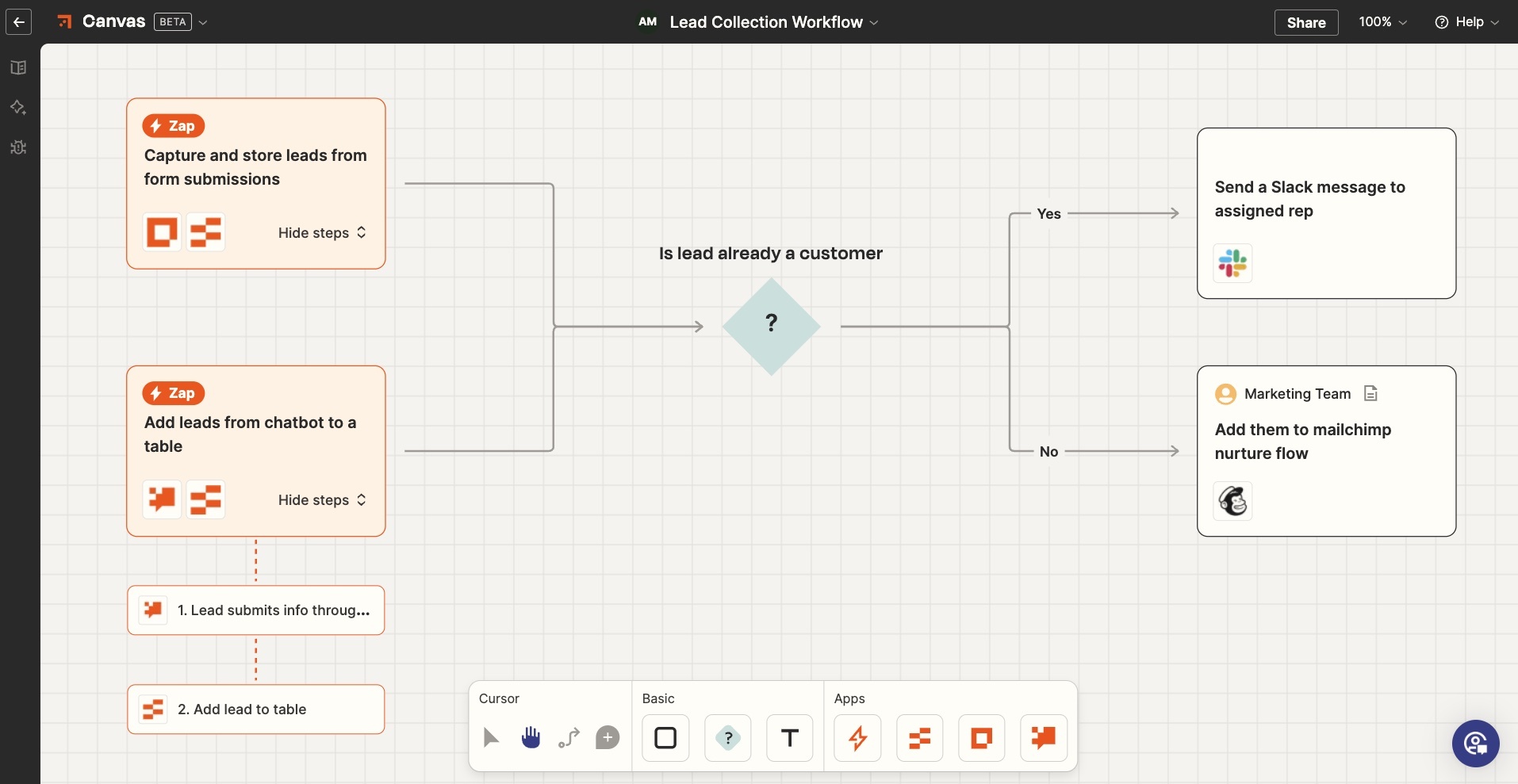
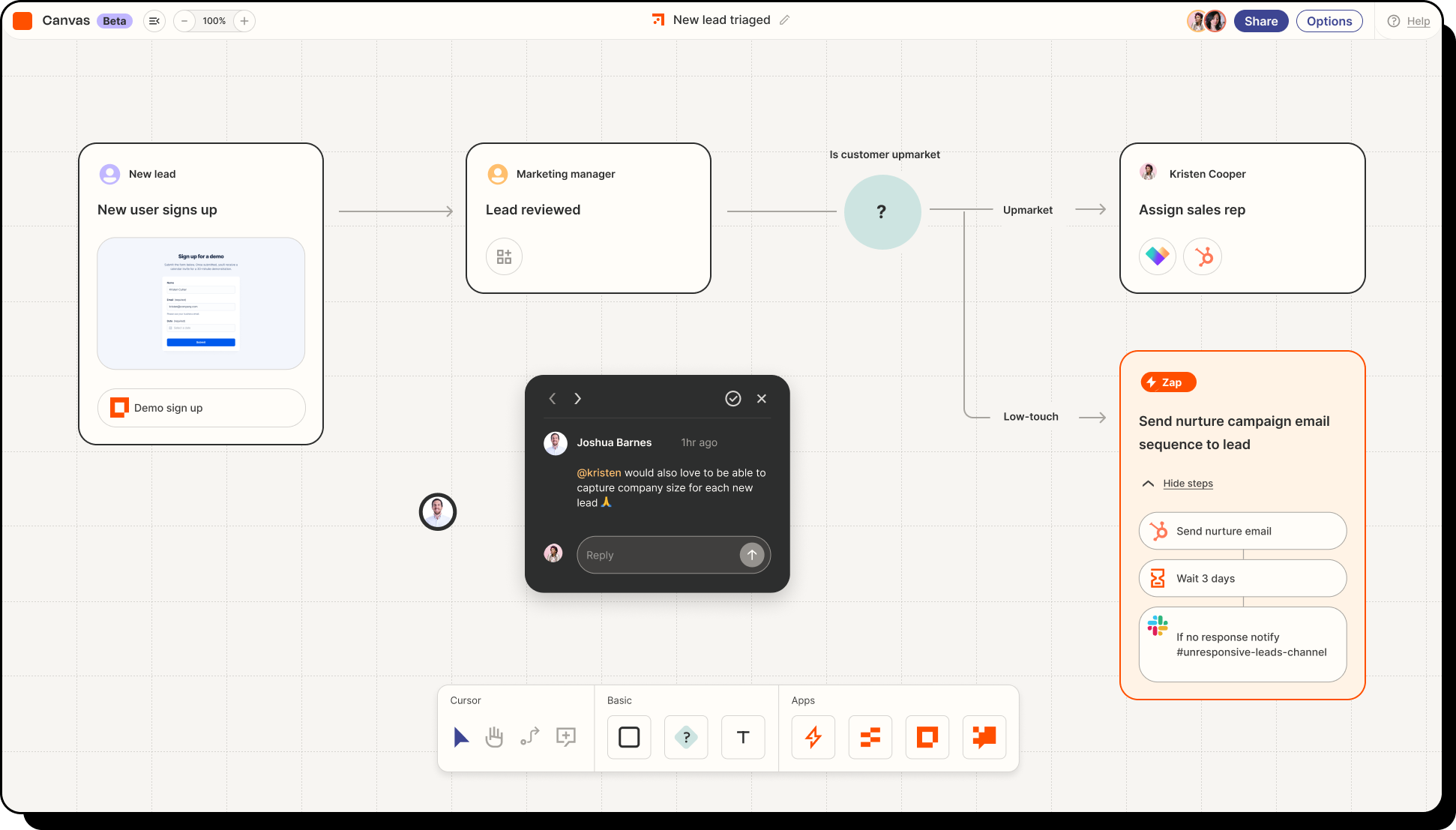
- Zapier remains a leader in no-code automation, especially for workflow automation between multiple apps. Shnoco+2Knack+2
- Thousands of built-in connectors (Slack, Google Workspace, Microsoft 365, HRIS systems) make integration easier.
- Excellent for HR/PeopleOps tasks: e.g., when an offer is accepted in an ATS → trigger onboarding workflow → send forms → assign buddy → update internal systems.
- Minimal technical skills required; business users can build “Zaps” (trigger → action) quickly.
Things to watch:
- As automations grow in volume/complexity, cost/licensing can increase.
- For very complex logic or heavy data volumes, may hit limits compared to enterprise low-code platforms.
2. Microsoft Power Apps / Microsoft Power Automate


Why choose it:
- Microsoft is recognised as a leader in low-code platforms in 2025. Microsoft
- Strongly integrated into the Microsoft ecosystem (Office 365, Azure, Teams) which many enterprises already use in PeopleOps/HR operations.
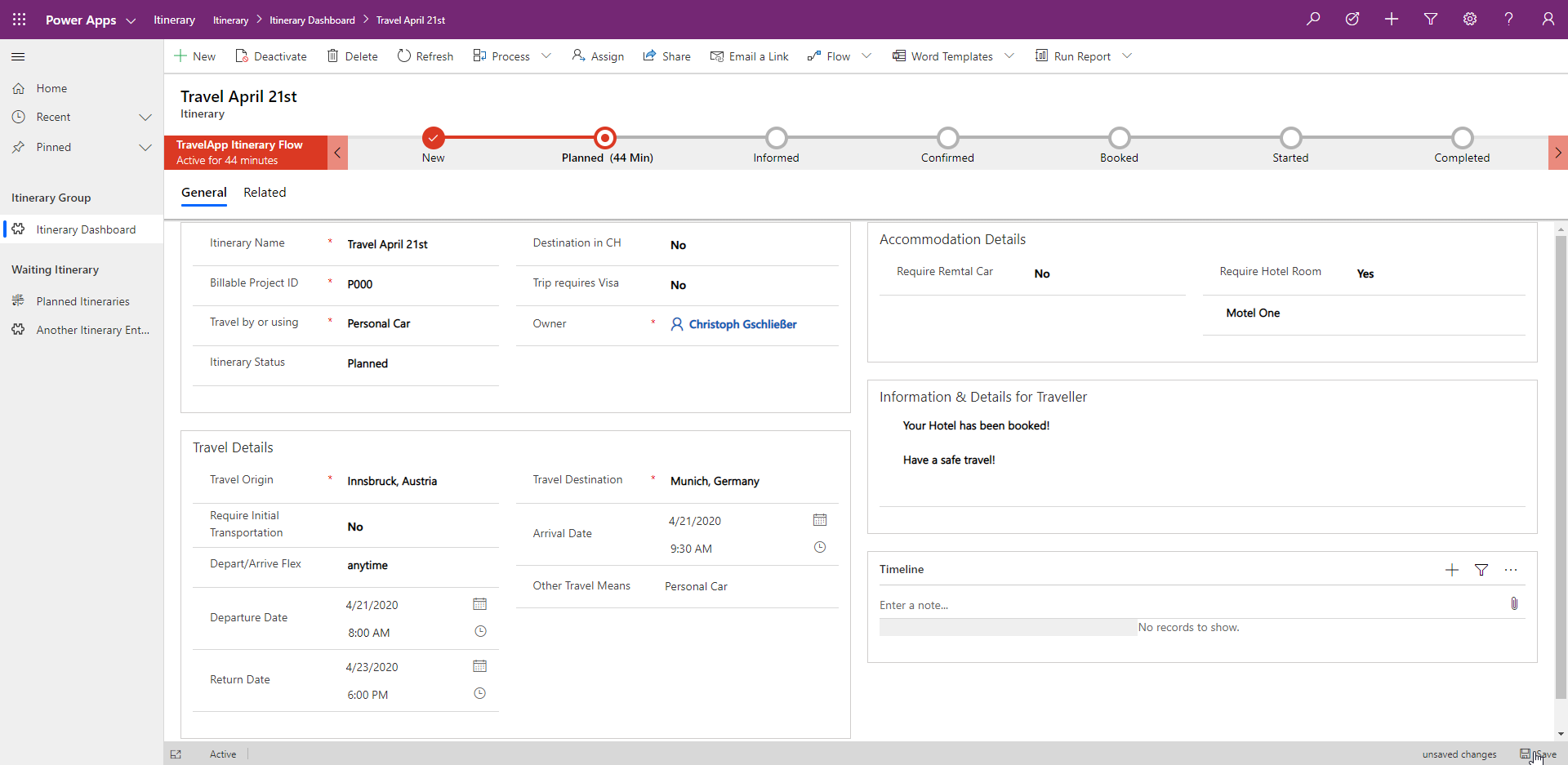
- Power Apps enables building internal mobile/web apps; Power Automate enables workflow automation.
- Good for scenarios where HR/PeopleOps needs internal dashboards, service portals, automation tied to Microsoft identity/data.
Things to watch:
- Some technical configuration may still be required (especially for enterprise data sources).
- Licensing/permissions in Microsoft ecosystem can be complex.
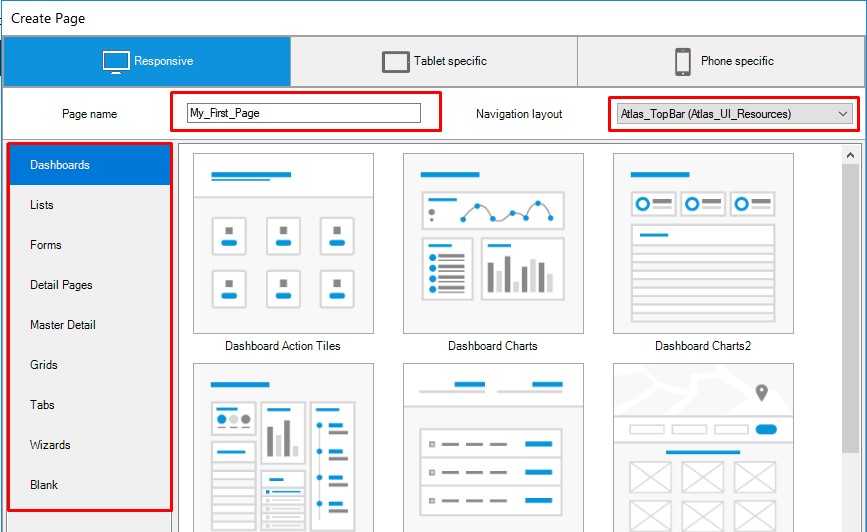
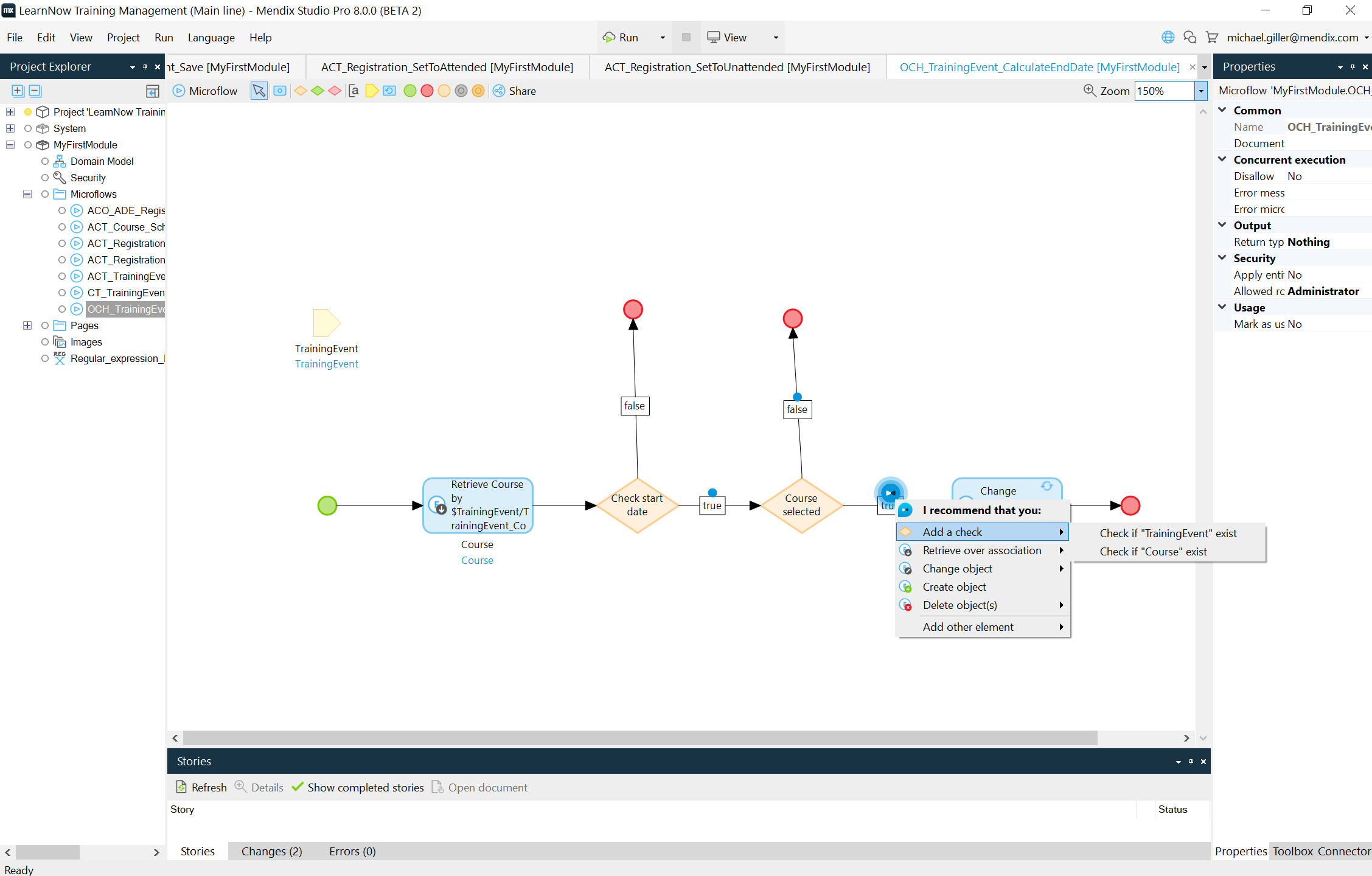
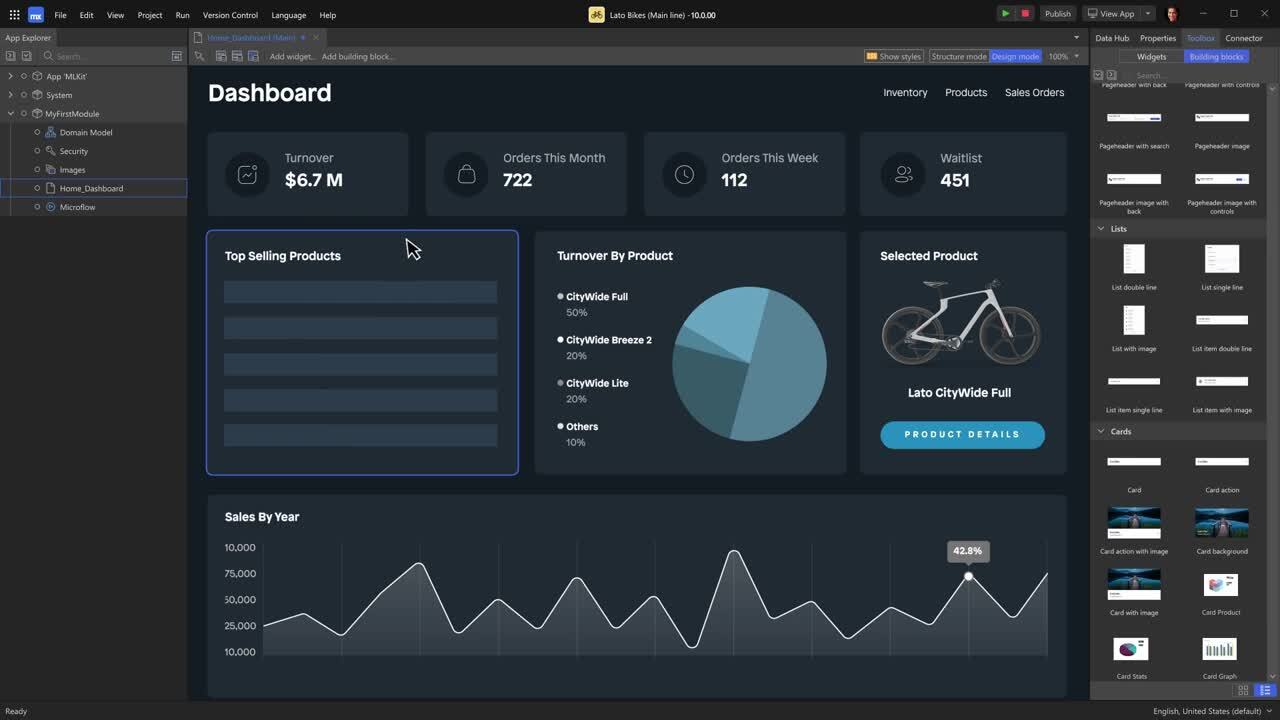
3. Mendix
Why choose it:
- Recognised leader in Gartner’s Magic Quadrant for low-code application platforms. Pretius
- Great for more substantial internal tools or customer-facing apps; supports collaboration between business and IT teams. Snappify
- Offers flexibility to start low-code and scale to full application development if needed.
Things to watch:
- May be over-kill for simple automations; cost/licensing may be higher.
- Requires alignment between business, IT and PeopleOps teams.
4. Appian


Why choose it:
- Designed for process automation and case-management scenarios; good fit when PeopleOps needs to manage end-to-end processes (e.g., global HR operations, compliance workflows). The CTO Club+1
- Suitable when you need a unified platform for multiple process flows rather than isolated workflows.
Things to watch:
- Implementation may take more planning and governance; heavier than simple no-code tools.
- ROI needs to be clearly defined.
5. Bubble


Why choose it:
- A true no-code web-app builder: you can build full-stack apps (UI, database, logic) without code. Bubble+1
- Good for PeopleOps teams or internal product teams who want to build internal tools without heavy IT involvement.
Things to watch:
- While no-code, complexity can rise, performance, scalability may need review.
- May require a citizen-developer mindset; someone needs to own the tool/design.
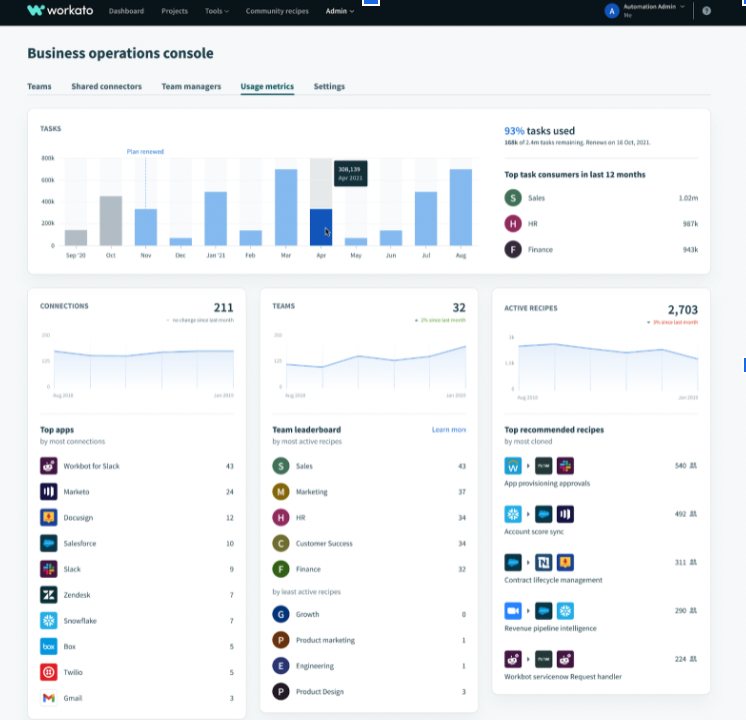
Bonus mention: Workato
Why mention it:
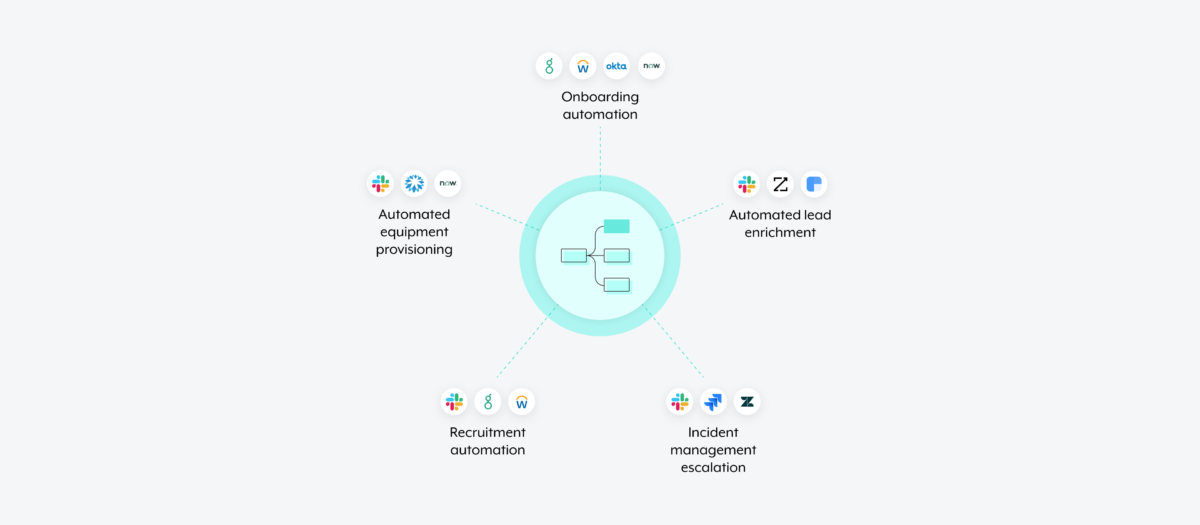
- Focused specifically on no-code workflow automation and enterprise integration. Unito
- If your PeopleOps team is automating cross-system workflows at enterprise scale (HRIS + payroll + ITSM + CRMs etc), tools like this can be very powerful.
How PeopleOps Can Use These Platforms Effectively
Here are some practical tips for PeopleOps teams considering no-code/low-code automation:
1. Start small + iterate
Pick a pilot use-case (e.g., new-hire onboarding, internal service portal, employee survey automation). Build the first version quickly with one of the simpler platforms (Zapier, Bubble) and refine based on feedback. Once proven, you can scale.
2. Involve both business & IT early
Even in no-code/low-code projects, you’ll need: business-domain clarity (what are the workflows, data sources, stakeholders) + IT governance (security, integration, data access). Align from Day 0.
3. Focus on integration & data sources
One of the biggest challenges for PeopleOps automation is connecting legacy HRIS, payroll systems, identity/access systems. Choose a platform with strong connectors or API-capabilities (many of the platforms above highlight this). The CTO Club+1
4. Governance, security & scalability
As automations grow from pilot to mission-critical, you’ll need to think about: version control, access permissions, audit logs, data security/compliance. You’ll also want a platform that can scale with users/data. Blaze
5. Build a citizen-developer culture
Empower HR/PeopleOps team members to be “builders”. Provide training, define guardrails, and set up a framework for reuse. The idea is not to replace IT but to complement it.
6. Measure outcomes
Track metrics like: reduction in manual effort, time-to-complete task (e.g., new hire setup), error rate, cost savings, employee experience improvements. These will help build the business case for scaling.
7. Beware of vendor-lock and complexity creep
No-code/low-code is not “magic”. For very complex custom apps you might still need traditional development. Also, if you build too many isolated automations without standardisation, you can end up with “automation sprawl”. Evaluate licensing, flexibility, exit paths.
Summary & Closing Thoughts
For PeopleOps teams operating in fast-changing organisations, no-code and low-code platforms offer a compelling way to accelerate automation, build internal tools, improve employee experience, and reduce reliance on heavy IT projects. By selecting the right platform and approach, PeopleOps can shift from being purely operational to being a strategic, product-oriented function.
To summarise:
- No-code = fastest / business-user friendly; Low-code = more flexible / technical hybrid.
- Key benefits: faster time-to-value, empowerment of business/HR teams, cost savings, improved agility.
- Key platforms (2025): Zapier, Microsoft Power Platform, Mendix, Appian, Bubble (plus integration-oriented like Workato).
- Use-cases: onboarding, internal tools, employee self-service, workflows.
- Best practice: start small, ensure business+IT alignment, focus on integration, governance, measurement, and build culture.
By embracing the trend (for example, industry research shows that by 2025 around 70% of new business applications will be built using low-code/no-code technologies). Kissflow+1 The opportunity for PeopleOps is clear.
Leave a Reply