Introduction
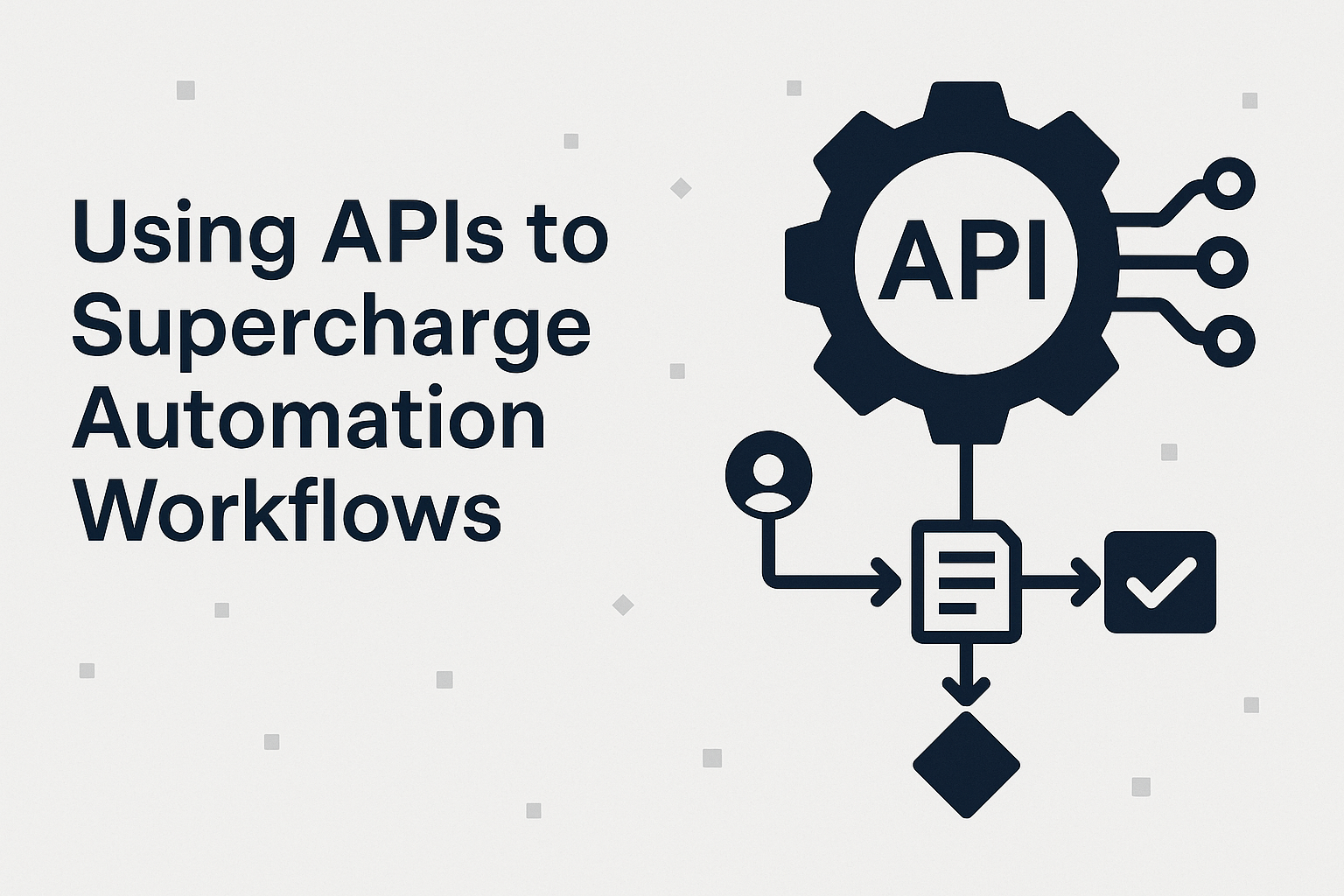
In today’s fast-moving world, organisations need to move faster, do more with less, and respond to change with agility. For PeopleOps professionals, this means enabling teams, processes and systems to work seamlessly, eliminating friction, reducing manual effort, and ensuring consistency. One of the powerful enablers of this is the use of APIs (Application Programming Interfaces) to automate workflows.
In this blog, we’ll explore:
- what APIs and automation workflows are, in the context of PeopleOps
- the key pain points many organisations face with manual or semi-manual workflows
- how APIs help overcome those pain points, with real-world scenarios
- how you can build a roadmap for your PeopleOps team to adopt API-driven automation
- best practices and things to watch out for
Let’s dive in.


What do we mean by “APIs” and “automation workflows”?
What is an API?
In simple terms, an API is a set of rules and endpoints that allow one software system to talk to another. For example: your HR system might expose an API so a separate piece of software can request “get employee details” or “create user account”.
What is a workflow automation?
A workflow automation is a sequence of tasks (human or machine) triggered by defined events, conditions and rules, which runs with minimal manual intervention. For example: when a new hire is added, automatically trigger account creation, system access provisioning, induction schedule, introduction email.
Why combine APIs + automation?
Because APIs allow systems to talk to each other in real time (or near real time), they make it possible to trigger actions, exchange data and update systems without human intervention. That means your workflows become faster, more reliable, and scalable.
As one article puts it: “API-integration serves as a key enabler for workflow automation, connecting various software applications and systems to automate tasks and exchange information.” Cloud Security Web+2blog.dreamfactory.com+2
Another states that API-driven workflow automation is a “game changer” offering efficiency, agility and customer satisfaction. VIBIDSOFT PVT LTD
The PeopleOps pain points (and how manual workflows struggle)
From the PeopleOps perspective, you’re often dealing with:
- Onboarding/offboarding of employees, contractors, vendors
- HR system updates, payroll interfaces, benefits enrolment
- Compliance, access provisioning, training assignments
- Collaboration across multiple systems (HRIS, ITSM, identity management, LMS, etc)
- Reporting and analytics, where data lives in disparate systems
Here are common pain-points:
- Repetitive manual tasks: e.g., HR or IT staff manually copying data from HRIS to identity system, sending spreadsheets, emailing managers. This wastes time and introduces errors.
- Silos and disconnected systems: Data lives in multiple places, systems don’t talk, so you have lag, duplicates, mis-alignment.
- Delays in onboarding/access: If provisioning depends on manual steps, new hires may wait for access, which impacts productivity and experience.
- Inconsistent experiences: Different managers/processes, missing steps, no standardisation.
- Poor visibility and compliance risk: If tasks aren’t centrally tracked or integrated, it’s hard to audit, report, or ensure policies were followed.
- Scaling challenges: As your company grows (more hires, more systems, more complexity), manual workflows break down or require more head-count.
These are exactly the kinds of issues that PeopleOps teams want to solve, improving efficiency, employee experience, compliance, and business-alignment.
How APIs supercharge automation workflows (and PeopleOps)
Let’s look at how APIs help address those pain points and bring real benefit to PeopleOps teams.
1. Speed and Efficiency
When systems communicate via APIs, actions can be triggered automatically with no human waiting. For example: once HR marks a candidate as hired in the HRIS, an API call triggers IT system to create an account, assign access roles, notify manager all in minutes rather than hours or days.
Benefit-statements from industry confirm:
- “Increased speed and efficiency” is among the top benefits of API automation. measureone.com+1
- APIs execute much faster than UI-based automation: “APIs execute in milliseconds, UI steps can take minutes.” Medium
2. Fewer Errors, More Reliability
Manual data entry and hand-offs are error-prone. APIs ensure data is passed programmatically, reducing mistakes, duplicates or missing steps.
Industry sources:
- “Fewer errors and more reliability” is cited as benefit of API automation. measureone.com
- API-based automation gives consistent performance across releases. Tyk API Management
3. Connect Your Tech Stack / Systems Integration
PeopleOps often involves many systems (HRIS, payroll, ITSM, identity management, learning platforms). APIs are the glue that connects them, enabling seamless workflows across systems.
For example:
- A new hire workflow: HRIS → identity/GIS system → email provisioning → training assignment → access to team collaboration tool. Each step via API.
- An offboarding workflow: mark in HRIS → disable access in identity system → archive email → revoke licences → update audit logs.
Industry voice: “APIs and system integration: the key to enhanced workflow and automation” emphasises this. Experian
4. Scalability and Agility
As organisation grows, manual workflows don’t scale. API-driven workflows scale easily because they are automated, repeatable, and can handle volume without proportional head-count increase.
From SAP blog: “Streamlined workflows for scalability” is a key benefit of APIs. SAP
5. Better Visibility, Monitoring & Compliance
With automation via API you get better tracking of triggers, events and statuses. This aids audit, reporting and governance. As one article puts it: “Better visibility and monitoring” are benefits of API automation. measureone.com
6. Real-World PeopleOps Scenarios
Let’s walk through a few scenarios that PeopleOps teams can relate to:
Scenario A – New Hire Onboarding
- HR marks candidate as ‘hired’ in the HRIS.
- Through API, the identity management system receives a request: “create user account: John Doe, role = Developer, team = Platform”.
- The ITSM system via API auto-creates an onboarding ticket for IT setup (laptop, access).
- The LMS via API assigns mandatory training modules.
- The PeopleOps team receives a dashboard update showing onboarding status (via combined API data).
Outcomes: faster setup, no manual hand-offs, better new-hire experience.
Scenario B – Offboarding & Access Revocation
- Employee leaves, marked in HRIS.
- API triggers identity system to disable account, revoke SSO.
- API triggers billing/licensing system to remove paid licences.
- API logs action in audit system for compliance.
This ensures compliance, avoids orphan access, reduces risk.
Scenario C – Role Change / Department Move
- Employee moves from Sales → Customer Success.
- API triggers change in role in identity system (removes sales tools, grants new tools), updates access rights, updates organisational hierarchy, notifies systems.
Outcome: one action triggers multiple downstream effects automatically, without manual form-filling.
Scenario D – PeopleOps KPI Dashboard
- Various systems (HRIS, LMS, ITSM) expose APIs for usage, status, tasks.
- A central dashboard consumes those APIs to provide real-time insights: how many new hires waiting for access, compliance training completion, licence usage by role.
Outcome: Data-driven PeopleOps.
How PeopleOps can build a roadmap for API-driven automation
Here’s a practical step-by-step approach for a PeopleOps team to adopt API-powered workflow automation.
Step 1: Map your current workflows & pain-points
- Identify your key workflows (onboarding, offboarding, role change, system provisioning, training assignment).
- For each workflow note manual steps, systems involved, hand-offs, delays, errors.
- Prioritise workflows that are high volume, high cost, high risk or high employee-impact.
Step 2: Audit your systems & API capabilities
- List all systems involved: HRIS, identity management, ITSM, LMS, payroll, etc.
- For each system check: does it have APIs? What level of documentation? Authentication? Webhooks/triggers?
- Identify gaps: systems without APIs, or with limited APIs.
Step 3: Define target state for automation
- For each workflow, define the ideal automated sequence: “when X happens in System A → API call to System B → API call to System C → status update to dashboard”.
- Define the data flows, triggers, success criteria, and monitoring.
- Set a business case: how much time/effort can we save, how much error reduction, how much faster employee experience can we deliver.
Step 4: Choose tools & integration architecture
- Decide if you will build custom integration (in-house) or use an integration platform or iPaaS (Integration Platform as a Service) that supports API orchestration.
- Consider architecture: direct API calls vs orchestration layer (where you orchestrate multiple API calls into one workflow). API orchestration is described as “the process of integrating multiple APIs into a unified system … streamline complex workflows.” Wikipedia
- Ensure you have governance, security (authentication, encryption, token management), versioning of APIs, error handling.
Step 5: Implement incrementally
- Start with one high-impact workflow (e.g., onboarding).
- Build the API-connected workflow, test end to end.
- Monitor results (time saved, mistakes reduced, employee feedback).
- Scale to other workflows.
Step 6: Monitor, refine & scale
- Build dashboards and KPIs: e.g., how many workflows executed automatically, how many errors, average time for process.
- Use API logs and monitoring to detect failures or bottlenecks.
- Refine triggers, data mapping, error-handling.
- Extend automation to new systems, refine integration patterns, iterate.
Step 7: Embed culture, governance & upskill
- Ensure stakeholders (HR, IT, PeopleOps, Compliance) understand the shift from manual to automated.
- Define roles: who monitors workflows, who owns exceptions, how changes in systems are managed.
- Upskill PeopleOps teams to understand API basics, integration logic, system interdependencies.
Best Practices & things to watch out for
To make your API-driven automation experience successful and sustainable, keep in mind:
- Strong API documentation & versioning: Ensure systems expose well-documented, stable APIs. Changes in API versions can break workflows.
- Error-handling & exceptions: Automation is great, but always plan for exceptions. What happens if an API call fails? Build retry logic, alerts, fallbacks.
- Data governance & security: Make sure data flowing between systems is secured, access is controlled, audit logs are maintained. As one article notes: “APIs don’t break if the web layout changes” and deliver greater stability. Medium
- Monitoring & observability: Track metrics (e.g., how many automated workflow runs, how many failure events, how much time saved).
- Scalability & maintainability: As the number of workflows increases, orchestration logic can become complex. Consider whether you need a central orchestration engine or workflow builder.
- Change management: When systems change or new systems are added, workflows need updating. Build governance around change control.
- User experience: Beyond the back-end automation, consider the employee or manager experience: they should have appropriate notifications, transparency into status, and fallback for human override if needed.
- Iterate, don’t aim for perfect first time: Start simple, measure, learn, refine.
- Cross-functional collaboration: PeopleOps alone cannot own all systems, you’ll need IT, HRIS vendor, identity management vendor etc. to collaborate.
Why PeopleOps should lead or co-lead this initiative
From a PeopleOps perspective, adopting API-driven workflows is strategic. Some reasons:
- It shifts PeopleOps from reactive (fixing manual issues) to proactive (designing efficient, automated experiences).
- You deliver faster, smoother employee experiences (which contributes to engagement, retention, employer brand).
- You reduce risk (compliance, access control, audit).
- You enable measurable outcomes (KPIs around process time, error rates, onboarding speed).
- You free up people in PeopleOps and IT to focus on higher-value work (strategy, culture, people-analytics) rather than manual tasks.
As an article summarises: “API-driven workflow automation isn’t just a technological upgrade, it’s a strategic advantage.” VIBIDSOFT PVT LTD
Summary
In summary:
- APIs enable seamless system-to-system communication and form the backbone of automation workflows.
- PeopleOps teams live in a multi-system, multi-process environment with plenty of opportunity for automation.
- The pain-points (manual tasks, silos, delays, errors, scaling issues) can be addressed by API-powered workflows.
- Building a roadmap involves mapping current workflows, auditing systems, defining target state, building and scaling incrementally.
- Best practices around error-handling, governance, monitoring, collaboration are essential.
- Ultimately, this isn’t just about efficiency, it’s about delivering better people-experiences, reducing risk, and enabling your people and systems to scale.
Leave a Reply