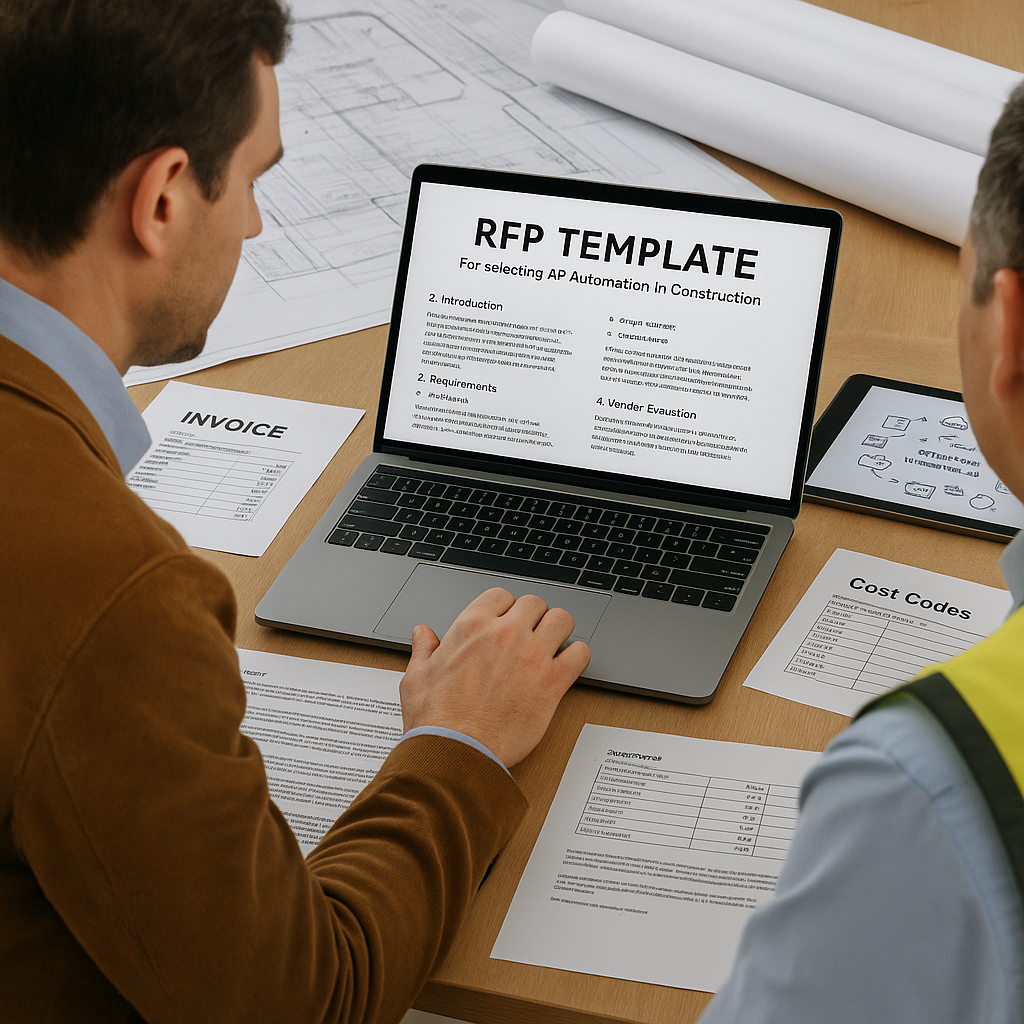
1. Introduction: Why AP Automation Matters in Construction


In the construction industry, companies are juggling lots of moving parts: project budgets, subcontractor invoices, change orders, supplier payments, multiple sites, evolving job codes, and compliance requirements. For many construction firms, the accounts payable (AP) process can become a bottleneck: paper invoices piling up, manual data entry, mismatches between POs, contracts and invoicing, delayed approvals, and high cost per invoice.
When you introduce an AP automation solution, you’re aiming to:
- Cut manual labour and reduce errors (e.g., invoice mis-coding or lost receipts)
- Speed up approval workflows so payments to subcontractors or suppliers happen on time
- Improve visibility into spend across projects, cost codes, job sites
- Integrate with ERP/finance systems to ensure data flows smoothly
- Support growth, multiple job sites, multiple entities or portfolios
In fact, recent guides show that modern AP automation can reduce invoice-processing cost by up to ~70-80%. Corpay+1
However, and this is key, you don’t just buy software. You run a vendor selection process through a well-designed Request for Proposal (RFP). Especially in construction, your RFP must reflect the complexity of your business: job codes, change orders, site mobility, PO processes, subcontractor payment terms, compliance, etc.
This blog will:
- Outline the pain-points you’re solving
- Give you a structured RFP template (with headings/sections + sample questions) tailored for AP automation in construction
- Provide tips for evaluation, and how your PeopleOps team (finance + operations + IT) can lead this successfully
Let’s dive in.
2. Common Pain-Points in Construction AP That an RFP Should Address
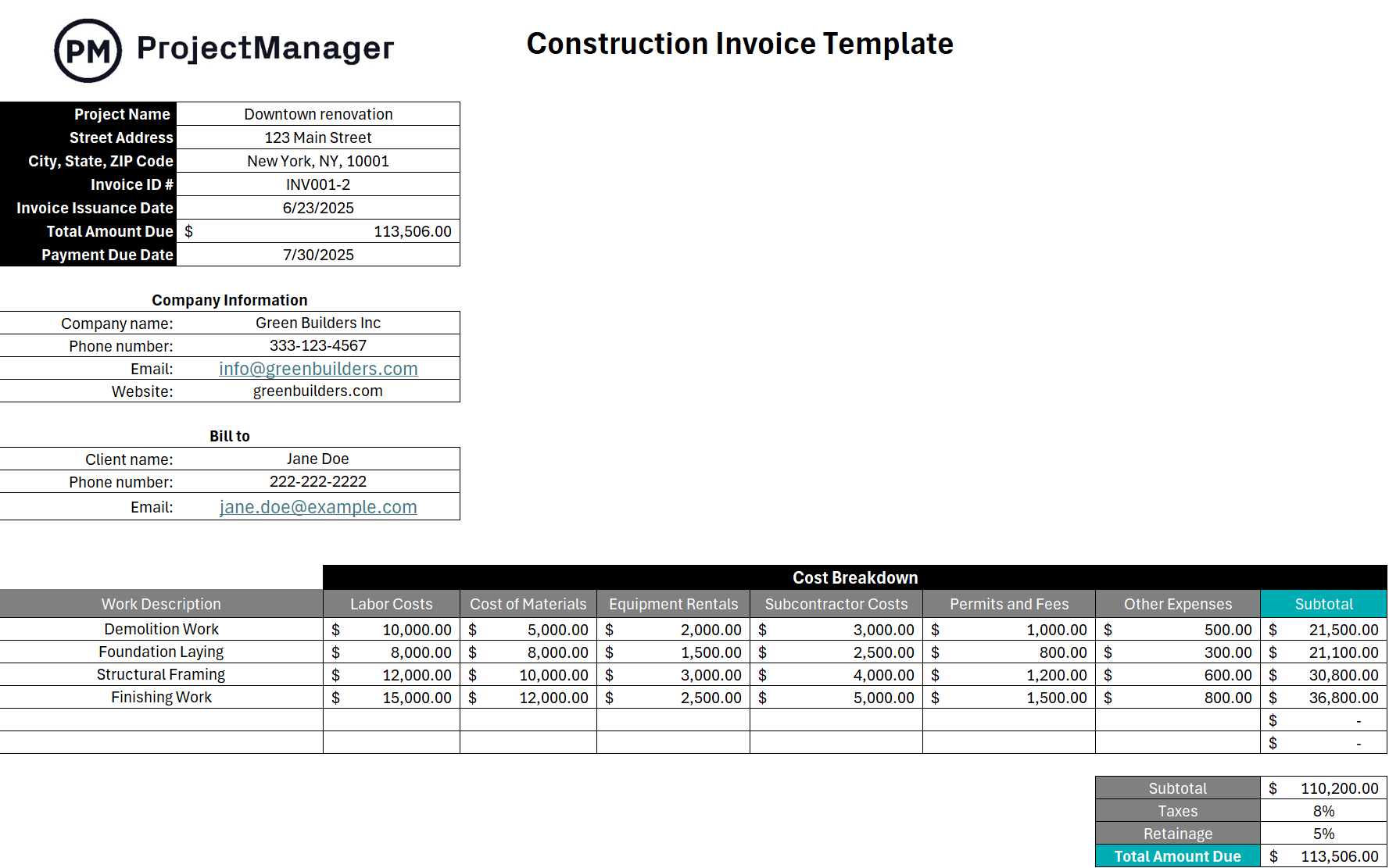
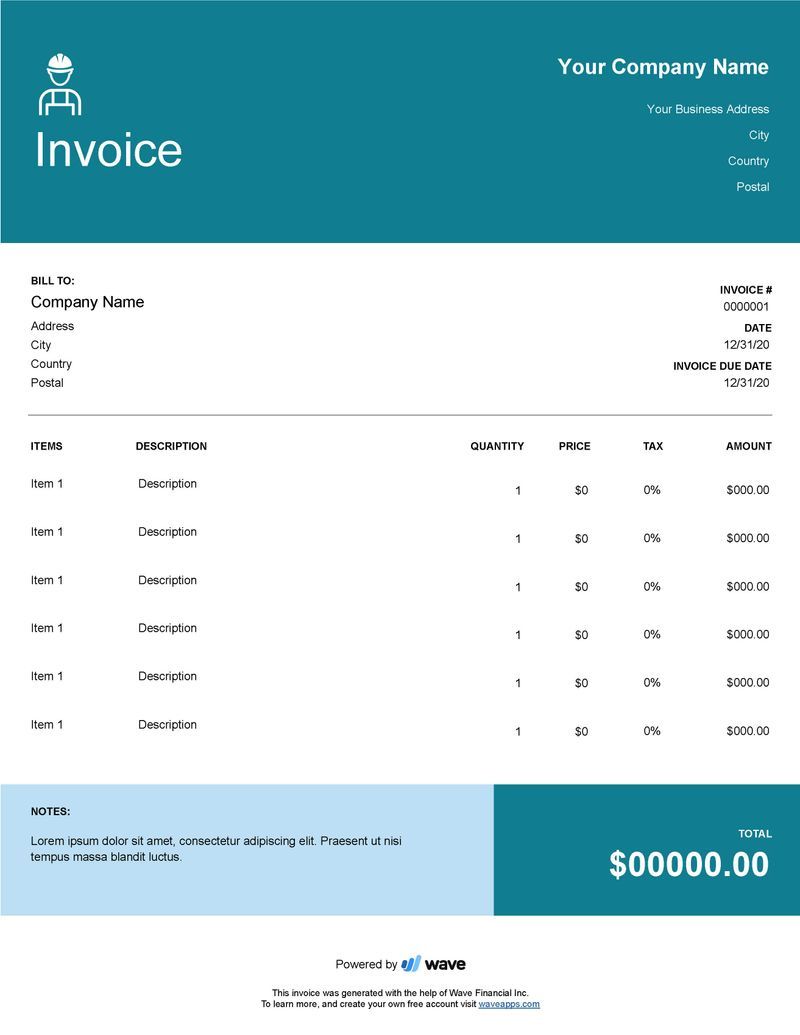

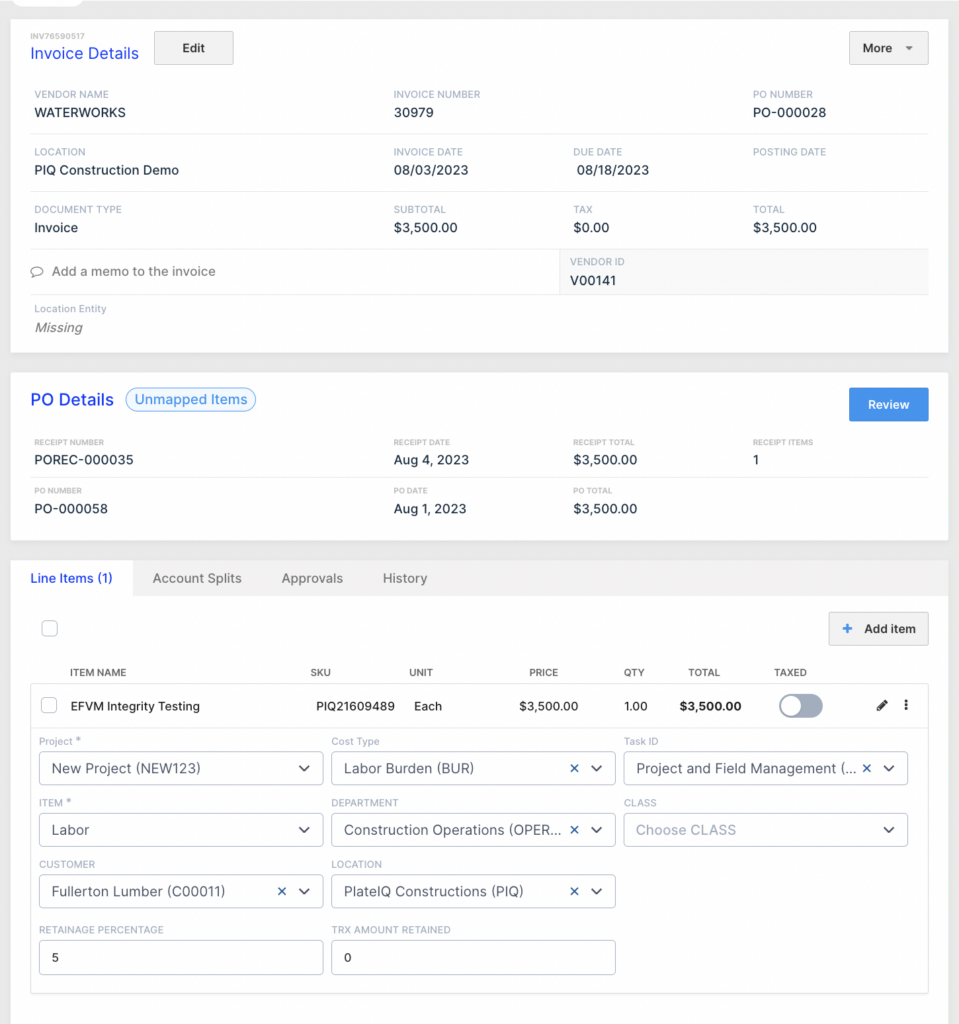
Before drafting the RFP, it’s useful to restate the problems you’re solving, it helps you frame clear requirements and vendor evaluation criteria.
| Pain-Point | Why it matters in construction |
|---|---|
| Multiple job sites / projects | Invoices may come from many sites; data must map to cost codes, job numbers, subcontractors, change orders. A generic AP system may struggle. |
| POs, change orders, non-PO costs | In construction, you may have POs and non-PO invoices (e.g., change orders, field purchases, subcontractor amendments). Matching logic must support that. |
| High vendor/subcontractor count | You might have hundreds of subcontractors & suppliers. Enabling them digitally, capturing invoices, verifying vendor banking or tax credentials becomes vital. |
| Late payments / missed discounts | Delays mean unhappy subs, project schedule risk, lost early‐payment discounts, and cash‐flow pressure. |
| Manual data entry / coding errors | Manual entry is error-prone, especially when mapping to job cost codes, WBS, project numbers. Mistakes may affect reporting and profitability. |
| Integration with ERP / project systems | If your AP automation can’t integrate with your construction ERP or project system (job costing, cost control), the system becomes siloed. |
| Compliance and audit trail | Construction often has regulatory, tax, union rules, vendor compliance. You must ensure auditability, data security, vendor vs-subcontractor records. |
| Scalability and mobile workforce | As projects expand, sites may need mobile or cloud access, approvals on the go, site capture of invoices/receipts, remote vendor portals. |
By itemising these pain-points in your RFP introduction/overview, you ensure vendors know you’re looking for a solution built for construction complexity, not just a generic AP tool.
3. RFP Template: Sections & Example Questions
Here is a detailed template structure tailored for selecting an AP automation solution in the construction sector. You can copy into your RFP document and customise for your company’s size, project volume, systems, vendors, and goals.
Section 1 – Introduction & Project Overview
Purpose: Provide background about your company, construction operations, current AP environment, objectives for automation.
Things to include:
- Company description: e.g., number of projects, job sites, major geographies, annual invoice volumes, number of suppliers/subcontractors.
- Current AP pain-points (see section above) and goals for automation (e.g., reduce cost per invoice by X %, increase straight-through processing, improve site to invoice matching).
- Scope of the project: which business units, sites, geographies will be included.
- Timeline: RFP issuance date, vendor response deadline, demo phase, shortlist, selection, implementation go-live.
- Confidentiality / NDA terms.
Sample questions:
- Provide an overview of your company and solution(s) you propose for AP automation in a construction-oriented environment.
- Describe the reason for this RFP and what business outcomes you hope to achieve (e.g., invoice processing time reduction, supplier enablement, site capture).
- What are the key milestones and target go-live date?
Section 2 – Vendor Company Profile
Purpose: Understand vendor’s stability, industry experience, client references, especially in construction or complex project-driven industries.
Sample questions:
- Provide company history, financials, and number of customers using your AP automation solution.
- How many customers in construction or project-intensive industries do you serve? Provide at least 2 references.
- Provide case studies or metrics (e.g., average cost per invoice, invoice volume handled) for a construction client.
- What certifications, security standards do you maintain (SOC 2, ISO 27001, etc.)?
Section 3 – Solution Functional Requirements
Here you specify the functional capabilities you need. For construction, tailor accordingly.
Invoice submission / capture
- What invoice formats are supported (PDF, Word, image scans, mobile photo)?
- Do you offer vendor portal, digital mailroom, mobile capture by site personnel?
- What is your OCR or intelligent data-capture accuracy? Do you capture line items (important for change orders)? OpenEnvoy+1
- How do you handle non-PO invoices (e.g., field purchases, change orders)?
Workflow and approvals
- Can you configure workflows based on job site, project manager, cost code, subcontractor type?
- How are exceptions handled (price/quantity variances, missing PO, missing job code)?
- Is mobile approval supported (for field managers onsite)?
Matching & cost-code integration
- Does the solution support PO matching (2-way, 3-way) and match to job cost codes, change orders, subcontractor amendments?
- Can you map invoices to project/job numbers and cost codes automatically or with minimal manual intervention?
- How do you handle non-PO or non-standard invoice types?
Payment capabilities
- What payment methods are supported (ACH, virtual card, check, real-time payments)?
- How do you support subcontractor or vendor enablement and payment onboarding?
- Do you offer fraud detection, duplicate payment checks, vendor payee banking validation?
Reporting & analytics
- What dashboards/reports do you provide related to project spend, invoice aging, approval bottlenecks, site vs head office spend?
- Can you customise reports by job site, project manager, vendor group?
- How do you support accruals for ongoing projects?
Integration & scalability
- Which ERP or project systems do you integrate with (e.g., SAP, Oracle, Microsoft Dynamics, Procore, Viewpoint)? Corpay
- Are there pre-built connectors or is custom integration required? What is the typical timeline?
- What is the platform architecture (cloud/SaaS, on-premises)? How does it handle increased invoice volumes (e.g., as you grow or add new sites)?
- Does the solution support multiple entities, geographies, currencies if relevant?
Section 4 – Technology & Security
- Describe the solution architecture: cloud-based? Multi-tenant? On-prem? What service-level agreements (SLAs) apply?
- What data-security measures are in place (encryption in transit/at-rest, vendor banking data protection, audit logs)?
- Explain business continuity/disaster-recovery plan.
- What vendor enablement & support is included (e.g., vendor portal, training, site onboarding)?
Section 5 – Implementation, Support & Change Management
Implementation in a construction environment may involve site-based roll-out, many subcontractors, training field staff, etc.
- Describe the implementation approach: phases, pilot, full roll-out, vendor enablement (supplier onboarding).
- What is your typical timeline for similar projects (construction client, X invoices/month)?
- What training and support services are included? What is your ongoing support model?
- How do you handle ongoing vendor onboarding, especially for subcontractors with various sizes/technical-comfort?
- What are typical internal resource commitments from the buyer’s side?
Section 6 – Pricing / Total Cost of Ownership
Be explicit about cost structure, ideally tied to invoice volumes, number of users/sites, modules.
- Provide breakdown of costs: license/subscription fees, setup/integration costs, per-invoice or per-transaction fees, training/support costs.
- How do you handle cost escalations for growth (more invoices, new sites)?
- Are there optional modules (e.g., advanced analytics, vendor portal) and how are they priced?
- What is the typical ROI timeframe? Provide metrics (e.g., cost per invoice reduction, reduction in days payable outstanding, vendor enablement metrics).
Section 7 – Vendor References & Case Studies
Ask for references specific to construction or project-driven industries.
- Provide three customer references in the construction or engineering sector (or similar industries) that have used your solution for at least 12 months.
- Provide metrics achieved (invoice cost, match rate, approval time, vendor enablement %).
- Include contact details (name, title, email) of each reference.
Section 8 – Evaluation Criteria & Submission Instructions
Provide a clear scoring model so vendors know how you will evaluate proposals.
- Define weightings for categories: functional fit, integration, construction industry experience, cost, vendor support, technology/security.
- Provide submission format, due date/time, contact person, confidentiality terms, process for vendor questions, anticipated selection date.
4. Real-World Scenario: How This Works in a Construction Company

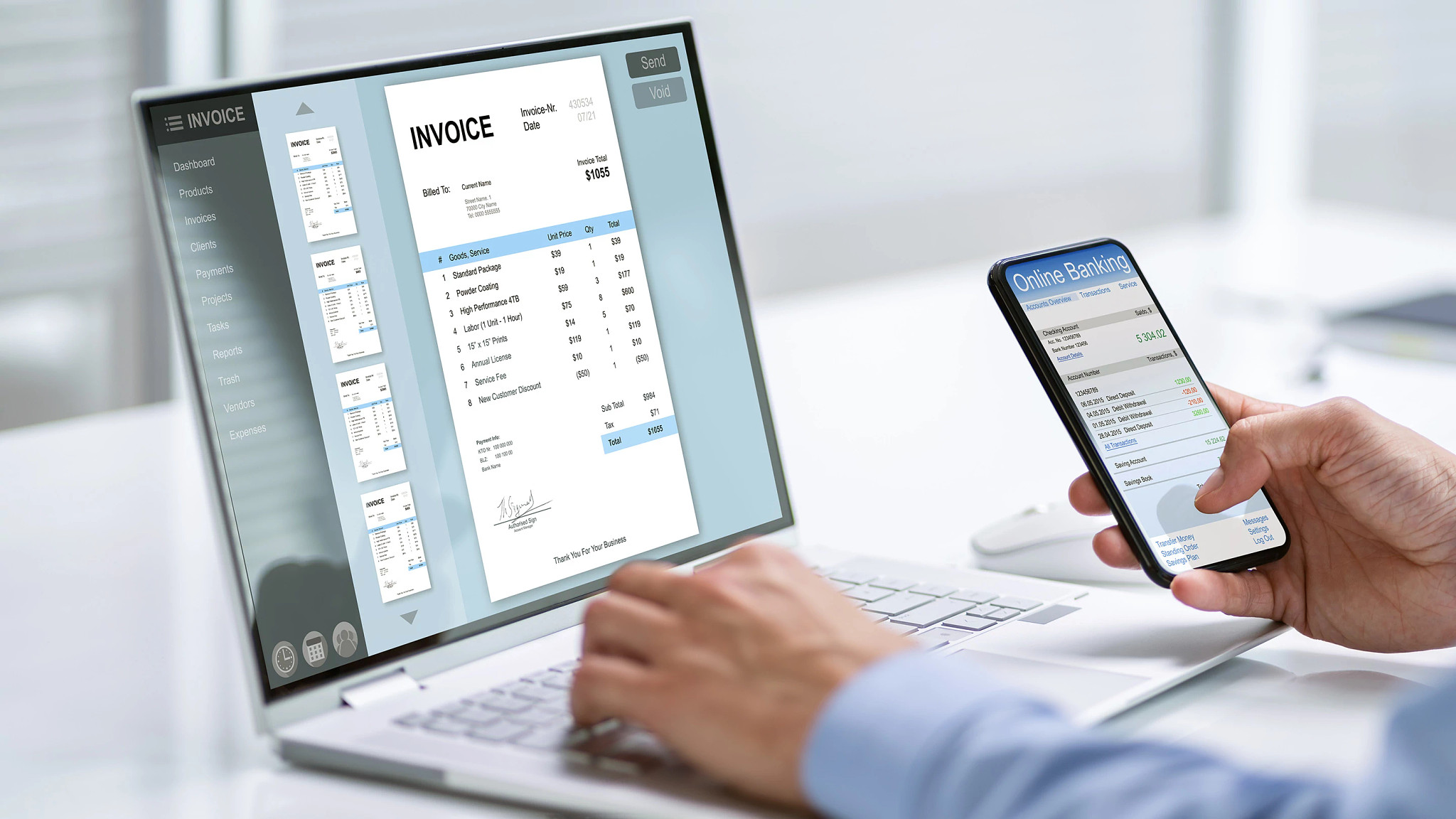
Scenario: ABC Construction Ltd handles mid-to-large commercial building projects across India and has 10 active sites. Their AP team processes ~15,000 invoices per year, from hundreds of subcontractors and suppliers. They face: late payments to subs, high manual coding, many site managers chasing approvals, lack of visibility into site spend and job profitability.
They decide to issue an RFP for an AP automation solution. They use the template above, but tailor it:
- They emphasize: “ability to map invoices to Project ID + Cost Code + Change Order”
- They highlight: “support for site-based invoice capture (photo mobile) because many small vendors send paper invoices from sites”
- They ask: “vendor must integrate with our ERP (Oracle Fusion) and our job-cost system (Trimble Viewpoint) via pre-built API”
- They want: “vendor enablement of suppliers, 80% of our subs must be onboarded within 6 months of go-live”
After issuing the RFP to 5 shortlisted vendors, they evaluate responses using weighted criteria (functional fit 30%, cost 20%, industry experience 20%, integration/tech 15%, vendor support 15%). They select Vendor X, sign contract, deploy pilot at 2 sites, then roll-out across all. Within 12 months they achieve a 50% reduction in invoice processing time, reduce cost per invoice from ₹650 to ~₹300, and improved visibility of site spend.
Your PeopleOps/Finance team leads the vendor selection (with IT and Ops stakeholders) and uses the RFP responses as the basis for negotiation, vendor demos, and final decision.
5. Key Tips & Best Practices for Construction AP Automation RFP
- Involve all stakeholders early: Finance, AP team, Operations (site managers), IT/ERP, Procurement & Vendor-management.
- Be clear about your unique construction needs: job codes, change orders, site mobility, subcontractor enablement. Vendors who know the construction sector will score higher.
- Ask for proof of construction clients/references.
- Prioritise integration: If the solution can’t connect to your ERP or job-cost system, you risk data silos and manual work.
- Focus on vendor onboarding: In a construction environment with many small subcontractors, vendor enablement (portal, mobile upload, banking/payment set-up) is critical.
- Include mobile/field-capability requirements: Site personnel may need to capture invoices/receipts on mobile, approve on the go.
- Define metrics & ROI expectations: What is cost per invoice now? What is your target? How many invoices per month? What is vendor enablement target?
- Set a realistic timeline and pilot: Deploy first at pilot sites, refine workflows, then scale.
- Ensure change management: Especially with site-based users & vendors; communication, training, onboarding matter.
- Negotiate total cost of ownership (TCO): Beyond license fees, consider integration costs, change management, ongoing vendor support, growth scale.
- Don’t forget data security & compliance: Sensitive vendor banking, compliance with regulatory frameworks, audit trail must be part of the RFP.
6. Sample RFP Document Outline
Here’s a quick outline you can plug into your WordPress blog or internal materials for your PeopleOps audience.
1. Cover Page
- RFP Title: RFP for Accounts Payable Automation Solution – [Your Company]
- Date issued
- Contact person/details
2. Table of Contents
- Section 1 – Introduction & Project Overview
- Section 2 – Vendor Company Profile
- Section 3 – Functional Requirements
- Section 4 – Technology & Security
- Section 5 – Implementation & Support
- Section 6 – Pricing / TCO
- Section 7 – Vendor References & Case Studies
- Section 8 – Evaluation Criteria & Submission Instructions
3. Section 1 – Introduction & Project Overview
(Write your company background, project objectives, scope, timeline)
4. Section 2 – Vendor Company Profile
(Questions about vendor’s history, industry experience, construction references)
5. Section 3 – Functional Requirements
(Capture invoice submission, workflows, matching, cost-code integration, vendor onboarding, payments, reporting)
6. Section 4 – Technology & Security
(Architecture, data-security, integration, scalability)
7. Section 5 – Implementation, Support & Change Management
(Implementation approach, training, vendor enablement, timeline)
8. Section 6 – Pricing / Total Cost of Ownership
(Cost breakdown, growth escalation, ROI metrics)
9. Section 7 – Vendor References & Case Studies
(Request for references)
10. Section 8 – Evaluation Criteria & Submission Instructions
(Define scoring weightings, submission format, deadlines)
7. How PeopleOps Can Lead This Initiative
As a PeopleOps (or Finance/Operations) professional, you’re well-positioned to lead this because you bridge people, process and technology. Here is how you can add value:
- Define the business case: You gather the pain-points from AP, site operations, vendor management and quantify expected benefits (reduced labour, faster approvals, fewer errors, improved vendor relations).
- Form the cross-functional team: Include AP/Finance, Operations (site leads), Procurement, IT/ERP, Vendor-management. Make sure each stakeholder signs off the RFP.
- Craft the RFP: Use the template above, customise for your construction context, ensure you ask the right questions.
- Manage vendor short-listing & demos: Schedule vendor presentations, involve site managers in demos (e.g., mobile capture).
- Lead evaluation & decision-making: Use a scoring matrix, ensure vendors answer the construction-specific questions (job cost mapping, mobile capture, subcontractor enablement).
- Oversee change management: Once vendor is selected, you help coordinate vendor-enablement, site training, rollout, feedback loops.
- Track metrics post-implementation: Monitor invoice processing time, cost per invoice, supplier enablement rate, error/exception rates, approval times, site spend visibility. Communicate successes within the business.
8. Conclusion
Selecting the right AP automation solution in the construction industry is more than just plugging in a piece of software, it’s about transforming your process end-to-end (invoice capture, matching, approvals, payments, reporting) and aligning with how your construction business actually works (job sites, cost codes, change orders, mobile workforce, many vendors).
By using a well-structured, construction-specific RFP template, you set clear expectations for vendors, enable fair comparisons, and increase your odds of choosing a solution that delivers tangible results. Your PeopleOps team plays a central role in bringing together finance, operations, IT, and vendor management and driving the change-management needed for success.
Leave a Reply