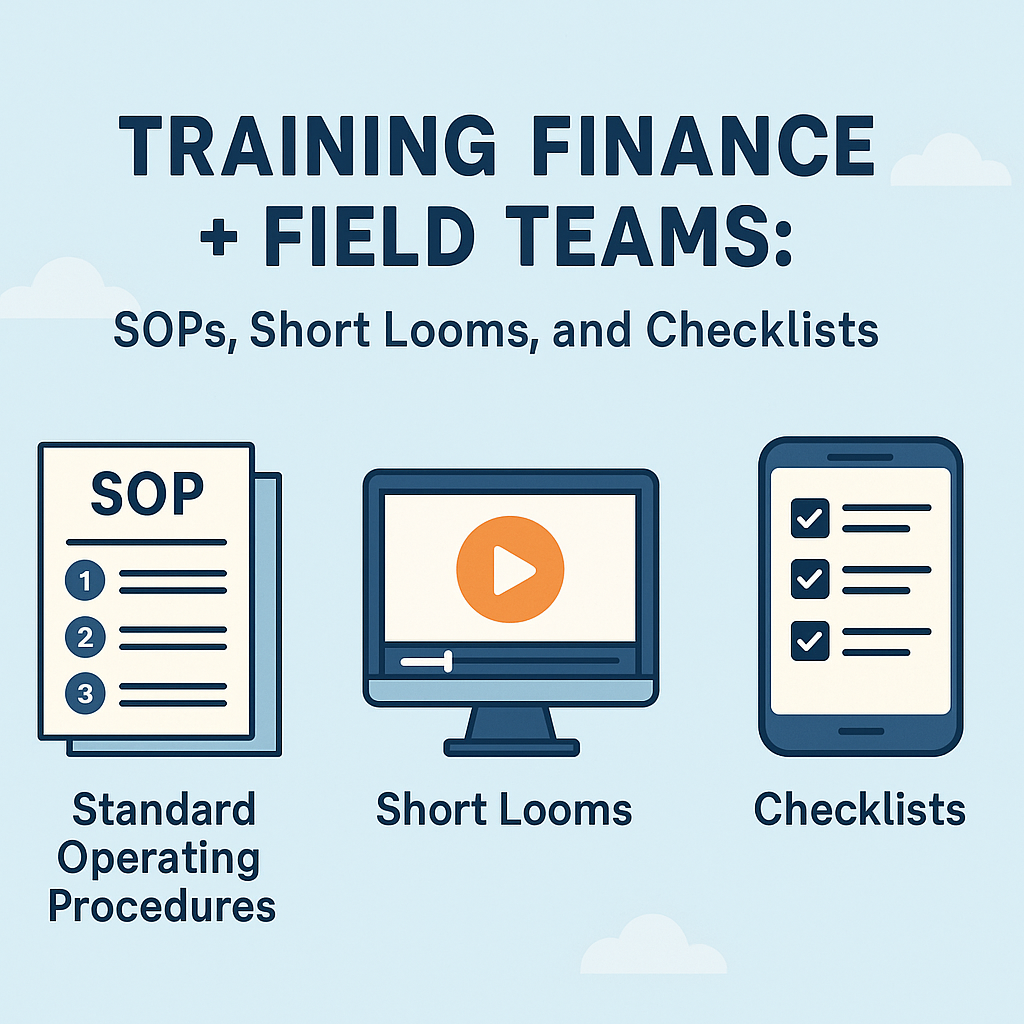
In today’s fast-moving organisations, especially in roles that straddle both finance and field operations, ensuring alignment, consistency, and speed is critical. If you’re part of the PeopleOps function, your job is to build frameworks that help both finance teams (back-office, numbers, controls) and field teams (on-site, remote, mobile) work smoothly together. In this blog, we’ll cover why training these two groups together (or in a tightly-linked fashion) matters, what the main pain-points are, and how you can deploy Standard Operating Procedures (SOPs), short Loom videos, and checklists to ameliorate them.
Why focus on training finance + field teams together?



Here are a few reasons:
- Bridging the gap: Finance teams often live in spreadsheets, GUIs, dashboards; field teams live in mobile apps, on-site, in transit. If you train each in isolation, workflows can mis-align when data, timing, roles intersect.
- Reducing errors and delays: When field teams don’t know what finance expects (e.g., data format, timing, controls), things get delayed, reconciliations blow up, etc. And when finance doesn’t understand field realities (connectivity, mobile UI, latency), it designs processes that frustrate.
- Consistency and compliance: Especially in regulated industries (audit, expense tracking, field documentation, collections, revenue recognition) you want everyone executing the same way. Good SOPs help. Flowlu+2Scribehow+2
- Faster onboarding + change: When a new tool, regulation or process lands (say, a new expense-capture app or a field-data collection workflow), you want both finance and field teams to learn quickly, stay aligned, and iterate.
- Operational visibility and culture: When field and finance teams share parts of the same training-ecosystem (for example via short videos or shared checklists), you build a sense of “we’re in this together” rather than “you do your numbers, I do my on-site” silos.
Common pain-points and training opportunities
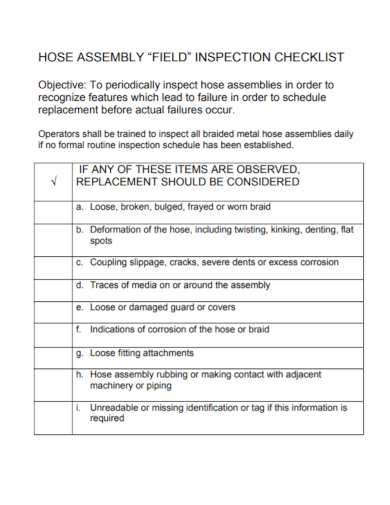
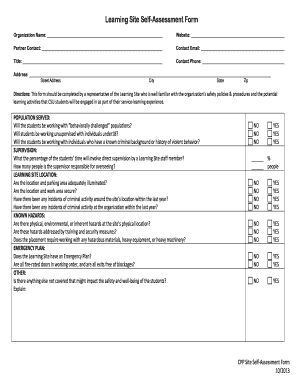
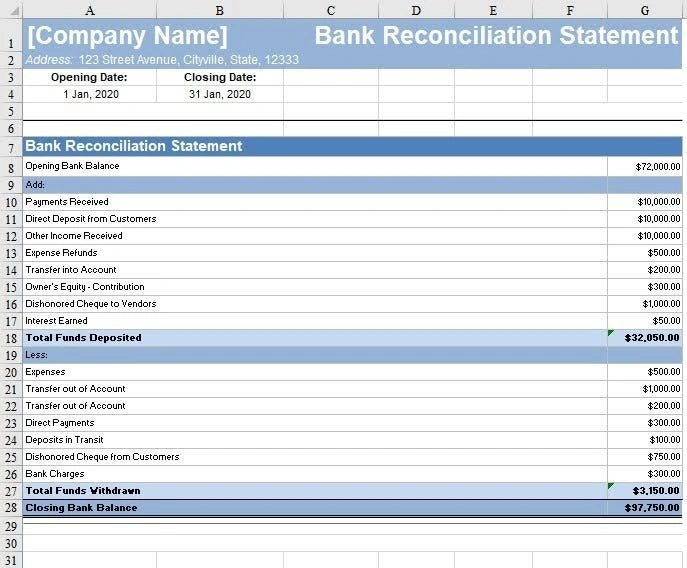
Here are typical challenges that a PeopleOps-led training programme should address:
1. Field teams → finance blind spots
- On-site teams may not record data in the format finance expects (wrong cost category, missing approval, delay).
- Field teams often work offline / connected-later and may not understand timing constraints upstream (finance close cycles).
- Documentation may be inconsistent: e.g., photo logs, receipts, mobile entry. As one blog puts it: “If you didn’t document it, it didn’t happen.” getencircle.com
- Training opportunity: Use simple checklists + short video demos so field teams know exactly what finance needs: “Before you leave site, do these three things…”
2. Finance teams → field realities
- Finance may design processes that assume perfect connectivity, desktop entry, fixed schedules. Field work may be unpredictable.
- Controls/regulatory checks may feel burdensome to mobile teams if not trained with empathy and clarity.
- Training opportunity: Bring in field team members as guest trainers or include field-scenario modules in finance training: “What happens when you’re offline? Here’s how we reconcile…”
3. Training overhead & decaying knowledge
- Formal training sessions can be long, expensive, and once done, knowledge decays.
- Without frequent refreshers and quick reference aids (checklists, videos), processes deviate.
- According to training best-practice: blended approaches (workshops + online + hands-on) work best. PKC Management Consulting
- Training opportunity: Create short, on-demand Loom-style videos (< 5 min) + downloadable checklists + embed in SOP docs.
4. Version control, access & feedback loops
- SOPs may exist but sit in a drawer (or remote share) and teams don’t refer to them. Format may be unwieldy. Flowlu+1
- Field teams may deviate, and finance may not know until downstream problems happen (late reconciliations, audits, missing data).
- Training opportunity: Make SOPs mobile-friendly, integrate into onboarding, include quizzes or checklists, set reminders for refreshers.
The trifecta: SOPs + Short Looms + Checklists
Here’s how you can architect a training programme built on three pillars.
1. Standard Operating Procedures (SOPs)
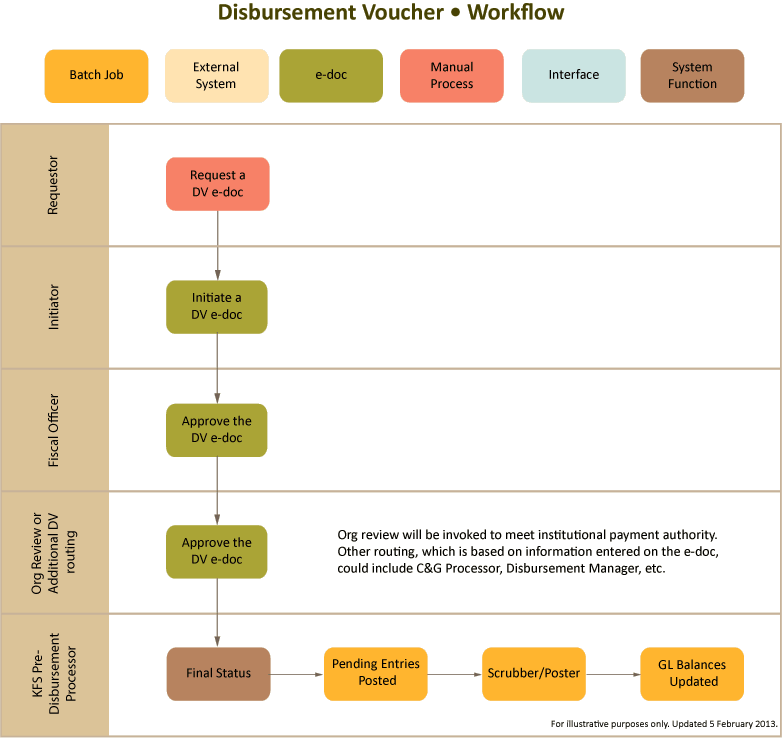
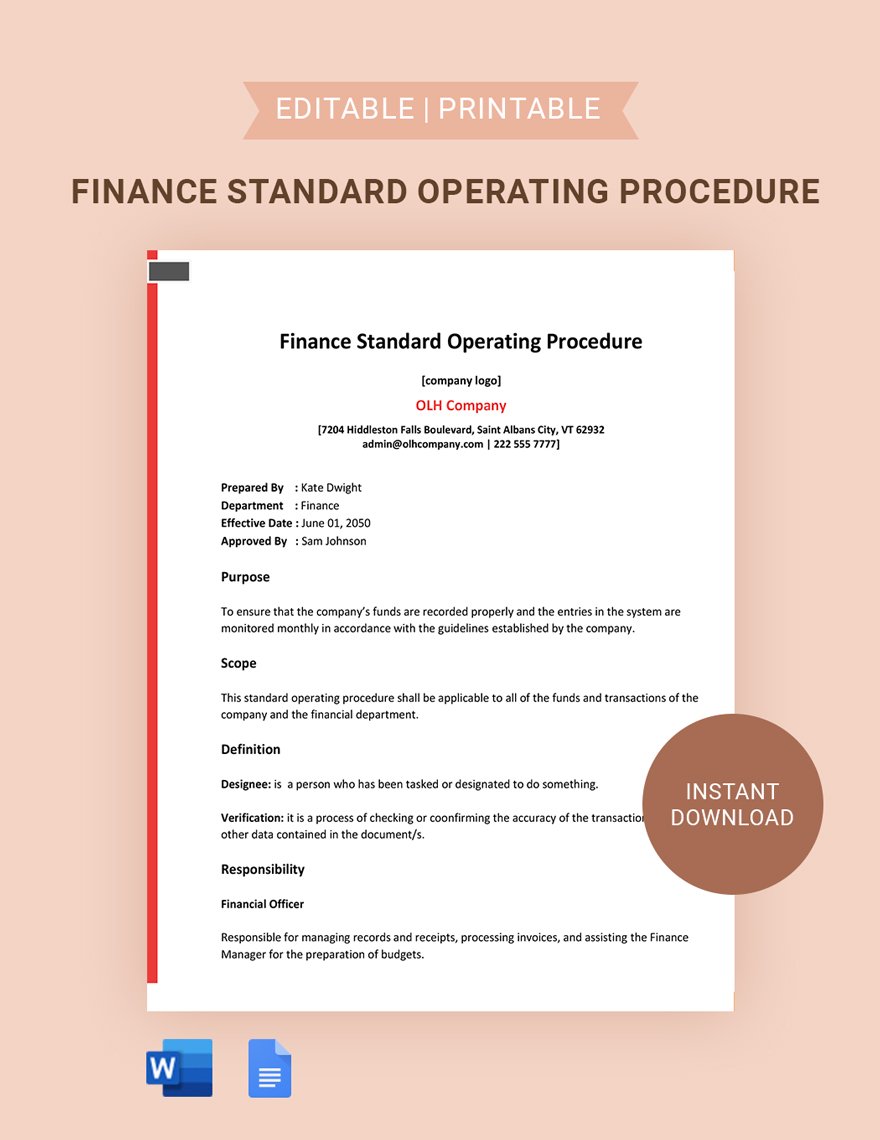

Why they matter:
- They document “step-by-step instructions” so anyone can follow the process, which reduces variability and errors. MaintainX+1
- They capture institutional knowledge: new hires ramp faster, processes don’t disappear when someone leaves.
- They form the backbone of training: all modules reference the same procedures.
Key components for your finance + field use-case:
- Title & version: chronology, who approved, date. Flowlu
- Purpose & scope: why this SOP exists, what teams it applies to (finance, field).
- Roles & responsibilities: who does what (field person, finance reviewer, PeopleOps training lead).
- Resources/tools: e.g., mobile app, spreadsheet template, cloud drive, wifi vs offline handling.
- Step-by-step process: e.g., for on-site: “1) capture receipt photo → 2) fill mobile form → 3) sync when connected → 4) finance check next morning”.
- Quality & controls: e.g., finance check, reconciliation timeline, audit trail.
- Review schedule: SOPs must evolve. worktrek.com+1
Implementation tips:
- Involve both teams when drafting to capture real-world constraints (see “consult with your team” best-practice). getencircle.com
- Make SOPs accessible (mobile friendly) and reference them frequently.
- Include version history and change log so field/finance know what changed and why.
2. Short Looms (or short training videos)
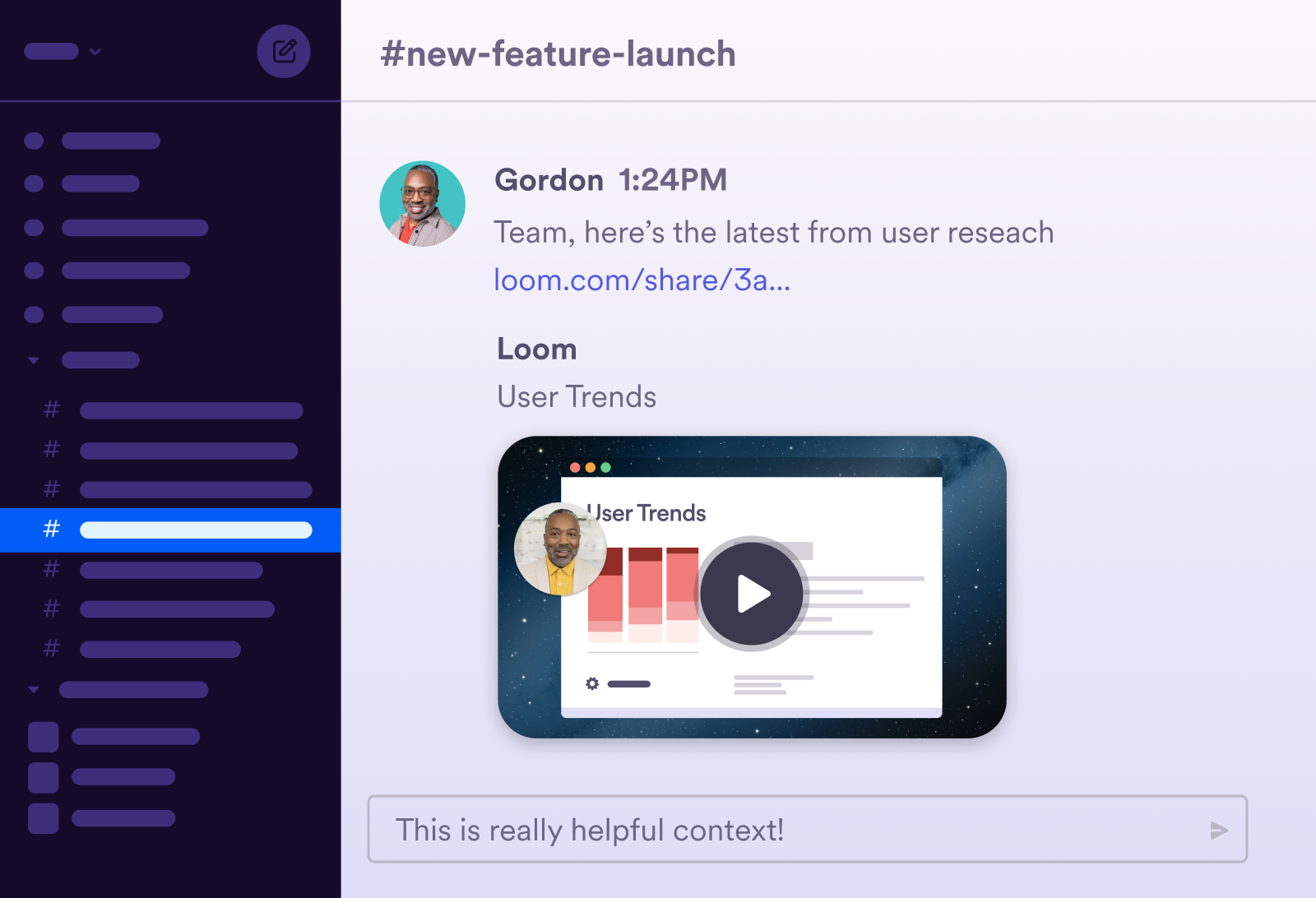

Why they matter:
- Visual + hearing learning helps retention vs purely text.
- Field teams can watch “in-context” (on mobile, during downtime) instead of long classroom sessions.
- Videos can capture “how it looks in the field” (e.g., mobile app walkthrough, receipt capture) and complement SOP docs.
Best practices for creating them:
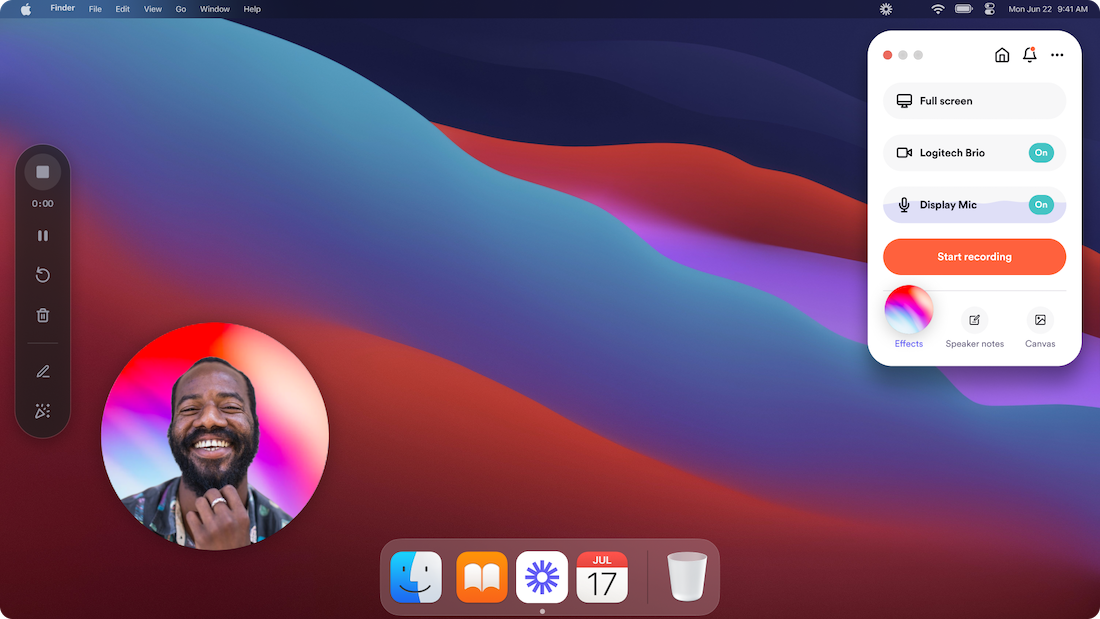
- Keep each video short (2–5 minutes) focusing on a single micro-task (e.g., “How to submit expense in the field app”, “How finance picks up the data”).
- Use real-life screen capture + voice-over + field demo.
- Add captions and mobile-friendly format.
- Store in central location with indexing (e.g., “Field > Expense capture”, “Finance > Weekly close”).
- Link to SOP step pages: in the SOP doc include a link “See Video #3: Field Expense Capture”.
- Encourage feedback: field/finance teams can comment or suggest updates based on new tools or field conditions.
3. Checklists
Why they matter:
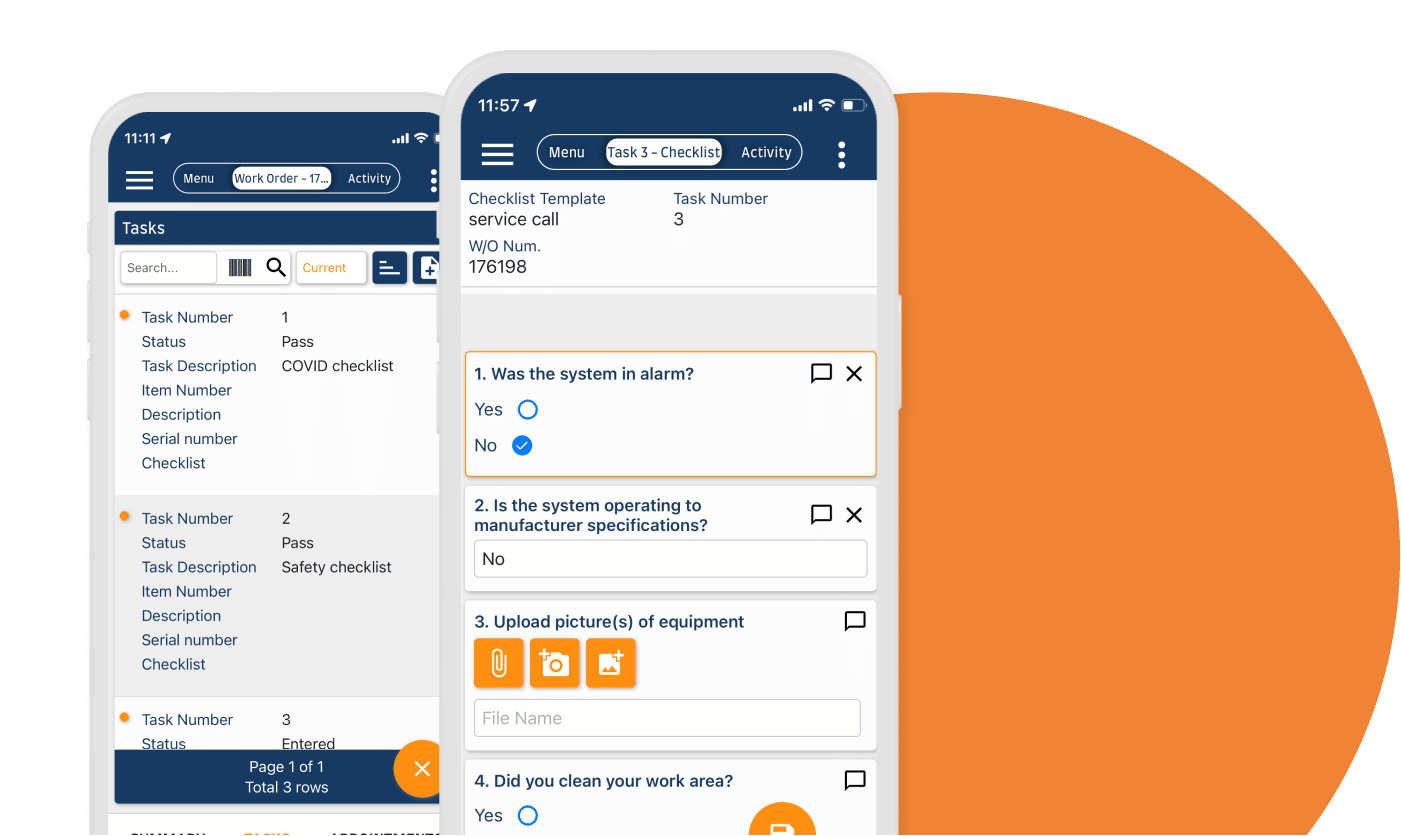
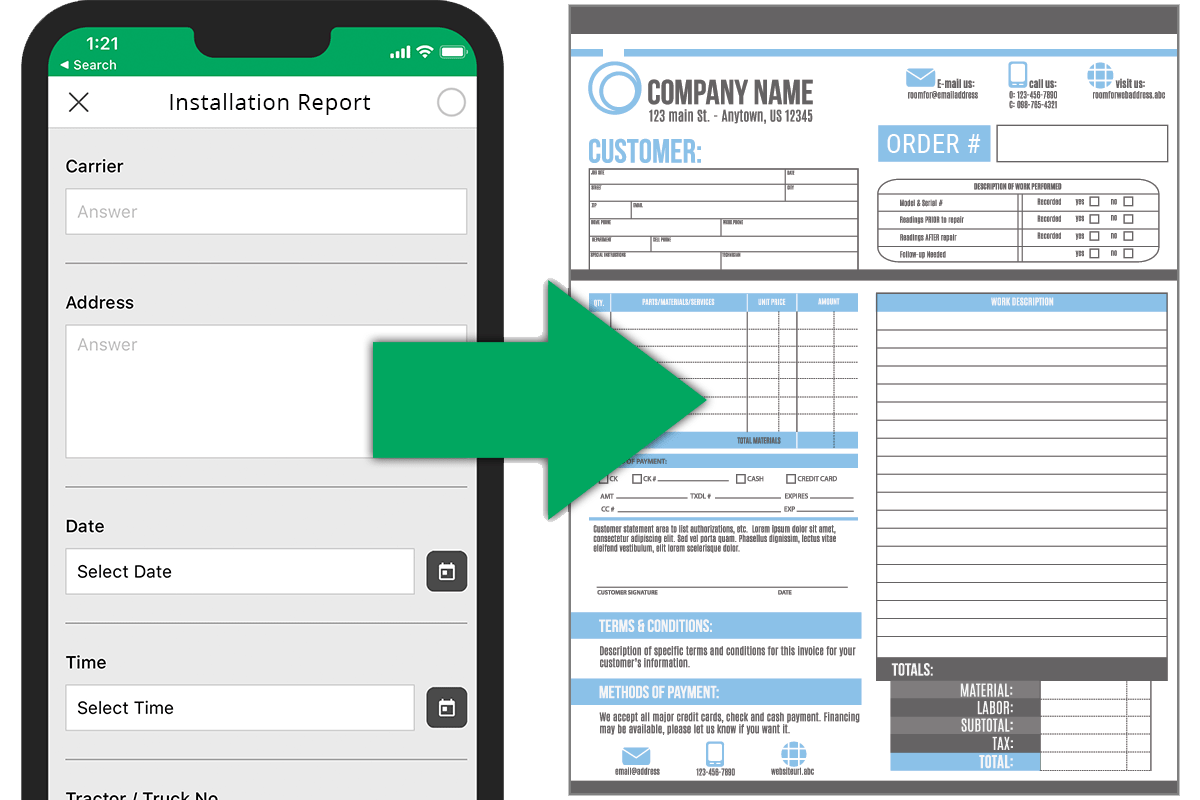
- Checklists translate SOPs into actionable tasks that users tick off, great for field teams who are on the move.
- They help ensure that no step is skipped (especially under time-pressure or challenging conditions).
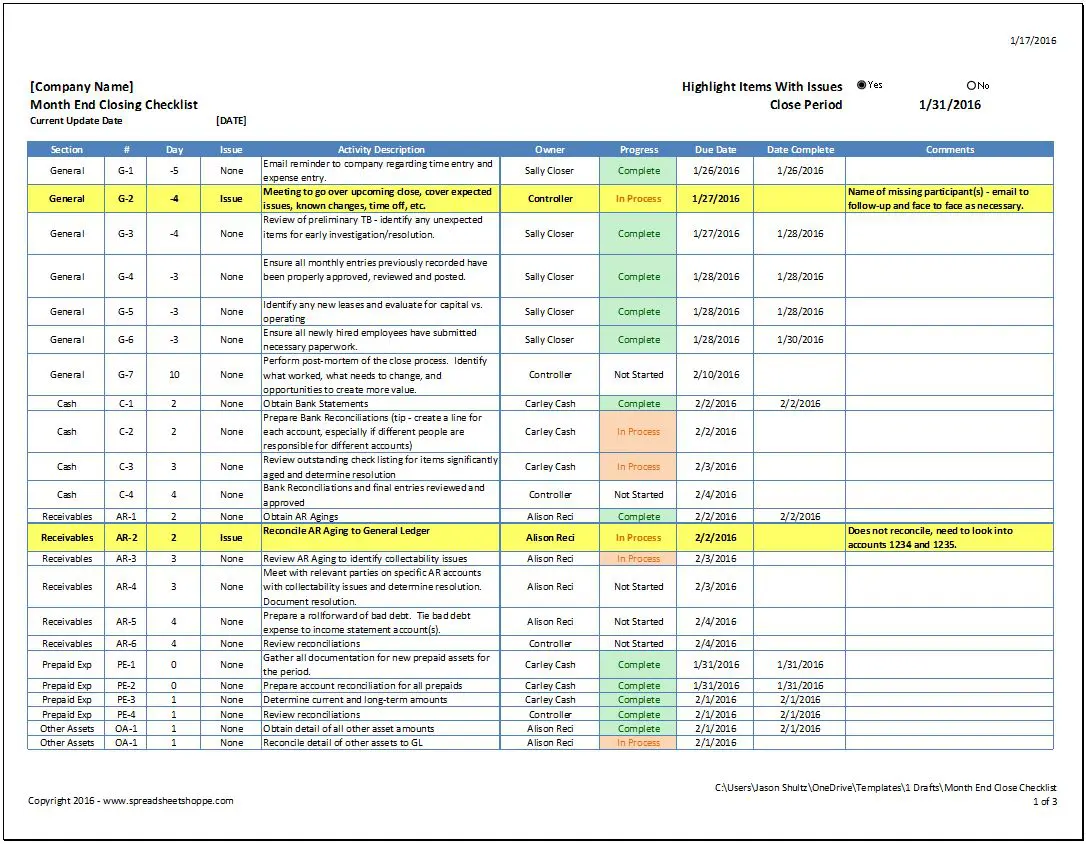
- They provide audit/backtracking value (finance can reference completed checklists to explain delays or issues).
Designing effective checklists:
- Align with key SOP steps: e.g., “Field team: ☐ Capture receipt photo ☐ Enter form ☐ Sync when connected”.
- Use simple, clear language, and avoid heavy jargon.
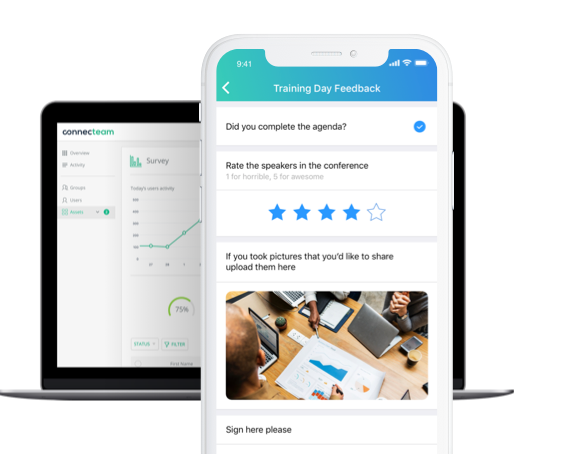
- Mobile-first format: achievable as a phone screen, offline capable if needed.
- Provide space for quick comments or issue flags (e.g., “sync failed – reason”).
- Include “signature” or “name” field for accountability (especially when finance needs to trace).
- Integrate with monitoring or dashboard for PeopleOps/finance to see completion rates.
How to roll out the combined programme


Let’s map a practical rollout plan for your PeopleOps team.
Step 1: Audit current state
- Map out all processes where field and finance intersect (e.g., expense capture, field collections, on-site sales, invoicing).
- Identify biggest pain-points: delays, missing data, field team confusion, finance backlog.
- Interview both teams: what do they find unclear, what steps get stuck.
Step 2: Prioritise
- Choose a high-impact process (for example: field expense capture → finance reconciliation).
- Because prioritising helps: one article suggests targeting frequent, risky, high-impact processes for SOP implementation. worktrek.com
- Gather a small cross-functional team (field lead, finance lead, peopleops/training lead) to draft.
Step 3: Develop SOP (write it)
- Use a template: title, purpose, roles, resources, steps, controls, review schedule. Flowlu+1
- Involve end-users (field/finance) for feedback so the SOP feels realistic and usable.
- Iterate: pilot with a small group, gather issues.
Step 4: Create short video(s)
- Script and record the Loom-style videos aligned to SOP micro-tasks.
- Make sure to capture both field and finance perspectives.
- Upload to central training library, tag appropriately.
Step 5: Design checklists
- Build mobile-friendly checklists for field use; build checklist for finance (e.g., weekly reconciliation).
- Ensure link back to SOPs and training videos.
Step 6: Training rollout & reinforcement
- Launch with a combined session: field + finance teams attend. Walk through SOP purpose, video, checklist usage.
- Send out communication: “Here’s the new process, here’s where you find everything”.
- Incorporate quizzes or knowledge checks if desired (help reinforce).
- Embed into onboarding for new hires.
Step 7: Monitor & iterate
- Set KPIs: process compliance rate (checklist completion), error rate (missing data, fields), time-to-close (finance lag), field satisfaction. For example: fewer missing fields → faster reconciliation.
- Use feedback loops: field/finance teams report what’s unclear, what changed.
- Update SOPs/videos/checklists periodically (every 6–12 months or when tool/process changes). PKC Management Consulting+1
Real-world scenario
Let’s illustrate with one concrete example:
Scenario: Field service technicians submitting expense and job-completion data
Current state problem:
- Field techs go to site, incur expenses (travel, materials), complete jobs and submit photos/forms via mobile app. However: techs often forget to sync offline, finance receives incomplete cost data, reconciliation is delayed by 3–4 days, and month-end closes are thrown off. Field techs also say they don’t see how their data affects finance, so they sometimes skip steps.
Solution via our trifecta:
- SOP: “Field Finance Submission Process”, explains step-by-step: capture photos → enter mobile form → tag job number → sync when connected → nightly auto-trigger to finance queue. Roles defined: field tech (submit), dispatcher (verify), finance analyst (kick-off close).
- Short Loom Videos:
- Video 1: Field tech demo: open mobile app, take photo, fill form, sync offline.
- Video 2: Finance demo: login, pick up submitted data, verify categories, flag missing fields.
- Checklist: Field tech checklist (mobile): ☐ photos captured ☐ form filled ☐ job number entered ☐ sync complete. Finance checklist: ☐ all submissions received by 8 a.m. ☐ categories verified ☐ missing data flagged by noon ☐ close initiated.
- Training session: Both teams join, walk through scenario, emphasise “why”: faster close → fewer surprises → better resource planning.
- Monitoring: After 1 month we track: percentage of submissions fully complete at first pass, days to close, number of missing fields. We find: completeness improved from 68% → 92%, close time reduced by 24%.
- Iteration: Field teams say sometimes connectivity is poor, so we update the SOP to include “pre-download job form before departure” and add a quick video tip for offline mode.
Key takeaways for PeopleOps
- Training finance + field teams together (or in parallel) is not optional; it’s essential for operational alignment, speed, and accuracy.
- Use SOPs to create a single reference, short Loom-videos to drive engagement and retention, and checklists to embed tasks into daily flow.
- Prioritise processes, involve both teams in creation, monitor KPIs, iterate often.
- Keep it simple, mobile-friendly, visually engaging. Many field users will access training on mobile devices, often between jobs.
- Don’t treat SOPs as “write once, forget” documents. They must live, evolve, and stay accessible. MaintainX+1
Leave a Reply