Introduction
In today’s fast-moving business environment, organisations are under pressure to deliver faster, smarter and more personalised experiences across every touchpoint from initial lead capture, through the customer lifecycle, to post-sales support. In parallel, newer technologies such as Artificial Intelligence (AI) agents — software that can perceive, reason, act and adapt are becoming mainstream in enterprise-systems discussions.
When you combine AI agents with core enterprise systems such as Customer Relationship Management (CRM), Enterprise Resource Planning (ERP) and communication/collaboration tools (chat, email, voice) you unlock a powerful synergy: data becomes action, insights become tasks, and repetitive human workflows become augmented or automated.
For PeopleOps (HR/People & Operations) teams, this is no longer “tech only”, it impacts talent workflows, service delivery, process design, operational governance and collaboration culture. In this blog post, we’ll:
- Explore what integrating AI agents with CRMs, ERPs and communication tools means.
- Highlight the key pain-points that organisations face when trying to implement such integrations.
- Provide step-by-step how-to guidance and best practices for PeopleOps/technical teams.
- Discuss real-world scenarios and how a PeopleOps function can help enable success.
- Show how PeopleOps can position itself as the bridge between business, tech and people in this journey.
What does this integration mean?
Defining the components
- AI agents: These are software components (often powered by large-language models, machine learning, rule engines) that can perform tasks on behalf of a user or system; e.g., “detect a high-value lead and flag it for follow-up”, or “see that inventory is low and trigger a purchase order”. Recent research shows AI agents in enterprise systems can reduce processing time by up to ~40 % and error rates significantly in ERPs. arXiv+1
- CRM (Customer Relationship Management): System that manages customer and prospect data, interactions, sales pipelines, service cases.
- ERP (Enterprise Resource Planning): Core system covering finance, supply chain, HR, procurement, operations, etc.
- Communication tools: These include email platforms, messaging/collaboration apps (Slack, Microsoft Teams), voice/chatbots, external customer-communication channels.
What “integration” looks like
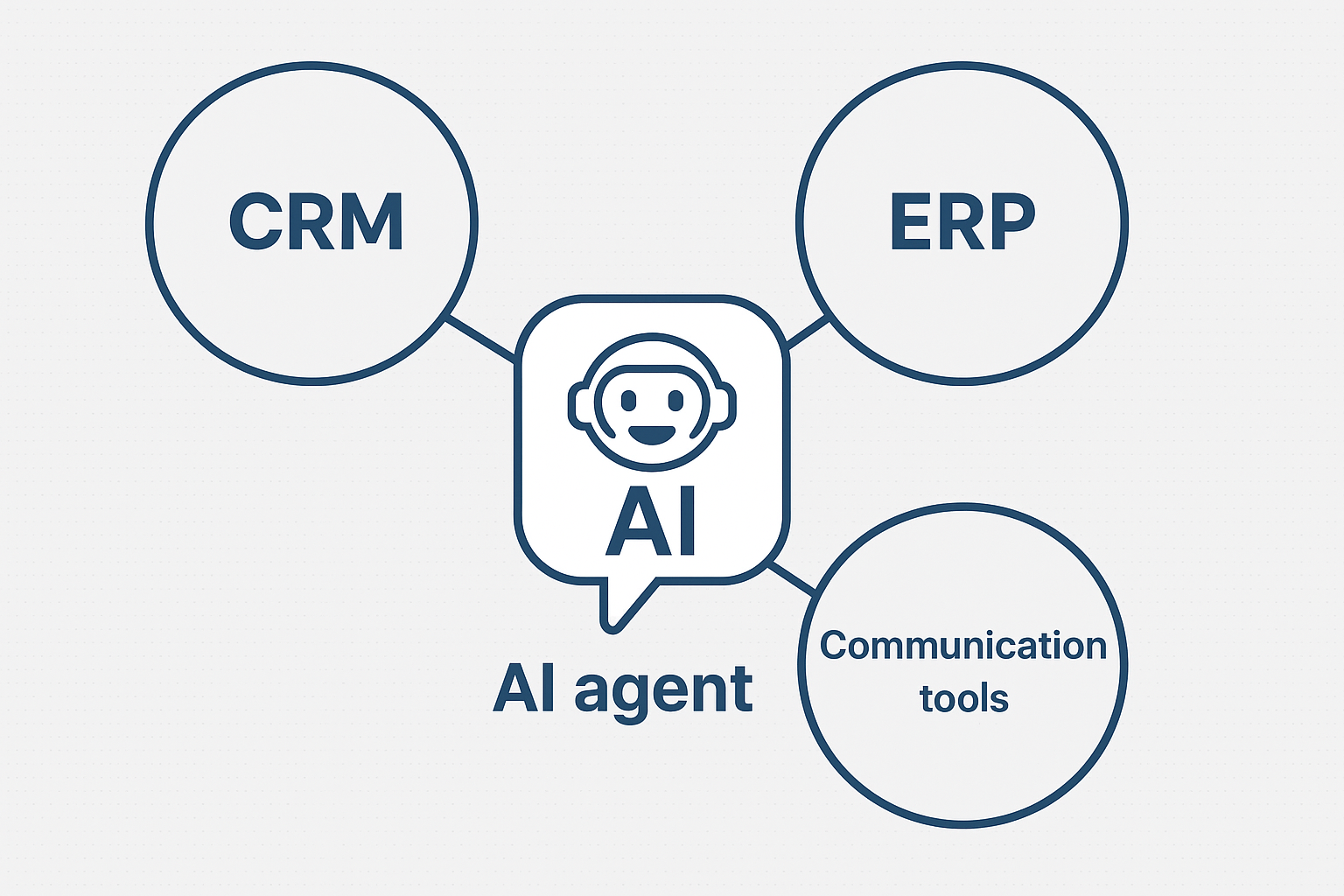
Integration means the AI agent has access to, and can act upon, data and processes across CRM, ERP and communication tools, with appropriate security, permissions and orchestration. Put simply:
- It reads from the CRM, ERP and communication system (e.g., “What is the customer’s order history?”, “What is the current inventory level?”, “What was the last chat interaction?”).
- It reasons — using rules or ML to determine what to do (e.g., “Customer hasn’t responded in 3 days, send a reminder”, or “Inventory below threshold, initiate replenishment”).
- It acts — writing back to systems, sending messages, creating tasks, updating deals.
- It monitors & adapts — learns over time, improves its workflows, escalates to humans when needed.
As one recent article says: “Your AI agent fetches customer data from the CRM in one call, then updates your ERP in the next, with each endpoint staying loosely coupled.” Superhuman Blog
Illustration


Why it matters
- Improves speed and efficiency: less manual data entry, fewer hand-offs.
- Enhances consistency: decisions based on full customer/operation context.
- Bridges siloes: CRM, ERP, communication tools often live in separate domains; AI agents help weave them.
- Enables proactive behaviour: e.g., AI can forecast issues (in supply chain, service) and initiate actions.
- PeopleOps angle: this means teams can focus on higher-value work (strategy, relationships) rather than mundane tasks; it also means change management, training, and governance become key.
Pain-Points & Challenges
Integrating AI agents with enterprise systems is attractive but it’s not trivial. Some of the common issues include:
1. Data siloes & data quality
Many organisations have CRM, ERP and communication tools that are disconnected. Poor data (duplicates, outdated records) undermines AI agents. A recent blog on CRM-AI integration notes the need to “map your CRM data structure … document how information flows between systems.” Persana AI If data quality is low, the agent’s output will suffer.
2. Technical complexity & system compatibility
- Legacy ERPs may lack modern APIs; AI agents may need to rely on RPA (robotic process automation) work-arounds. AIMultiple+1
- Ensuring the CRM/ERP/Communication tool support event-streaming, webhooks, REST APIs is critical.
- Proper orchestration across systems matters: the agent must know when to act, how to escalate, how to roll back.
3. Governance, security & compliance
AI agents interacting with sensitive customer data, finance, HR data, plus communication logs, opens up risks: access control, audit trails, bias, unintended actions. Organisations must build guardrails, logging, human-in-loop rules.
4. Change management & adoption
From a PeopleOps perspective: staff may be wary of replacing manual workflows; training is required. PeopleOps needs to help with role changes, job redesign, communication about “AI-agent as assistant” rather than “replacement”.
5. Measuring value & aligning to business outcomes
It’s one thing to install an AI agent; it’s another to ensure it drives measurable business outcomes (reduced response times, higher lead conversions, improved NPS). Without metrics, the integration may not deliver. According to a study using the CRMArena benchmark, current agents succeed in fewer than 40-55% of realistic CRM tasks. arXiv
Step-by-Step Guide for Integration (PeopleOps + Tech)
Here’s a practical roadmap, designed for collaborative teams across PeopleOps, IT/Engineering, Business Ops.
Step 1: Define the business case & objectives
- Engage stakeholders (Sales, Service, Operations, HR) to identify key pain-points: e.g., “We spend 30% of sales rep’s time on manual follow-up emails”, or “Customer service resolution time is 48 h average”.
- Define target metrics: e.g., reduce lead follow-up time by 50%, increase lead conversion by 15%, improve customer satisfaction by X points.
- Decide which systems (CRM, ERP, communication) the agent will touch and the tasks it will perform.
Step 2: Map out data & process flows
- Document the current CRM, ERP and communication tool landscape: systems used, data owners, update frequency, role of each tool.
- Map the workflow(s) you intend to automate or augment: e.g., “Lead enters CRM → AI agent analyses lead score → if above threshold send meeting invite via Outlook → update CRM status → notify sales rep”.
- Identify any data quality issues or missing integrations (e.g., no webhook support, manual data feeds).
- Establish field mappings, access privileges, system owners. For example, in a recent guide: “Your CRM platform should have features that support continuous connection with AI agents … the system needs reliable API documentation, event streaming capabilities, and webhook support.” Persana AI
Step 3: Choose the technology & integration architecture
- Decide on the AI agent platform (in-house vs vendor). Some ERP/CRM platforms now come with built-in “agentic AI” modules. AIMultiple+1
- Define the integration pattern:
- Loosely-coupled API architecture (preferred) so that each system exposes standard endpoints. “An API-first architecture transforms every system into a well-defined service that agents can access.” Superhuman Blog
- Use webhooks, event streams where possible instead of batch.
- Account for legacy systems: may need RPA fallback. AIMultiple
- Define roles & governance: who can train the agent, who monitors actions, what fallback/human-in-loop rules apply.
- From PeopleOps lens: ensure training, role definitions and process design are built in early.
Step 4: Pilot & deploy
- Choose a limited-scope pilot: e.g., integrate CRM + communication tool for one workflow (say lead follow-up) before broader ERP/operations.
- Set up metrics dashboard: monitor number of tasks processed by agent, response times, error/exception rates.
- Ensure feedback loop: human users should review agent decisions, flag errors, and fine-tune rules or ML models.
- Training & change management: PeopleOps should organise training sessions, update job-descriptions, communicate clearly that the agent is augmentation not replacement.
- Monitor and iterate.
Step 5: Scale-up & continuous improvement
- Once pilot proves value, expand to other workflows (ERP operations, service escalation, cross-team communications).
- Maintain governance: change logs, audit, model drift, bias.
- Monitor business outcomes continuously: e.g., business-unit KPIs such as conversion uplift, cost savings, employee satisfaction.
- Organise regular reviews: tech, process, people. PeopleOps can host “agent performance” forums across teams.
- Ensure culture of continuous learning: champion users, early adopters, build community of practice.
Real-World Scenarios & PeopleOps Involvement
Scenario A: Sales follow-up automation
A mid-sized SaaS company uses Salesforce CRM for lead tracking and Slack for internal communications. The problem: sales reps spend too much time entering data, following up manually via email, and losing warm leads.
Solution: An AI agent is built that: (1) monitors CRM for new leads, (2) scores leads using historical data + intent signals, (3) drafts personalised follow-up email, sends via Outlook/Gmail, (4) updates the CRM with status and posts a summary message to the rep’s Slack channel. The result: follow-up time dropped by 60%, conversion rate improved by 12 %.
PeopleOps role: trained sales reps on how to interact with the agent, built new KPI dashboard to recognise agent-assisted activity, updated job descriptions to reflect “sales + AI-assisted engagement”.
Scenario B: Procurement & operations in ERP
A manufacturing firm uses an ERP system for inventory, procurement and production. They experience frequent delays because inventory thresholds aren’t updated in real-time and procurement orders lag.
Solution: An AI agent integrated with the ERP monitors inventory levels, identifies predicted shortfalls (based on lead-times + demand forecasting), triggers purchase orders, notifies procurement agents and updates the ERP automatically. This frees up the procurement team to focus on supplier relationships rather than reactive ordering. According to research, such agentic-AI within ERP can reduce error rates and improve responsiveness. arXiv+1
PeopleOps role: enabled cross-functional team training (procurement, operations, IT), redesigned procurement role workflows, instituted regular agent-audit sessions, and tracked staff satisfaction and resistance.
Scenario C: Customer service & communication tool integration
A retail company uses a messaging platform (e.g., WhatsApp or live-chat) along with CRM to support customers. They struggle with high ticket volumes and inconsistent response quality.
Solution: An AI agent monitors incoming chats/emails, checks CRM for customer history, generates draft responses or auto-responds to standard queries, and escalates complex issues to human agents. Integrations with communication platforms allow the agent to summarise conversations, tag cases, update service records. For example, company data show improved CSAT (customer satisfaction) by 20% when such systems were deployed. Persana AI+1
PeopleOps role: revised service-agent training to include “AI-agent collaborator”, provided coaching on how to oversee agent hand-offs, updated performance metrics to include “agent-assisted tickets”.
Why PeopleOps Should Be an Active Partner
As the connective tissue between business strategy, technology and people, the PeopleOps team has a critical role in making AI-agent integrations succeed. Here’s how:
- Change & adoption management: New workflows with AI agents change how people work. PeopleOps can design communication plans, training modules and role redesigns.
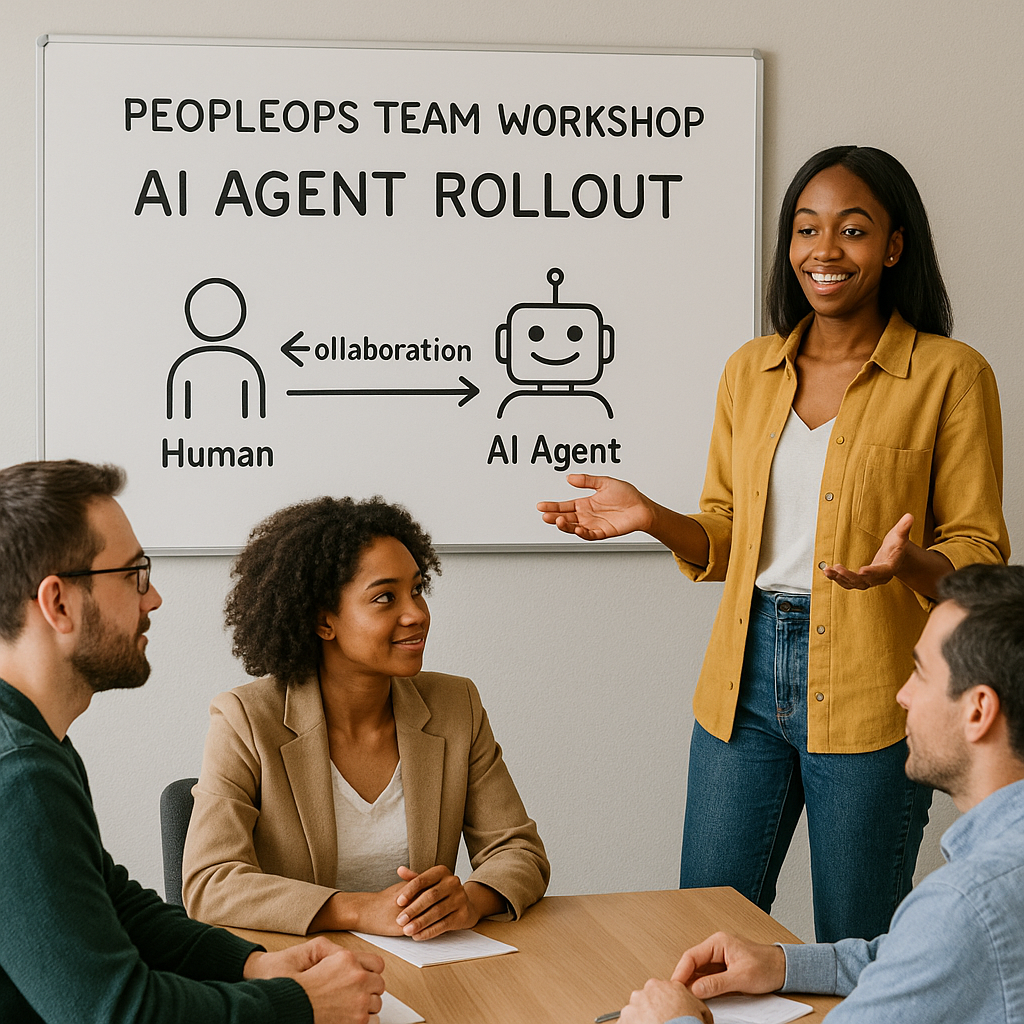
- Cross-functional coordination: Integration touches Sales, Service, Operations, IT. PeopleOps can facilitate cross-team workshops, define roles/responsibilities, shape culture.
- Governance & ethics: PeopleOps helps ensure that AI-enabled workflows align with fairness, transparency, employee well-being. Questions such as “How will this agent impact job roles?”, “How are decisions escalated?” are partly PeopleOps responsibility.
- Performance & talent metrics: As automation increases, PeopleOps must re-examine KPIs, competencies (e.g., “AI-augmented decision making”), up-skilling needs (data literacy, monitoring agent performance).
- Continuous learning culture: Agents improve over time but so should the organisation. PeopleOps can build communities of practice, internal case-studies, feedback loops.
Best Practices & Tips
- Start small: Choose one workflow, show quick value, then scale.
- Keep humans in the loop initially: Fully autonomous agents sound appealing but risk of “bad decisions” is high early on. Use human oversight.
- Data hygiene matters: Poor data = poor agent output. Invest in CRM/ERP data quality first.
- Define clear roles & escalation paths: Who intervenes when the agent is unsure? What are the KPIs?
- Monitor and measure outcomes: Define metrics before deployment (e.g., time saved, conversion uplift, error reduction).
- Train your people: Don’t assume “smart agent” means no training. Staff need to understand how the agent works, what it can/cannot do.
- Think about change management and culture: Some employees may be resistant; communicate the agent as “assistant to free you for higher-value work”.
- Maintain governance & compliance: Audit logs, access controls, data protection, bias mitigation.
- Iterate and refine: Agents will improve via feedback loops and data. Plan for continuous improvement.
- Align with business strategy: Integration should support broader organisational goals, customer experience, operational efficiency, employee experience not just “cool tech”.
Conclusion
The integration of AI agents with CRMs, ERPs and communication tools represents a powerful evolution in how business processes are designed and executed. For PeopleOps teams, this is an opportunity not just to support implementation, but to lead the transformation: aligning people, process and technology, shaping culture, and ensuring the “human + agent” ecosystem thrives.
By starting with a clear business case, mapping data and workflows, implementing with iterative pilots, and embedding PeopleOps-led practices around change, training and governance, organisations can achieve faster workflows, better insights, higher satisfaction (customer & employee) and sustainable competitive edge.
In the end, the most successful deployments will not just be about “plugging in an AI agent” but about re-imagining work, enabling staff to spend more time on human-centric value (strategy, relationships, creativity) while the agent handles the repetitive, data-heavy tasks.
Leave a Reply