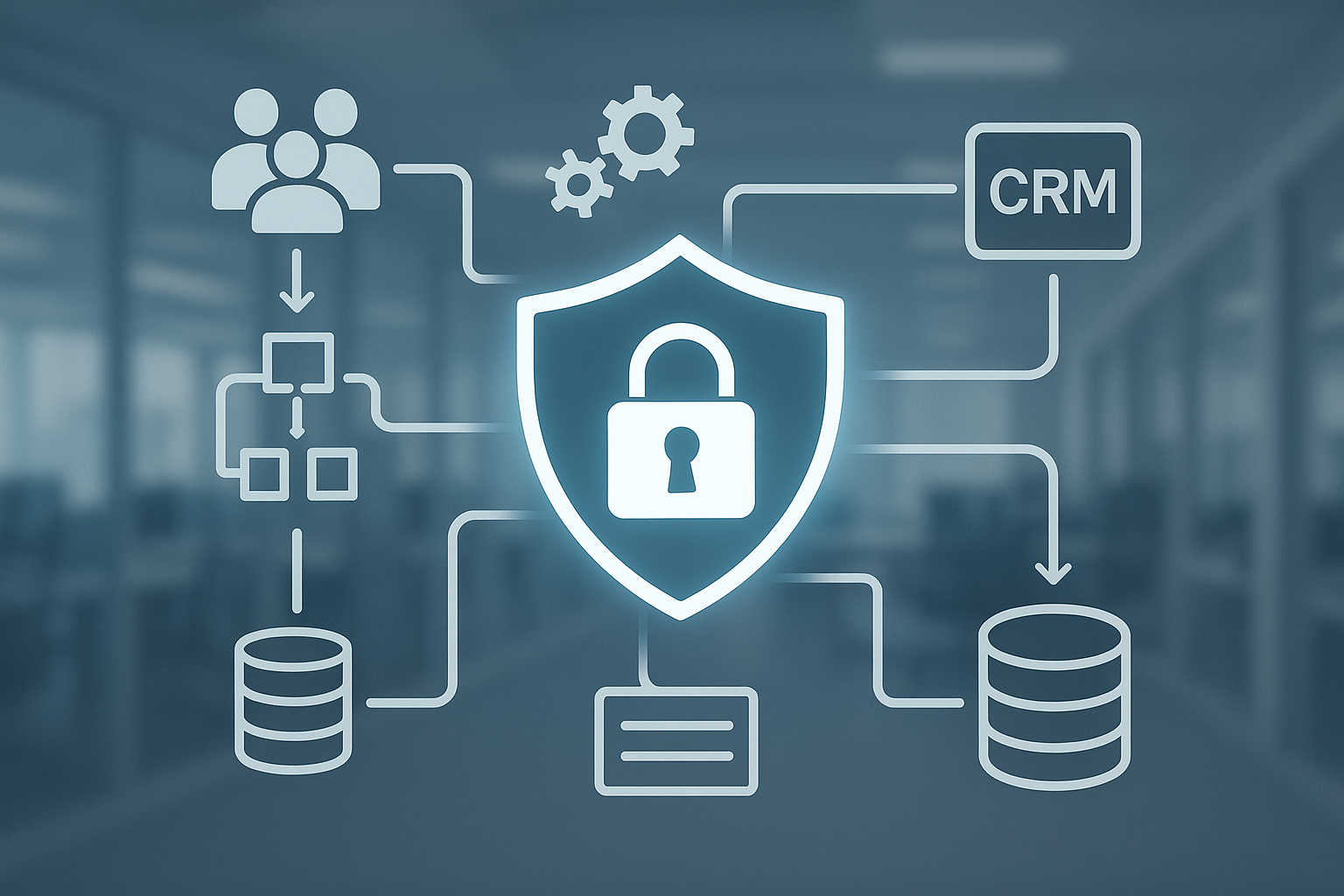


In today’s fast-moving business environment, automation is no longer a nice-to-have, it’s often essential. Whether in HR, finance, customer service or operations, organizations are increasingly building automated workflows to streamline processes, reduce manual effort and improve speed. But as these workflows ingest, process and move personal and business data, they raise a critical question: how do you maintain data privacy while leveraging automation at scale?
In this blog tailored for PeopleOps professionals (and their technical AND business audiences), we’ll explore:
- what “data privacy in automated workflows” means,
- the unique pain points and risks that arise,
- real-world scenarios highlighting the challenge, and
- how PeopleOps teams (together with IT/Security) can address them.
What we mean by “automated workflows” and “data privacy”
- Automated workflows: These are series of tasks or business process steps that run with minimal human intervention, often triggered by events or schedule, and driven by workflow engines, robotic process automation (RPA), business-process management (BPM) systems or low-code/no-code platforms.
- Data privacy: The protection of personal data (or sensitive data) in accordance with applicable laws and internal policies — covering collection, processing, storage, access, sharing, retention and deletion.
When you combine the two, you get workflows which automatically handle data, possibly data about employees, customers, vendors — and that means privacy must be baked in, not bolted on.
Why this is a growing challenge
Several forces are colliding to make data-privacy in automated workflows a major topic:
- Scale & speed: Automation means data moves faster, more frequently, across more steps, more systems. The potential “blast radius” of a mistake is higher.
- Complexity of systems: Many workflows span cloud services, third-party apps, micro-services, cross-border data flows. This creates more surfaces for privacy risk.
- Evolving regulations: Laws such as the General Data Protection Regulation (GDPR) in Europe, other national/state privacy laws, and guidelines around automated decision-making create compliance obligations.
- Automation + data = extra risk: As one source notes: “Over automation can reduce nuance, weaken customer trust, and create compliance gaps.” DataGrail
- Tooling mis-configuration and human error: Even though we automate, human decisions remain. A mis-configured automation can expose data or violate retention rules. VeraSafe+1
Common pain-points & risks in PeopleOps workflows
Let’s look at a few typical scenarios in PeopleOps and what can go wrong when privacy isn’t addressed.
Pain-point 1: Employee onboarding/off-boarding
Imagine an onboarding workflow: HR enters new hire data → system triggers accounts, payroll, benefits enrolment → third-party background check vendor engaged → access rights assigned → data stored in multiple systems.
Risks:
- Data duplication across systems increases exposure.
- Access rights may persist post-off-boarding if the workflow doesn’t trigger cleanup properly.
- Background check vendor may receive more data than necessary, or may be located in a jurisdiction with weaker protections.
Pain-point 2: Automated performance reviews / monitoring
An automated workflow triggers monthly review data collection, aggregates metrics from different systems, routes reports to managers.
Risks:
- Automated decisions may unintentionally discriminate, or lack transparency (see algorithmic bias). Wikipedia+1
- Sensitive personal data (health info, protected class) might be mixed in without consent or proper control.
- Employees may not know how their data is being processed, conflicting with fairness/transparency requirements.
Pain-point 3: Data subject rights and automated responses
A workflow triggers when an employee exercises a data-access or erasure request: system automatically sends confirmations, extracts data, anonymises, deletes etc.
Risks:
- Mis-classification of data may lead to deletion of records that shouldn’t be deleted, or retention of data that should be purged. For example: “incorrect user rights management can result in unauthorized access” VeraSafe
- The automation may not log sufficiently, so audit trails are inadequate for compliance.
Pain-point 4: Cross-border or multi-jurisdiction workflows
You might have a global PeopleOps platform that handles data of employees in many countries, triggering workflows across borders.
Risks:
- Transfer of personal data to countries without adequate protections violates regulation.
- Workflow may not adapt to local retention or consent rules. For instance: in testing/automation environments using real production data can be risky. IAPP
Real-world scenario: A hypothetical case
Let’s build a fictional but realistic scenario for illustration:
Company X, a mid-sized tech firm based in India with global offices, uses an RPA system for personnel administration. When an employee resigns, the system triggers: disable login, archive mailbox, delete device profile, notify benefits vendor, purge certain data after 7 years automatically.
The system uses real production data (including sensitive personal details), routed through a vendor in another country. There’s minimal human oversight of the off-boarding workflow once it’s live.
Six months later, auditors discover:
- Some off-boarded ex-employees still have access, because the automation failed to catch contractors.
- The vendor had access to full personal profiles, including nationality and immigration status, which may not be needed for their service.
- The data retention rule was generic (7 years) and didn’t account for local law requiring records for only 3 years in certain regions.
Consequences: Potential compliance violation, data exposure risk, reputational damage, all stemming from an automated workflow that was built for efficiency but lacked privacy-governance controls.
How PeopleOps can help build privacy-aware automated workflows
Step 1: Map & classify data flows in workflows
- Understand what data each workflow touches: which systems, which vendors, which jurisdictions.
- Classify data by sensitivity (personal, special categories, HR sensitive) and usage.
- Automate documentation where possible (e.g., data-mapping tools).
As noted: “…streamline data governance with deep automation that cuts your time to compliance, including automated data mapping, risk assessment, and automated workflows.” TrustArc
Step 2: Embed privacy by design
- During workflow design, ask: Do we actually need this data? Is there a lesser-privileged alternative?
- Employ the principle of least privilege: only the minimum access rights.
- Use anonymisation, pseudonymisation or masking where full identity is not required.
- Set up configurable retention and deletion rules tied to jurisdictional requirements.
For example: mis-configured retention in automation tools is a known pitfall. VeraSafe
Step 3: Ensure oversight and human-in-the-loop where needed
- Automation is powerful but shouldn’t be entirely unguided, especially where sensitive decisions are involved.
- For example, in performance monitoring or decisions that affect employees, ensure the automated process triggers a human review. This aligns with regulatory expectations around automated decision-making.
As one article says: “Over automation … can create compliance gaps.” DataGrail
Step 4: Vendor and third-party governance
- If the workflow uses vendors (background checks, benefits, etc.), ensure data sharing agreements cover data privacy, location, access rights, oversight.
- In automated workflows that reach third parties, clearly define what subset of data is shared.
- Audit vendor access and ensure workflow triggers are logged.
Step 5: Monitoring, auditing & logging
- Automated workflows must include logging of who or what system accessed what data, when, why.
- Build dashboards/alerts when a workflow falls outside expected parameters (e.g., access outside region, retention rule exceeded).
- Conduct periodic privacy impact assessments on automated workflows, treat them like systems with risk. For instance: “Automation tools … can mitigate challenges. You can use pre-built assessment templates based on security standards and customise them to your needs.” JD Supra
Step 6: Culture, training & change management
- PeopleOps plays a critical role in training the workforce: even automated systems need human accountability.
- Employees should understand how their personal data is being processed in workflows. Transparency builds trust.
- Regular reviews of the automation, especially as regulations evolve, or as business processes change.
Key checklist for PeopleOps when automating workflows and managing privacy
| Task | Why it matters |
|---|---|
| Map data touched by the workflow | Without knowing the data flows, you can’t control exposure. |
| Classify data sensitivity | Some data (e.g., health, ethnicity) needs higher controls. |
| Document retention and deletion rules | Automation that retains too long or fails to delete causes compliance risk. |
| Define access rights clearly | Least-privilege reduces risk of internal misuse. |
| Build vendor/third-party contracts with privacy clauses | Many workflows involve external parties. |
| Include human review in critical steps | Automation alone cannot cover all nuance or exceptions. |
| Configure logging and audits | Visibility into the workflow builds accountability and supports compliance. |
| Train key stakeholders (HR, PeopleOps, IT) on privacy in automation | Human behaviour remains a major risk factor. |
| Review periodically as regulations and technology change | What was compliant yesterday may not be today. |
Why partnering with PeopleOps matters
Though technical teams build the automation and workflows, PeopleOps sits at the intersection of people, processes and compliance. Here’s how PeopleOps specifically can add value:
- Bridging business & tech: PeopleOps can translate business process requirements into privacy-aware specifications for automation.
- Championing employee-centric mindset: Automation of PeopleOps workflows affects real human beings, onboarding, monitoring, performance, off-boarding. Ensuring trust and fair treatment is key.
- Governance gate-keeper: PeopleOps can help enforce policy steps (consent, transparency, retention) in automation pipelines.
- Change management: Deploying an automated workflow involves change for employees → PeopleOps handles communication, training, cultural shift.
- Alignment with HR/regulatory frameworks: GDPR, country-specific privacy laws, industry-specific rules (e.g., for HR data) often land in the PeopleOps-domain.
Final thoughts
Automation offers tremendous efficiency, scalability and accuracy. But when you automate people-processes, especially involving personal data, you also automate risk if you’re not careful. The key is not to slow down innovation, but to build in data privacy and human oversight from the start.
For PeopleOps teams, the role is strategic: you don’t just hand off workflows to IT and forget about them. You own the process, the people-impact and the privacy stance. By following a structured approach, mapping data flows, classifying data, embedding privacy by design, managing vendors, training users, logging and auditing, you create automated workflows that are efficient, compliant and trustworthy.
If you’re ready, the next step could be: conduct a self-assessment of your current automated PeopleOps workflows (if any). Identify one workflow, map its data journey, classify the risks, and build in one privacy control (e.g., data masking or retention rule) as proof-of-concept. Then scale from there.
Leave a Reply