
Introduction
In today’s mobile-first world, field service, construction, and remote crews are the norm, not the exception. But tracking their time accurately still remains a major pain point. Time cards, paper sheets, and manual entry: they all invite errors, delays, and cost leakage.
For PeopleOps teams, the question becomes: Which time-tracking software will give us reliable, real-time field time data that actually syncs with the rest of our systems (payroll, accounting, job costing) and supports compliance and mobile workflows?
In this blog we compare three strong contenders:
- QuickBooks Time (formerly TSheets)
- Workyard
- ClockShark
We’ll break down the problems they address, the pain-points they solve (and don’t), and how PeopleOps teams can evaluate them for their mobile/field workforce-intensive operations.
Why Field Time Tracking Really Matters
Before we dive into the tools, let’s clarify why this matters in a measurable way for PeopleOps.
Major pain points
- Disconnected data: Field crews clock in/out manually → spreadsheets or paper → someone must manually transfer into payroll/accounting. Mistakes, delays, duplicate work.
- Compliance risks: Breaks, overtime, rest rules vary by state (e.g., California meal/rest break rules). If you’re not capturing accurately, you risk wage & hour exposure.
- Visibility & dispatching: “Where is crew A right now? Are they on site? Have they left early?” Without live location/time data, supervisors are flying blind.
- Job costing & profitability: For service businesses or construction, you need to allocate labour to job codes, track actual vs budgeted hours, and mitigate cost overruns.
- Mobile connectivity / field constraints: Crews may have poor signal, be on the move, use shared devices, or clock in via kiosk. The system must support the constraints of field work.
The PeopleOps vantage
- You’re responsible for reducing administrative burden (less manual data-entry = less error).
- You’re responsible for payroll accuracy and cost-control (field time is often one of the largest controllable costs).
- You’re responsible for enabling operations (dispatch, scheduling, job-site coordination).
- The sync-factor matters: time data must flow seamlessly into payroll/HR/ERP systems. If it doesn’t, you haven’t solved the end-to-end problem.
With that in mind, let’s examine how each of these three tools stacks up.
Comparison of Solutions
1. QuickBooks Time
Overview
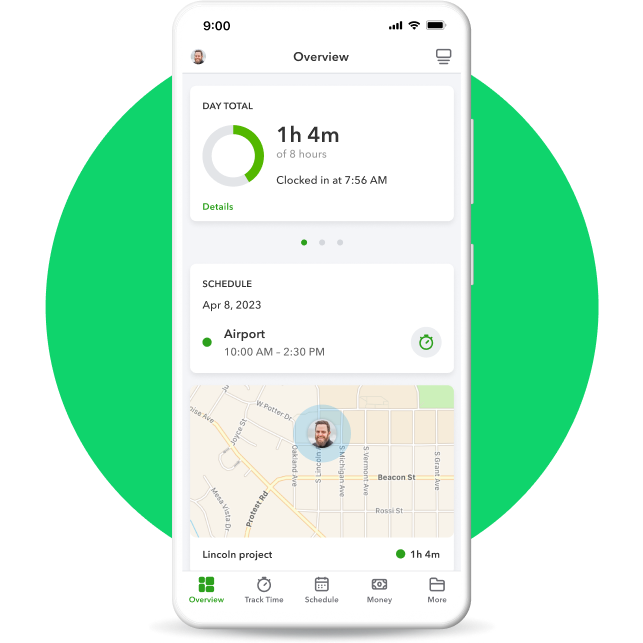
QuickBooks Time (formerly TSheets) is a mature time-tracking product often used by mobile/field teams, and has The Big Integration advantage: it links directly with the QuickBooks Online ecosystem. Connecteam+2GetApp+2
Key strength areas
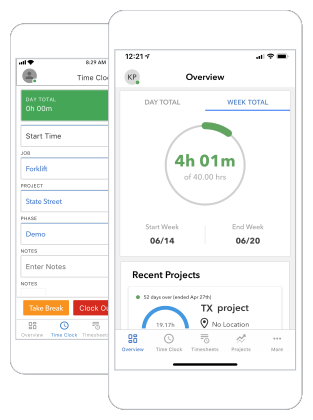
- Mobile clock-in/clock-out, job/task switching, offline mode support. Connecteam+1
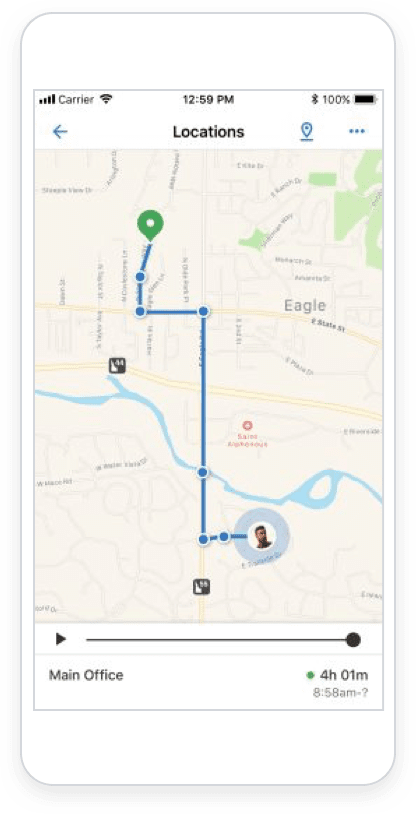
- GPS location capture at clock-in/out; geofencing options for job sites. Connecteam+1
- Deep integration with payroll/accounting (via QuickBooks), which is a huge plus for many PeopleOps teams.
- Scheduling, PTO/leave tracking, basic reporting. Timeero+1
Limitations / Things to check
- Some advanced GPS/mileage/travel-tracking features may require higher-tier plans. Timeero
- Pricing adds up when you require many users + need full-feature plan (especially outside QuickBooks ecosystem).
- While good, it may not be as field-optimized for heavy job-costing or many job-site transitions as more niche solutions. workyard.com
Real-world scenario
Imagine a service company with 30 field technicians, using QuickBooks Online for invoicing and payroll. Each technician clocks in via mobile app, selects the job code, and clocks out when done. Data flows automatically into QuickBooks Online for payroll and job cost reporting at the end of the week. No paper timesheets. The PeopleOps team monitors “Who’s Working” live via the dashboard, sees any exceptions (late clock-in) and corrects quickly.
Best for
- Organisations already using QuickBooks (thus leverage the ecosystem).
- Field/mobile teams needing solid time tracking + basic GPS + scheduling.
- PeopleOps teams wanting minimal disruptions and good payroll/HR integration.
2. Workyard


Overview
Workyard is built specifically for construction and field-service crews, with heavy emphasis on GPS accuracy, geofencing, job costing, and labour compliance. It’s pitched at businesses who have many job-sites, crews moving around, mileage/travel tracking etc. workyard.com+1
Key strength areas
- Real-time map view of where every crew member is, live GPS breadcrumbs, mileage and travel‐time tracking. workyard.com+1
- Strong geofencing: auto-clock-in/out rules based on site, plus restrictions (can’t clock outside designated zone) if desired. workyard.com
- Job/cost-tracking features: allocate labour to cost-codes, job profitability reports, multiple site support. workyard.com+1
- Labour-law compliance: auto-reminders for breaks, overtime rules (especially for field operations). workyard.com
- Designed for mobile-first field crews: simpler interface, built for crews rather than desk staff.
Limitations / Things to check
- May be over-engineered (and thus more expensive or complex) for businesses with simpler time-tracking needs.
- If you’re not using job-codes/costing heavily, you might not leverage all features.
- Integration with broader HR/Payroll ecosystems may require setup, and ensure your stack works (e.g., QuickBooks export). QuickBooks
Real-world scenario
A landscaping contractor has multiple crews dispatched to various job-sites each day. Using Workyard, the dispatcher sees a live map of all crews, monitors who is on site, and when they leave site for travel. Mileage is captured, labour hours allocated to job codes, and job cost data syncs into their accounting/ERP at end of week. PeopleOps gets real-time transparency, late clock-ins trigger alerts, and payroll is derived directly from validated time entries by job-code.
Best for
- Construction, field service, mobile crews with many sites, travel and job-costing complexity.
- Organisations needing strong GPS/mileage/travel data plus job cost insights.
- PeopleOps teams who need operational visibility, dispatch-level insights, and labour-cost control.
3. ClockShark
Overview
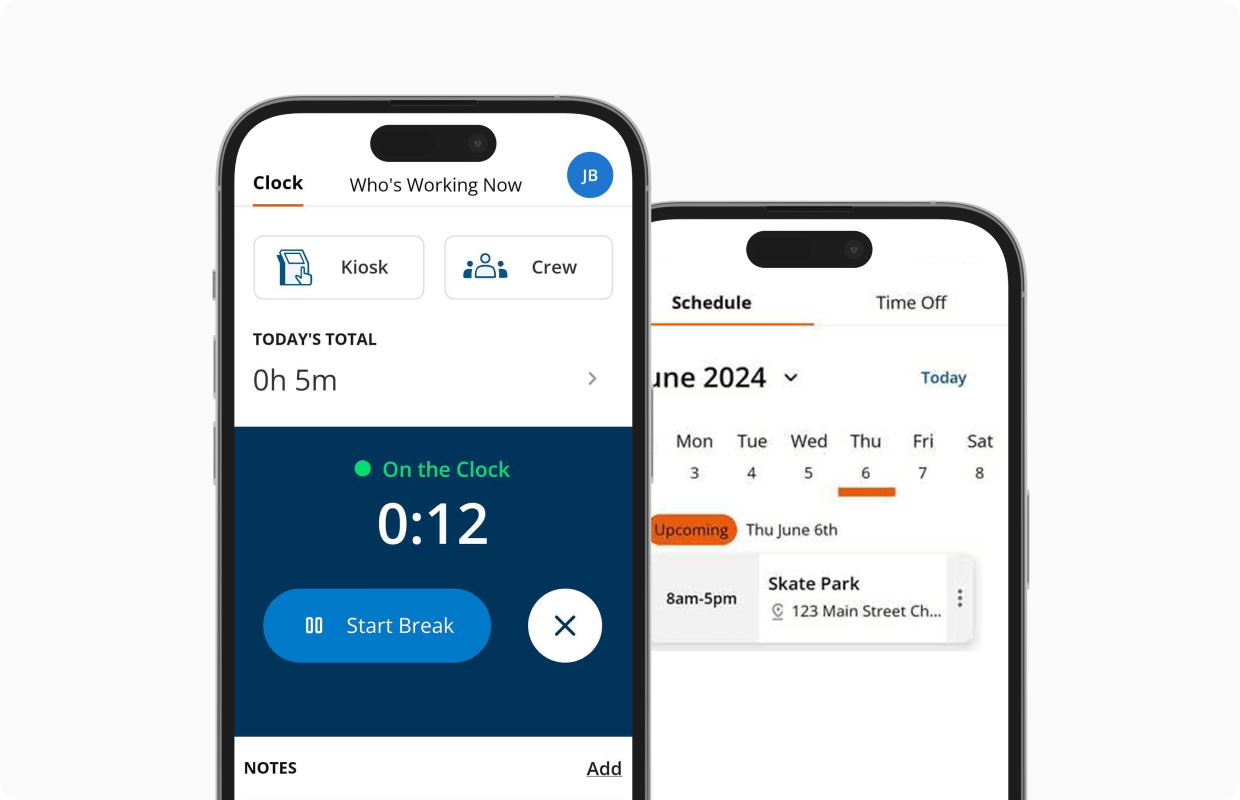
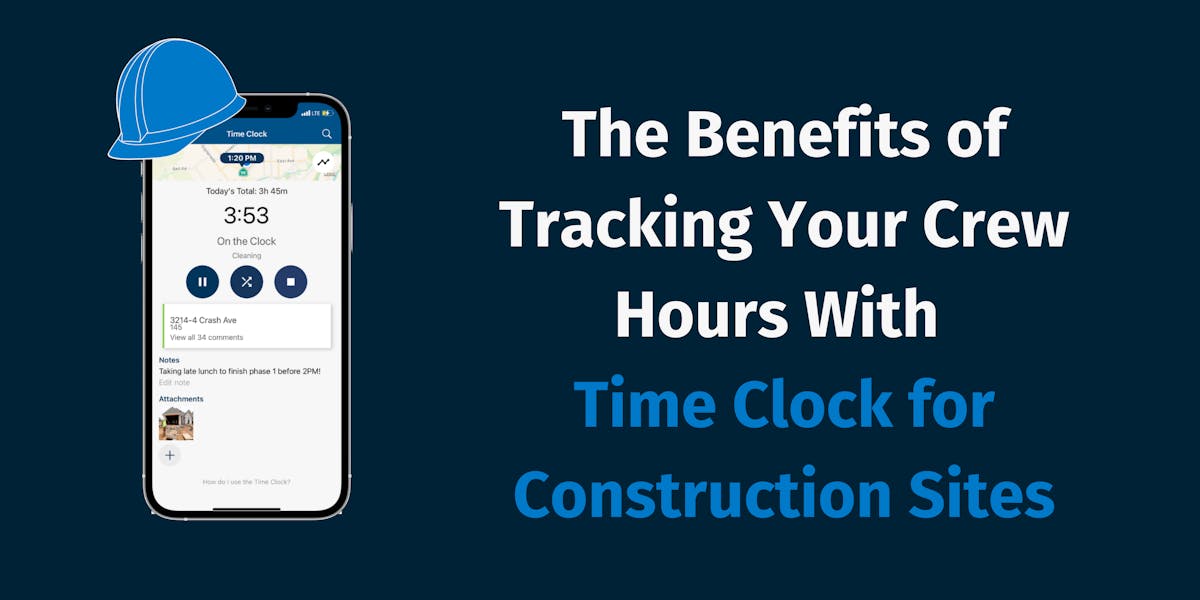
ClockShark is a field-service and construction-oriented time tracking system, focusing on mobile clocking, GPS/geofencing, job/task tracking and integration with payroll/accounting. clockshark.com+1
Key strength areas
- Easy to use, quick setup: designed for mobile field teams to adopt with minimal onboarding. clockshark.com
- Good mobile clock-in/out, job switching, GPS capture and basic geofencing.
- Integrations with payroll/accounting (QuickBooks Desktop/Online, ADP, Xero etc) for flows into payroll. Timeero
- Focus on field operations rather than full enterprise HR stack.
Limitations / Things to check
- Compared to Workyard, ClockShark’s GPS/travel/mileage capabilities may be more limited (for example fewer live map dispatch features). workyard.com+1
- If you’re heavy on job-costing, multi‐site dispatching, travel optimisation, you may find less depth.
- While solid, its strength is simpler field crews rather than full complex job-site operations.
Real-world scenario
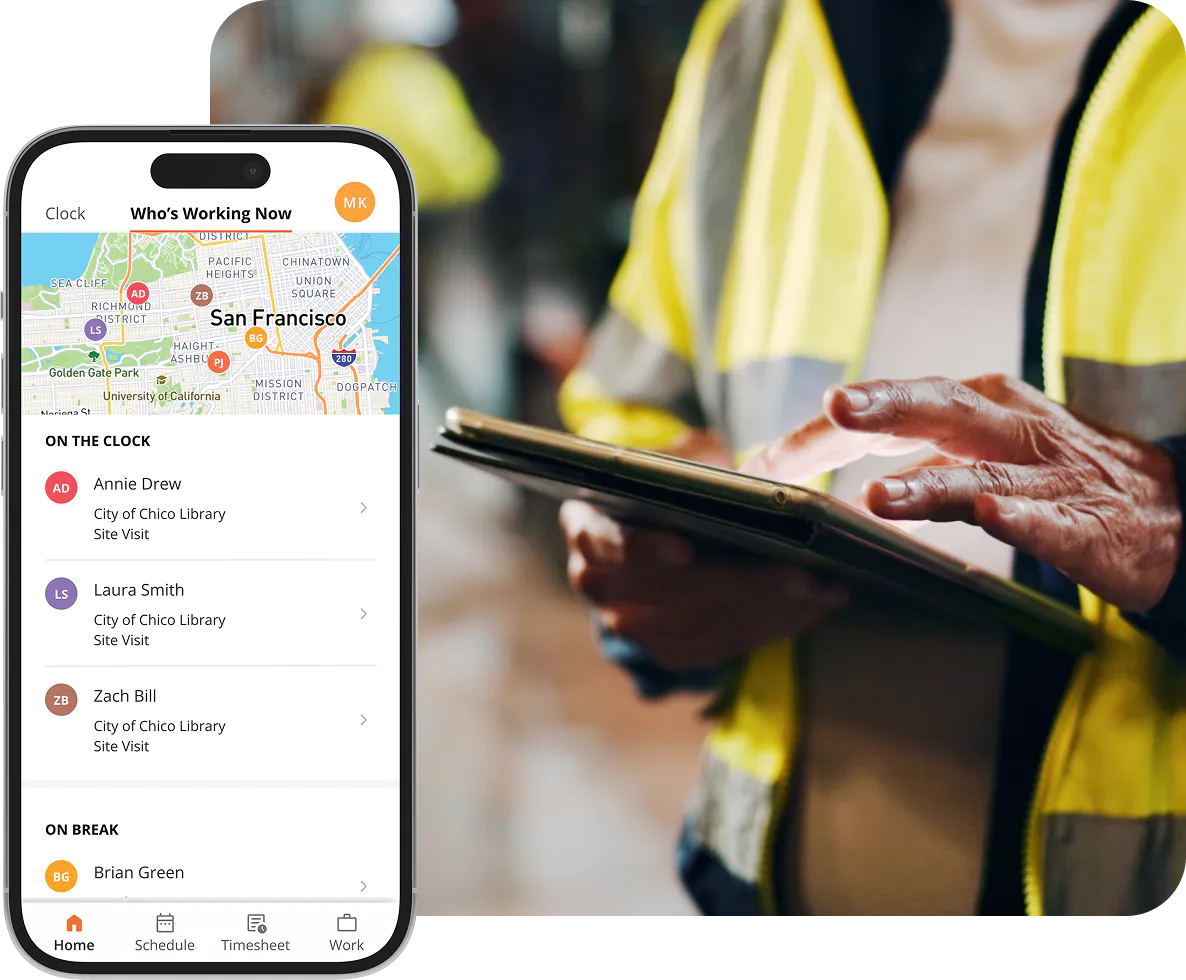
A plumbing company with 15 technicians spread out across a city uses ClockShark. Each tech clocks in via mobile, selects job (customer site), and clocks out. The office sees “Who’s Working Now” screen, and payroll/admin gets export ready timesheets at week-end. Minimal manual overhead. PeopleOps appreciates the quick onboarding and practical setup.
Best for
- Field service or construction firms with moderate complexity but who want a simpler, “needs-less-overhead” tool.
- Organisations whose core need is accurate time + job switching + mobile clocking rather than heavy dispatch optimisation.
- PeopleOps teams focused on adoption and ease rather than advanced operations analytics.
Side-by-Side Feature & Fit Summary
| Feature / Consideration | QuickBooks Time | Workyard | ClockShark |
|---|---|---|---|
| Mobile clock-in/out + job/task switching | Strong | Strong | Strong |
| GPS + geofencing | Good | Excellent | Good |
| Mileage/travel tracking | Some (higher-tier) | Strong | More limited |
| Job-/cost-code tracking & analytics | Moderate | Very strong | Moderate |
| Payroll/Accounting integration | (especially QuickBooks ecosystem) | Good | Good |
| Suitability for heavy travel/multiple sites/dispatch | Moderate | Strongest | Moderate |
| Ease of onboarding / simplicity | Moderate | More complex | Highest simplicity |
| Best-fit business type | Any, especially if QuickBooks used | Multi-site construction/field service | Field-service with moderate complexity |
| Typical starting cost visible* | ≈ US $20 base + ~US $8+/user (as of 2025) Timeero | ≈ US $50/month base + US $6+/user (per publicly cited) workyard.com+1 | ≈ US $40 base + US $9+/user (older data) Capterra |
*Note: Always check current pricing and local/regional variations, as promotions and localisation (for India market, etc) may differ.
How PeopleOps Should Pick: The Checklist
Here are key questions your PeopleOps & operations team should ask to determine the right fit:
- What’s our primary “field time” challenge?
- Do we need accurate time for payroll only?
- Or do we need dispatch/crew location, mileage, travel, job costing?
Understanding the primary pain-point helps filter options.
- What systems must integrate?
- If you already use QuickBooks Online for payroll/accounting, QuickBooks Time has a natural fit.
- If you use Sage, ADP, other ERP, check integration capabilities of each vendor.
- Is an API or custom export required for your PeopleOps workflows?
- Mobile/field constraints.
- Do crews work in remote areas with poor connectivity? Offline mode matters.
- Shared devices vs personal devices? Kiosk mode?
- Geofencing required? Mileage tracking? More travel vs fixed-site?
- Complexity of job-costing / multi-site operations.
- If you have multiple job sites, frequent travel, and need detailed cost allocation, solutions like Workyard may provide stronger depth.
- If simpler, single site or fewer transitions, simpler tool may suffice.
- Adoption & PeopleOps burden.
- Field teams need something intuitive; onboarding should not be heavy.
- Managers/PeopleOps want dashboards, alerts, exception-reports with minimal maintenance.
- Budget & cost-effectiveness.
- Not just software cost: also training, change-management, manual rework if system fails to sync properly.
- Consider ROI: fewer payroll errors, less over-payment for travel/time theft, faster approvals.
- Local/regional compliance and localisation.
- If you operate across states/countries, check break rules, overtime rules, languages, currencies.
- While many vendors are U.S.-centric, check for India/EMEA suitability if needed.
Final Thoughts
- If your organisation leans strongly on QuickBooks already, and you need solid mobile time tracking, QuickBooks Time is a great choice.
- If your business is field-heavy (multiple sites, travel, job cost contention, dispatch) and you need strong GPS/mileage/analytics, then Workyard stands out.
- If you want a straightforward, field-service friendly tool without heavy overhead, ClockShark is a compelling contender.
In PeopleOps terms: your goal is to turn field time into usable data, not just a punch-clock. You want timesheets that sync seamlessly into payroll/HR, real-time visibility for dispatch and crew-management, and reduced manual rework so your team can focus on higher-value People and Ops work rather than chasing spreadsheets.
How PeopleOps Can Drive Adoption & Success
Here are a few best practices to maximise success after selecting the tool:
- Run pilot with a small crew before enterprise rollout. Test mobile clocks, GPS, offline behaviour.
- Train supervisors first, because they monitor exceptions, set up alerts for late clock-in/out, and unexpected site exits.
- Define job codes and cost-codes upfront, so when you go live the data flows cleanly into payroll/analytics.
- Communicate value to field teams: show how easier it becomes (no paper, faster approvals, more transparency).
- Monitor adoption metrics: % of users clocking via mobile, % timesheets requiring edits, number of exceptions.
- Review payroll/analysis after 1-2 pay cycles: compare errors or over-payments pre- vs post-implementation.
Conclusion
In the race to the mobile-workforce era, time-tracking tools are no longer “nice to have”, they are key operational enablers. For PeopleOps teams, selecting and implementing the right tool means turning chaotic field time into reliable data, reducing cost leakage, improving visibility, and supporting both the business and its people.
Between QuickBooks Time, Workyard and ClockShark, there is no “one size fits all”, the right fit depends on your workflows, systems, crew mobility and adoption readiness. But by asking the right questions and adopting best practices, you can ensure that your field time actually syncs and becomes a strategic asset for payroll, job costing and PeopleOps.
Leave a Reply