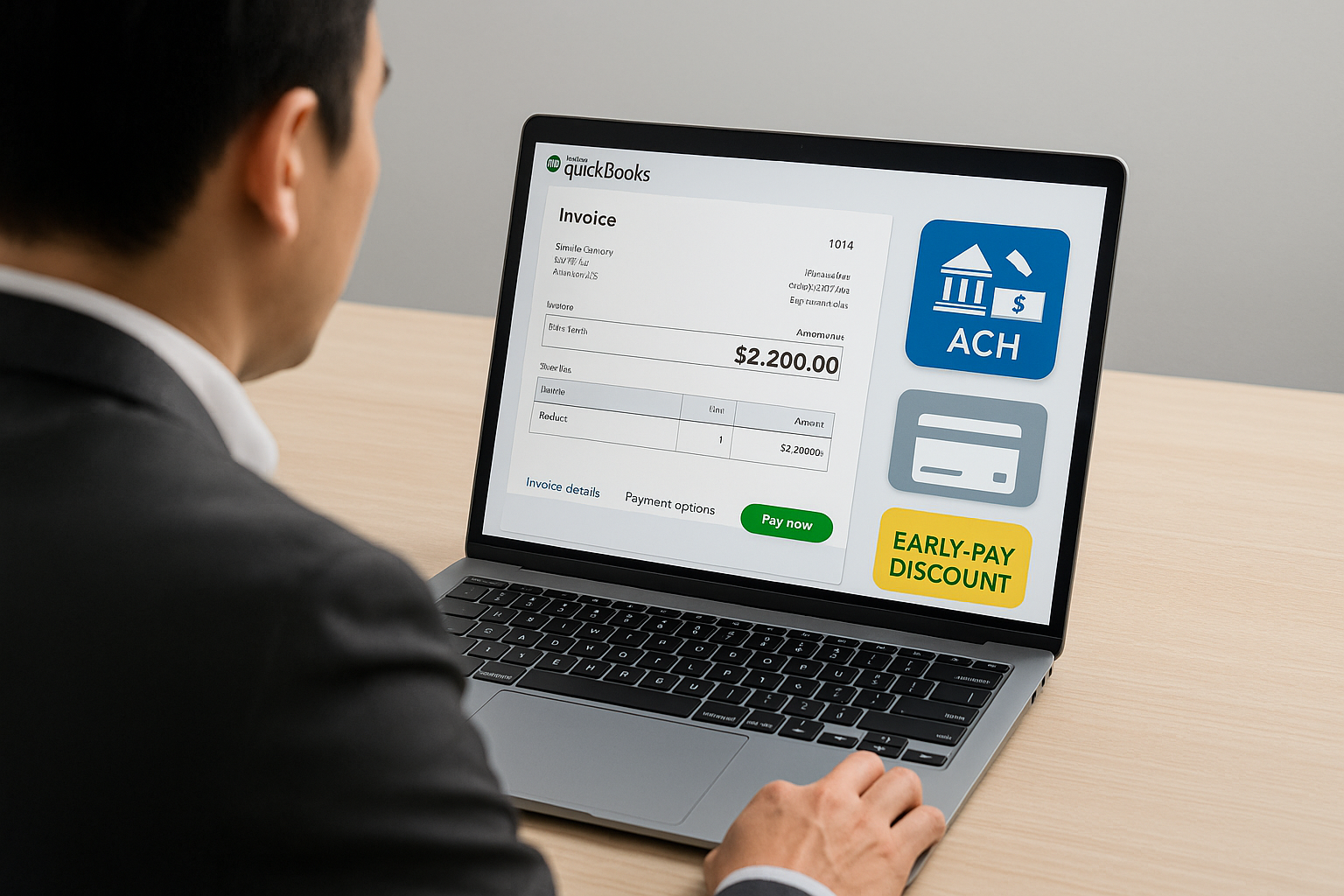
Introduction
In modern PeopleOps and finance functions, managing payments and accounts receivable (AR) is about more than “send invoice, wait for payment.” It touches cash-flow forecasting, vendor & customer relationships, system automation and risk control. When you layer in digital methods like ACH transfers and offering early-payment discounts, you’re driving both efficiency and strategic impact.
In this blog we’ll explore:
- How QuickBooks Payments and ACH work in the context of AR
- What early-payment discounts (also called “cash discounts”) are and why they matter
- Real-world scenarios: problems, pain-points, solutions
- How a PeopleOps or finance team can leverage these tools to improve processes, reduce friction, and strengthen the business
Keywords you’ll see throughout: payments automation, ACH, accounts receivable (AR), aging report, early-payment discount, QuickBooks Payments, cash flow optimisation, vendor terms, invoice management.
Section 1: Understanding the Components
QuickBooks Payments
QuickBooks Payments is the payments-processing service within QuickBooks that allows your business to accept payments from customers (or pay vendors) using e-methods (cards, bank transfers, ACH).
Key facts:
- QuickBooks Payments supports ACH transfers inside QuickBooks. For example, you can enable ACH and let customers pay via bank account transfer. depositfix.com+2QuickBooks+2
- Using ACH means lower transaction fees compared to credit cards (especially for large amounts) and fewer manual reconciliation steps. depositfix.com
- On the AR side: if a customer pays via ACH, the payment lands in your QuickBooks bank feed and matches to the invoice, reducing manual work.
PeopleOps / Finance implications:
- Offer more payment options to customers (improving friction)
- Speed up cash-inflow (which matters for payroll, vendor payments, scaling)
- Reduce payment processing cost and reconciliation labour
- Improve visibility: since the payment and invoice are in the same platform, fewer gaps.
ACH (Automated Clearing House) Payments
ACH is the electronic network in the U.S. for money transfers between banks (push-or-pull).
Highlights:
- For B2B/AR, you might use ACH debit (pull funds from the customer’s account) or ACH credit (customer pushes payment, or you pay vendor). depositfix.com
- Processing time: typical 2-7 business days for first-time ACH; later recurring may take fewer. depositfix.com
- Fees: much lower than card payments; e.g., QuickBooks article cites ~1% fee for ACH transactions up to cap. depositfix.com
- For AR workflows, offering ACH means customers have a friction-less payment path.
Early-Payment Discounts (Cash Discounts)
These are incentives you give customers to encourage them to pay earlier than the standard terms (for example: “2/10 Net 30” means 2% off if they pay within 10 days, otherwise full within 30). Tipalti+2trykeep.com+2
Benefits:
- Speeds up cash-inflow
- Reduces days-sales-outstanding (DSO)
- Can strengthen customer relationships
- Helps AR teams avoid chasing late payments
In QuickBooks you can set these terms and record the discounts properly: for example, setting up the “Terms” list, applying invoice with that term, and when the customer pays within discount window, record the discount. trykeep.com+1
Section 2: Pain-Points and Real-World Scenarios
Pain Point 1: Manual AR processes = cash-flow drag
Scenario:
Your services company invoices clients at the end of the month. Many clients still pay via check. You wait 10-14 days for the check to arrive, then manually apply it in QuickBooks. RECONCILIATION is heavy. You don’t know whether some invoices are overdue until you run the ageing report, by then your cash-flow buffer is tight.
Solution using our components:
- Enable ACH payments via QuickBooks: send invoice with “Pay Now” link that allows bank transfer. This reduces time from invoice to payment.
- Link payment receipt automatically to invoice in QuickBooks (reduces time).
- Use early-payment discount terms to incentivise faster payment: e.g., “1% if paid within 10 days”.
Pain Point 2: Customers slow to pay, aging AR building up
Scenario:
A mid-sized vendor has 30-60-90+ days outstanding invoices. The AR ageing report shows many balances 31–60 days overdue. You don’t have a clear policy to encourage faster payment, and you hesitate to push hard for fear of straining client relationships.
Solution:
- On new or renewing contracts, include early-payment discount terms (e.g., 2/10 Net 30) and clearly state them on the invoice.
- Track via QuickBooks the invoices with those terms. When a payment comes in within the period, record discount correctly. If not, full amount. This gives both incentive + discipline.
- Regularly run AR ageing report in QuickBooks (e.g., Reports → Accounts Receivable Aging Summary) so you spot overdue accounts early. fondo.com+1
- Use automation of reminders (QuickBooks supports that) and multiple payment options (ACH, card) to reduce friction. redhammer.io
Pain Point 3: High processing fees eroding margin
Scenario:
Your clients mostly pay via credit card or wire transfer. You’re paying 2.9%+ fees on cards or high fixed fees for wires. For larger invoices, the cost is material. Your finance team spends time reconciling payment method fees.
Solution:
- Promote ACH as a payment option (lower fee) via QuickBooks Payments. You can prominently mention on the invoice: “Pay via bank transfer (ACH), minimal fees”.
- For clients who agree, set up recurring ACH payments (if applicable) to lock in the lower cost. depositfix.com
- In reporting, monitor the cost of payment methods and steer behaviour: for example, write “We reserve credit-card payments for payments under $X; for invoices over $Y please pay via ACH”.
- Record the fee expense properly in QuickBooks to reflect true net revenue.
Section 3: How PeopleOps & Finance Teams Can Implement This Effectively
Step 1: Define payment & discount policy
- Decide your standard payment terms (e.g., Net 30), and whether you’ll offer early-payment discount (e.g., 2% if paid within 10 days).
- Communicate this policy clearly in contracts, invoices, and your finance onboarding process.
- Make sure your Chart of Accounts in QuickBooks is set up with relevant accounts: Accounts Receivable, Sales Discounts (contra-revenue), and Payment Processing Fees accounts. Dancing Numbers+1
Step 2: Configure QuickBooks for ACH + Discounts
- In QuickBooks Payments: enable ACH so customers can pay via bank transfer. Follow the setup steps. depositfix.com
- In QuickBooks Online: go to Settings → All Lists → Terms → Create a new “Discount” type term (e.g., “2% 10 Net 30”) with discount % and number of days. trykeep.com+1
- For invoices: ensure the term is selected so it appears on invoice.
- Invoices should include a “Pay Now” link that supports ACH (or other methods) to reduce friction.
Step 3: Monitor & Apply AR Metrics
- Use Accounts Receivable ageing reports (e.g., 0-30, 31-60, 61-90). QuickBooks supports this. fondo.com
- Track DSO (Days Sales Outstanding) as a key metric: number of days sales remain outstanding. Offering early-payment discount should help reduce DSO.
- Track the uptake rate of early-payment discounts: what % of customers pay within the discount window? If low, re-evaluate the attractiveness of the discount or the communication.
- Track payment method mix: what % of payments come via ACH vs cards/checks? Monitor cost per transaction.
Step 4: Automate Reminders & Follow-up
- Use QuickBooks’ automated invoice reminders so customers get emails before due date (and possibly pre-discount expiration date). redhammer.io
- For those not eligible for discount (paid late), apply standard follow-up process (call, email) so overdue balances don’t sit for long.
Step 5: Review Cost & ROI
- Calculate the cost of offering discount (e.g., 2% of payment) vs benefit (faster cash, less risk, fewer days overdue, lower financing cost).
- Compare payment method fees: ACH vs card vs check.
- Present to leadership: “By switching X% of payment volume to ACH and offering early-payment discounts, we estimate cash-inflow will improve by Y days and fees will reduce by Z”. That makes PeopleOps/Finance into strategic partner.
Section 4: Example Use-Cases
Example A: Service Outsourcing Firm
Company: A software-services firm invoices monthly for managed services.
Challenges: Long payment cycles (45 days average); high credit-card fees when clients use cards; manual reconciliation.
Solution:
- They enable ACH payments via QuickBooks.
- They change standard terms for new customers to “2/10 Net 30” (2% off if paid in 10 days).
- On invoice they include “Choose ACH bank-transfer for no card fee”.
Outcome: Some clients take the discount → payment arrives in 7-10 days. Others still pay Net 30 but via ACH so lower cost. DSO drops from 45 to ~27 days; card-fee expense drops 30%.
Example B: Vendor Payment Terms for Your Organisation
Company: A growing PeopleOps/finance org that uses many vendors (payroll provider, benefits admin, recruiting firm). They want to optimise accounts-payable (AP) side.
Challenge: They’re paying vendors via check or wire, no incentives for early payment, thus missing early-pay discounts.
Solution: They review vendor contracts: negotiate “1.5% 15 Net 45” terms for key vendors. They set up bill entry in QuickBooks with those terms. If they pay within 15 days, they take discount.
Outcome: They save on vendor costs (early-pay discount), simplify AP workflow (electronic payment), and improve vendor relationship (since vendors like being paid early).
Section 5: PeopleOps-Specific Tips & Considerations
- Training & empowerment: Ensure your finance team and PeopleOps partners know how to create invoices/terms, enable payment links, monitor AR ageing, and apply discounts.
- Cross-functional alignment: PeopleOps often owns vendor management (and perhaps customer onboarding). Ensure the policy for discount/terms is aligned between teams (sales/ops/finance).
- Cash-flow forecasting: For PeopleOps budget planning (benefits, payroll, hiring), faster inflows mean more flexibility. Use your improved AR pipeline to feed forecasting models.
- Vendor relationships: On the flip side, your AP side benefits from early-pay discounts. PeopleOps may own vendor payments (eg. recruiting agency), so negotiate good terms and structure payments accordingly.
- System controls & audit trails: Make sure the discount terms and ACH payment methods are captured and recorded properly (for audit, internal finance). QuickBooks supports this if configured correctly. QuickBooks+1
- Risk management: While offering discounts is beneficial, don’t offer overly generous terms unless you’re confident of payment reliability. Also monitor potential fraud risk with ACH (ensure customer bank authorisations).
- Global operations caution: If you have non-US operations, note that ACH as described here is US-centric. For other geographies, equivalent local automated payments exist and you may need other integrations/terms.
Section 6: Summary & Call to Action
By combining QuickBooks Payments (including ACH) with well-designed early-payment discount terms and solid AR practices, your PeopleOps & finance team can:
- Accelerate cash-inflow, reducing DSO
- Lower payment processing cost
- Reduce manual reconciliation work
- Improve vendor & customer relationships
- Provide better insights into cash-flow for planning and decision-making
Action checklist for your next 30 days:
- Review current payment terms on customer invoices. Are you offering any early-payment discount? How many customers take it?
- Assess current payment methods: what % of invoices are paid via ACH/online vs check?
- In QuickBooks: set up or refine the “Terms” list to include discount terms; enable ACH payments if not yet done.
- Start tracking: DSO, % of invoices paid within discount window, average processing fees by payment method.
- Train your team and update your internal policy document with new payment/discount policy.


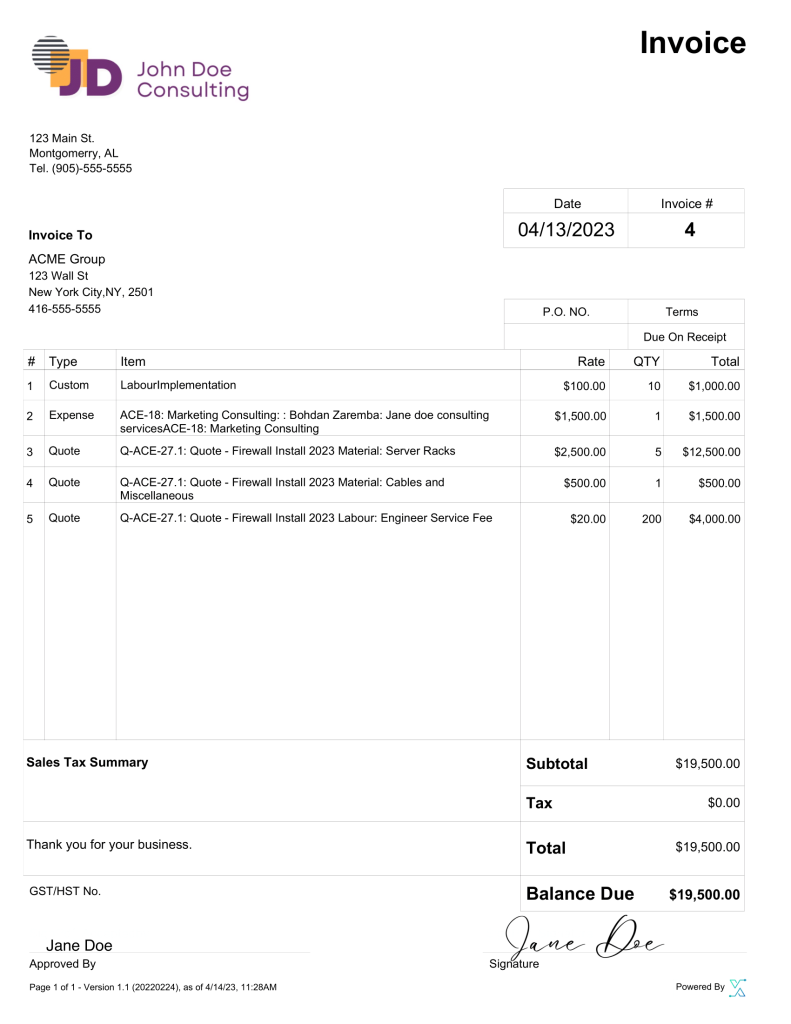
Image descriptions:
- A screenshot of a QuickBooks Online invoice showing a “Pay Now” button for ACH.
- Illustration of a bank-to-bank ACH transfer flow.
- Example of an invoice showing “2% if paid within 10 days; otherwise full amount due in 30 days”.
Closing
Offering flexible and efficient payment options is no longer a “nice-to-have”, it’s a competitive advantage in PeopleOps and finance operations. By embedding modern payments (ACH), clear incentives (early payment discounts), and smart AR practices into your workflow, you position your organisation to move faster, reduce risk, and scale more cleanly.
If you’re ready to take the next step, the PeopleOps team and finance should collaborate on a pilot: choose a subset of clients/new contracts, introduce early-payment discount + ACH link, measure results, and iterate.
Leave a Reply