

Introduction
In today’s fast-moving organisations, the role of the People Operations (People Ops) team goes beyond traditional HR tasks. As described, People Ops is about enabling the people side of business in a systematic, data-driven way. Wikipedia
One of the key levers you have as a People Ops professional is process and workflow design, helping ensure that how work gets done (onboarding, role changes, approvals, exit processes, etc.) supports the business rather than hinders it. But some workflows are painful, for employees, for managers, for the business. Identifying which workflows are high-pain (and thus highly urgent to address) is a vital first step.
In this blog we’ll:
- define what we mean by a “high-pain” workflow
- outline the business and technical signals of pain
- introduce a simple scoring model you can use to assess and prioritise workflows
- illustrate with real-world scenarios
- show how your People Ops team can step in to alleviate the pain
Let’s dive in.
What is a “High-Pain” Workflow?
A workflow is simply a repeatable process: a series of tasks, decisions, handoffs, and interactions that lead to an outcome (e.g., employee onboarding, performance review, role change). ManageEngine Blog+1
A high-pain workflow is one that imposes unusually high burden—on people, time, cost, risk or in other words: where the pain (friction) is large enough that it is noticeable, costly, impacting experience, or slowing business.
Here are some hallmark signs of high-pain workflows:
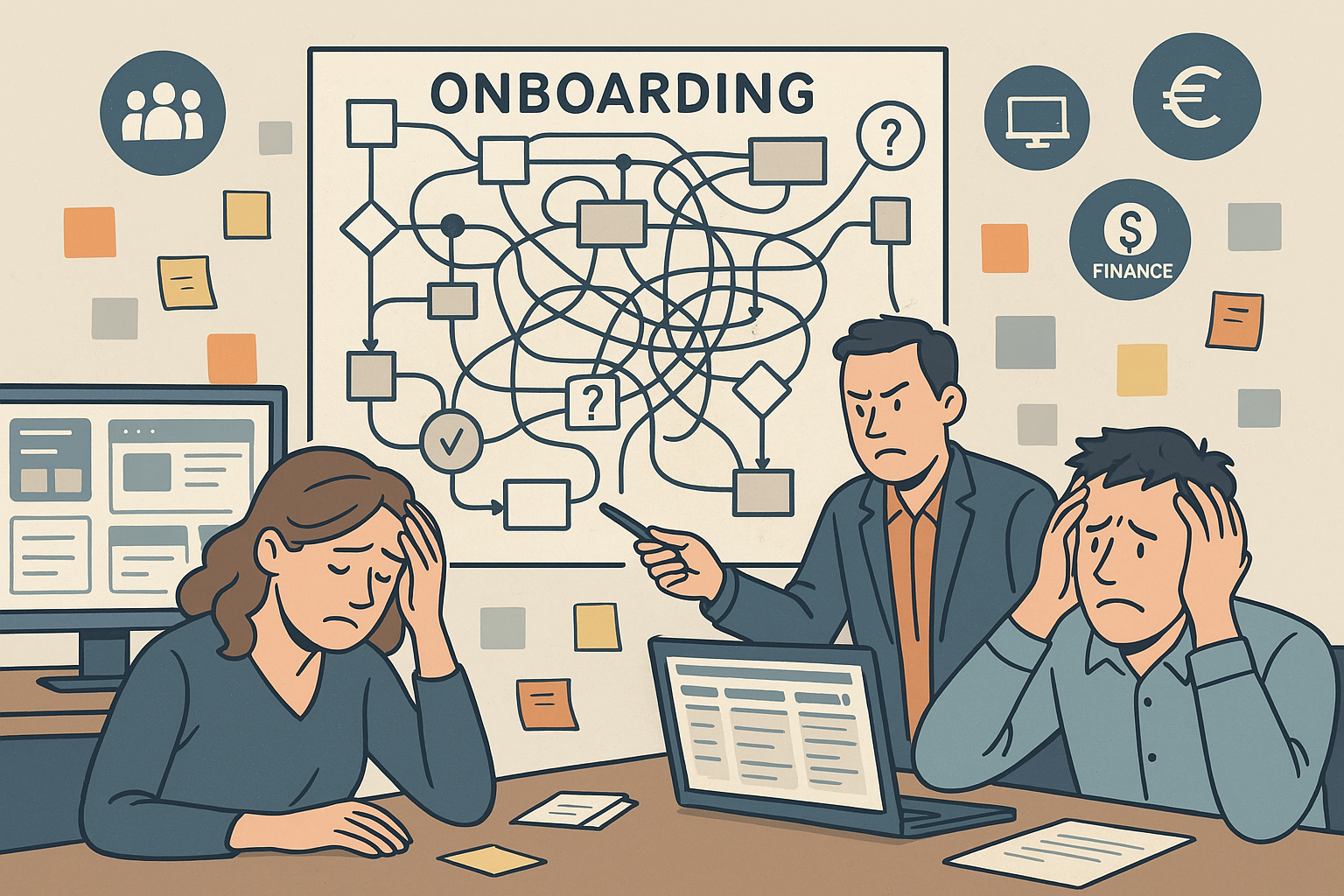
- Employees or managers routinely complain about delays, unclear responsibilities, manual data entry, rework or errors. For example: “Why am I still waiting for my IT access two days after joining?”
- The process takes too long (high cycle-time) or stalls at handoffs / approvals (bottlenecks).
- The cost of error or non-compliance is high (legal, financial, reputational).
- The workflow is important to the business (so its failure has outsized impact) but is executed using legacy/manual tools.
- There’s poor visibility into status, or the data used to monitor the process is weak. As one article notes: “Organizations can achieve broader employee experience improvements when they analyse workflows to identify bottlenecks.” HRMorning
- It scales badly: as the organisation grows, the pain grows (rather than the process becoming smoother).
- The workflow spans multiple teams, systems or departments (so handoffs, silos, mis-alignment raise risk).
In People Ops terms, these workflows might include onboarding/off-boarding, role changes, promotions, internal transfers, compliance workflows, benefits enrolment, performance review cycles etc. When one of these is high-pain, the People Ops team becomes a critical enabler.
Why It Matters for People Ops
From a People Ops standpoint, why is it important to identify high-pain workflows?
- Employee experience: Poor workflows cause frustration, disengagement, and may impact retention. Eg: if an employee’s access to tools is delayed, they’ll have a rough start.
- Operational risk & cost: Manual or error-prone workflows increase risk (compliance, audit, cost of rework) and reduce agility.
- Business agility: In fast-moving organisations (especially tech-led ones), delays in key workflows (role change, access provisioning, onboarding) slow down value delivery.
- Strategic leverage: By fixing high-pain workflows, People Ops can shift from being reactive (fire-fighting) to proactive, creating capacity for high-value work (talent development, culture, strategic initiatives).
- Visibility & priority: A scoring model gives you a way to present to leadership: “Here are our top 3 workflows to fix now, here’s the business impact if we don’t.”
In short: identifying and prioritising the right workflows means you spend your finite People Ops bandwidth where it matters most.
A Simple Scoring Model to Identify High-Pain Workflows
Here’s a practical scoring model you can use. Rate each candidate workflow across a few dimensions (on a simple scale e.g. 1–5), then sum or weight to get a “pain score”. The higher the score, the more urgent / impactful the workflow is to tackle.
Dimensions (suggested)
- Frequency – How often does the workflow occur (daily/weekly/monthly)?
- More frequent = higher pain because you see it more often and the cumulative burden is higher.
- Cycle Time / Delay – How long does it typically take or how many steps/handoffs?
- Longer time, many handoffs, many departments → higher pain.
- Error / Rework Risk – How prone is it to mistakes, manual data entry, mis-alignment, compliance risk?
- High error means higher pain.
- Business Impact – If the workflow fails or is slow, how significant is the effect? (impact on employee productivity, cost, risk, customer, brand)
- The higher the impact, the higher priority.
- Visibility & Monitoring – How well is the workflow tracked, measured, visible?
- Poor visibility means blind spots, more hidden pain.
- Scalability / Growth Sensitivity – Does the workflow get worse under growth, multiple teams, more transactions?
- If yes, then high pain as growth increases.
- Cross-Team / System Complexity – Does it cut across teams, systems, departments?
- More complex = more friction, more pain.
How To Score
- For each workflow, assign a score from 1 (low) to 5 (very high) for each dimension.
- You may apply weights if your organisation values one dimension more (e.g., business impact might be weighted heavier).
- Sum the scores to get a total “pain score”.
- Set a threshold (e.g., workflows scoring 25+ are high-pain) and prioritise accordingly.
Example Template
| Workflow | Frequency | Cycle Time / Delay | Error / Rework Risk | Business Impact | Visibility | Scalability | Cross-Team Complexity | Total Score |
|---|---|---|---|---|---|---|---|---|
| Onboarding | 5 | 4 | 4 | 5 | 3 | 4 | 3 | 28 |
| Role Change | 3 | 3 | 3 | 4 | 4 | 3 | 4 | 24 |
| Benefits Enrolment | 2 | 2 | 2 | 3 | 5 | 2 | 2 | 16 |
In the above example, Onboarding is clearly high-pain and should be a top priority.
Why This Works
- It gives objectivity: you move from intuition (“this is painful”) to data (“this scores 28”).
- It supports prioritisation: You can rank workflows, decide where to allocate your People Ops resources.
- It supports stakeholder conversation: you can show leadership “this is where the pain is, this is the business value of fixing it”.
- It aligns business + technical: the scoring covers business impact (for leadership) and operational/technical metrics (cycle time, visibility) for technical teams.
Real-World Scenarios
Let’s look at two realistic workflows and apply the scoring model.
Scenario 1: Employee Onboarding
Context: A fast-growing tech company is hiring 50+ employees per quarter. Onboarding involves HR, IT (access), facilities, manager set-up, security training. New hires frequently complain they don’t get access to tools or credentials on day one.
Scoring (example):
- Frequency: 5 (many hires)
- Cycle Time / Delay: 4 (several departments, handoffs)
- Error / Rework Risk: 4 (missed accesses, duplicate data entry)
- Business Impact: 5 (new hire unproductive, bad first impression)
- Visibility: 3 (some dashboard but not end-to-end)
- Scalability: 4 (as hiring increases, pain grows)
- Cross-Team Complexity: 4 (HR + IT + Manager + Security)
Total Score = 29 → High pain.
This workflow is an excellent target for People Ops to intervene: mapping the process, measuring handoffs, automating tasks (e.g., provisioning via HRIS → IT system), ensuring owner accountability.
Scenario 2: Internal Role Change / Promotion
Context: Employees changing roles internally (team, level, manager). The process involves HR, manager, IT for access changes, payroll for compensation changes. Delays cause frustration and productivity drop.
Scoring (example):
- Frequency: 3
- Cycle Time / Delay: 3
- Error / Rework Risk: 3
- Business Impact: 4
- Visibility: 4
- Scalability: 3
- Cross-Team Complexity: 4
Total Score = 24 → Moderate pain.
It’s still important but perhaps queued after the higher-pain onboarding workflow.
How People Ops Can Help Reduce Workflow Pain
Once you’ve identified a high-pain workflow, the next step is action. Here’s how People Ops can lead:
- Map the workflow end-to-end
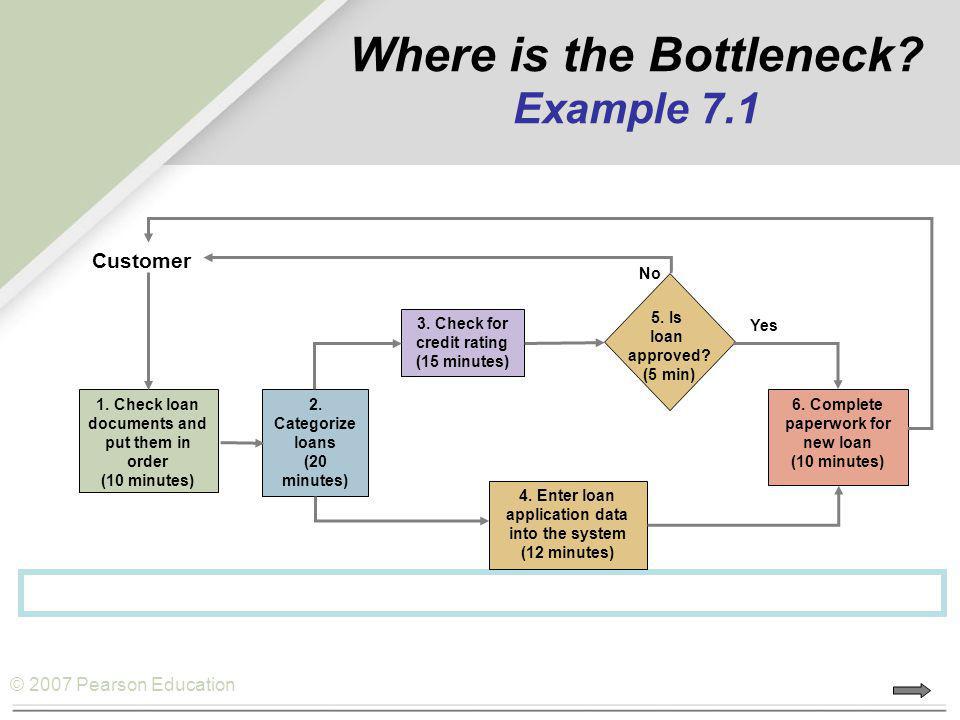
- Include all steps, handoffs, systems, inputs/outputs. Use visual tools (flowcharts, swimlane diagrams).
- Engage stakeholders (HR, IT, managers, employees) to capture pain points.
- Ask critical questions: Where are the delays? Who waits? What data is re-entered?
- Measure and monitor key metrics
- Time to completion (cycle time)
- Number of handoffs / departments involved
- Number of errors / exceptions / rework
- Employee/manager satisfaction (survey data)
- Cost (if measurable) of delays
- Prioritise improvements using your scoring model
- Apply the model above to choose where to focus first.
- Create a roadmap: fix high-pain workflows first, then move to medium-pain.
- Secure leadership sponsorship by linking to business impact.
- Design improvement interventions
- Simplify steps: ask “Is this step needed?” as one best-practice article suggests. Comidor Low-code Automation Platform+1
- Automate manual tasks: e.g., provisioning, approvals, notifications. See HR workflow benefits of automation. Workato+1
- Improve visibility & tracking: dashboards, alerts for bottlenecks.
- Clarify ownership and accountability: ensure each step has a clear owner.
- Standardise and document: reduce ambiguity, variation.
- Scale for growth: build in capacity so process pain doesn’t worsen as scale increases.
- Measure outcomes and iterate
- After changes, rerun the scoring model to see if pain has reduced.
- Monitor whether cycle times drop, errors reduce, employee satisfaction improves.
- Adopt a continuous improvement mindset: workflow optimisation is never “done”. HRMorning+1
Final Thoughts
High-pain workflows are not simply “annoying”; they represent hidden drag on your organisation’s performance, employee experience, and People Ops credibility. By applying a clear scoring model, you can bring structure to how you identify, prioritise and improve workflows.
For People Ops teams, this is a strategic lever: instead of simply reacting to problems, you become the engine of operational excellence, employee experience, and business agility.
If you want, I can share a downloadable scoring template (Excel/Google Sheets) you can plug into your organisation, happy to send that along.
Next step: Pick one workflow today, apply the scoring model, see how it scores, and you’ll likely find great opportunities for improvement.
Leave a Reply