

In today’s fast-paced digital economy, e-commerce companies face a unique challenge: moving vast volumes of transaction data from shopping carts, marketplaces, payment gateways, returns, fees, and shipping into accurate, actionable financial records. For many, the old way still looks like this: export spreadsheets, manually adjust rows, reconcile dozens of systems, then attempt to close the books. But what if you could automate that entire flow, “from carts to QuickBooks Online,” without the spreadsheet bounce?
In this article, we’ll explore:
- Why finance automation matters for e-commerce (pain-points and business/technical risk)
- How the flow works, from e-commerce platform to accounting system, covering key technical and process steps
- What to watch (challenges, change management, integrations, data quality)
- How PeopleOps helps you implement and optimise this automation in practise
Why e-commerce finance automation is a must
Pain-points & business risks
For any company selling online, the finance team often acts as a bottleneck and risk point because:
- Multiple sales channels (own website, marketplaces, social commerce, mobile) mean fragmented data sources, each with its own fees, tax treatment, refunds, chargebacks and payout schedules.
- Manual spreadsheets = slow, error-prone work. According to a recent article, financial automation “reduces human error, saves time, optimises cash flow and boosts transparency of business operations.” Quaderno+2fyorin.com+2
- Lack of real-time visibility into cash flow, sales vs costs, marketplace fees etc. A supply-chain focused article highlights that automation “provides real-time visibility into cash positions and payment obligations” for e-commerce. fyorin.com
- Scaling becomes painful. As transaction volume grows, the “spreadsheet approach” falls apart.
- Impaired decision-making: if finance data is late or inaccurate, leadership lacks timely insights into profitability, channel performance, and working capital.
The business upside of automation
When you shift to an automated finance flow, you unlock benefits like:
- Speed & efficiency – Automation of repetitive tasks frees finance resources for strategic work. Tipalti+1
- Accuracy & compliance – With fewer manual steps, fewer mistakes; better audit trail.
- Unified view – Sales from carts, marketplaces, payment processors all feed into one accounting system (e.g., QuickBooks) so you have a single source of truth. For example: QuickBooks says: “Connect your e-commerce platforms and marketplaces … start seeing your income and expenses all in one place.” QuickBooks
- Scalability – You can grow channels without proportionally increasing back-office costs.
- Better cash-flow management – Real-time data lets you forecast, plan inventory, optimise payment/receipts. fyorin.com
So for an e-commerce business the real question isn’t should you automate, it’s how quickly and how well.
How the finance automation flow works: from cart to books
Let’s walk through the typical end-to-end flow in plain language, and highlight key technical / process steps.
1. Order capture
A customer places an order on the online store (own website) or via a marketplace (e.g., Amazon, eBay, Shopify). That order generates sales data (item, price, discount, tax, shipping, etc.).

2. Payment & fees
Payment gateway processes payment. Marketplace/platform deducts fees, perhaps currency conversion, shipping costs, returns/charge-backs later. You need to capture not just “gross sale” but “net revenue” (sale minus fees, returns).


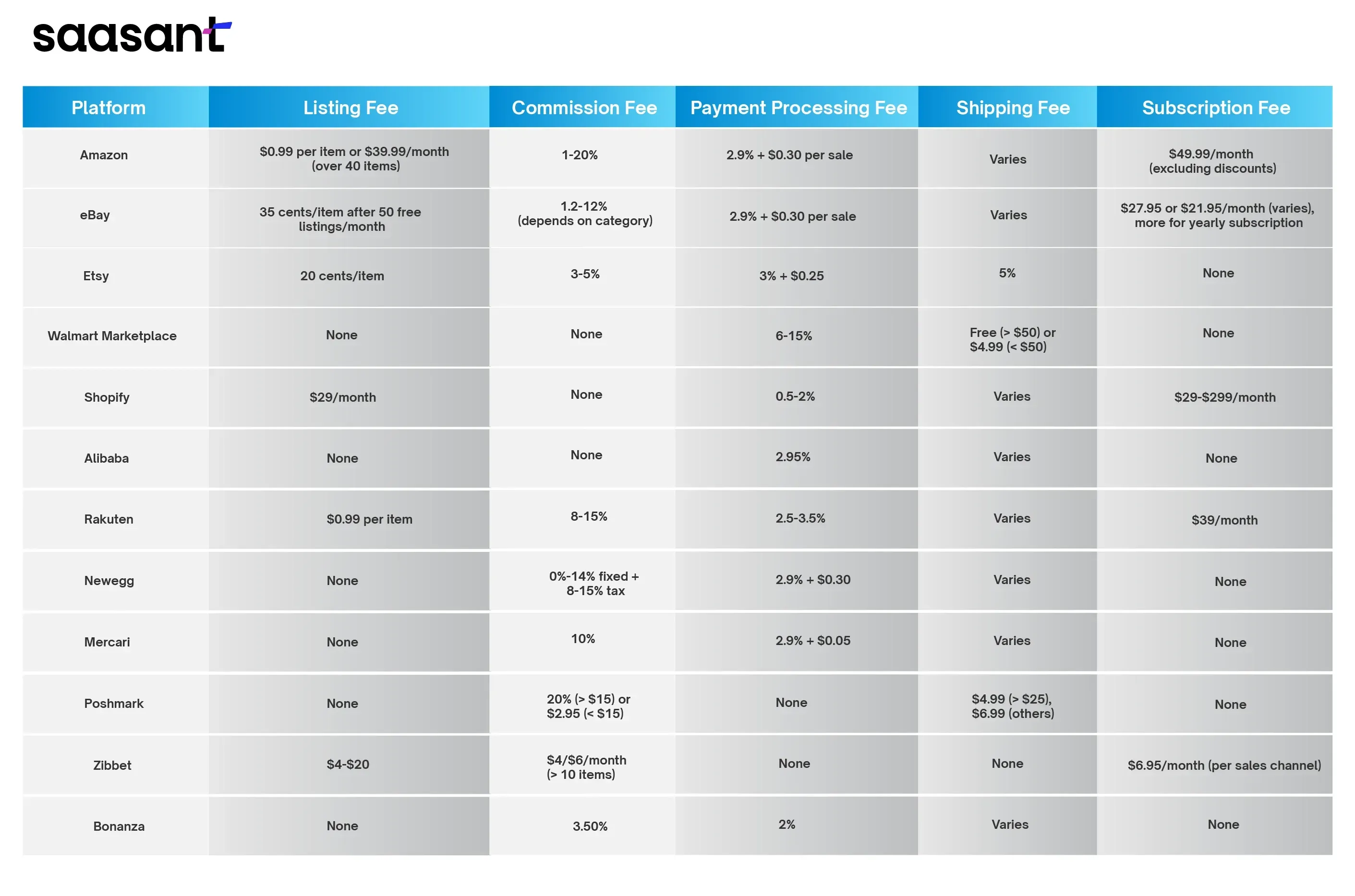
3. Data consolidation & transformation
Here is where automation begins to shine. Instead of exporting spreadsheets from each channel and manually reconciling, you set up integrations that pull all data (orders, payouts, fees, refunds) into a staging or sync layer. Technical tasks include:
- API integration or connector between platform(s) and accounting system
- Data mapping: e.g., platform “order_id” -> accounting “invoice number”; marketplace “fees” -> accounting “expense/ cost of goods sold” account
- Handling multi-currency, multi-tax jurisdictions
- Handling returns/refunds adjustments
4. Accounting system sync
Once data is cleansed and mapped, we push it into your accounting system (for many e-commerce businesses, that is QuickBooks). According to QuickBooks: “Automatically bring in orders and payouts from your sales channels …” QuickBooks+2Synder+2 This means the finance books receive:
- Sales receipts/orders
- Fee expenses
- Refund entries
- Payout deposits
- Adjustments for returns/chargebacks
5. Reconciliation & reporting
With data flowing automatically you now:
- Reconcile bank statements with payout entries
- Reconcile marketplace statement vs book entries (to catch missed fees/returns)
- Generate financial reports: Profit & Loss, Balance Sheet, Cash Flow
- Analyse by channel, product, region
Discrepancies drop. Time needed to close month end shrinks. Decision-makers get faster insights.
6. Continuous improvement & automation scaling
Once the baseline automations are in place, you can add:
- Trigger alerts for unusual refunds or fee spikes
- Cash-flow forecasting using real-time data (automation supports this). Stripe
- Workflow automation (e.g., when return processed, refund entry auto-generated)
- Expansion to other systems: ERP, inventory, procurement
Real-world scenario: “FastGear Apparel Ltd.”
FastGear Apparel, a mid-sized e-commerce brand selling sportswear in India and globally.
Before automation:
- Sales from their Shopify store, Amazon India, and eBay US.
- Finance team received CSVs weekly from each platform, imported into Excel, manually cleaned and aggregated, then manually entered journal entries into QuickBooks.
- Month-end close took 12 days. Frequent errors in fee capture led to discrepancies. Leadership lacked timely channel-profitability analysis.
- Refunds and chargebacks often missed until later reconciliation, causing cash-flow surprises.
After implementing automation:
- Connectors configured between Shopify + Amazon + eBay → central staging → QuickBooks Online.
- Platform fees, shipping cost, refunds mapped automatically to correct accounts.
- Month-end close reduced to 5 days. Finance team now spends less time in Excel and more on analysis (which products/channels are profitable).
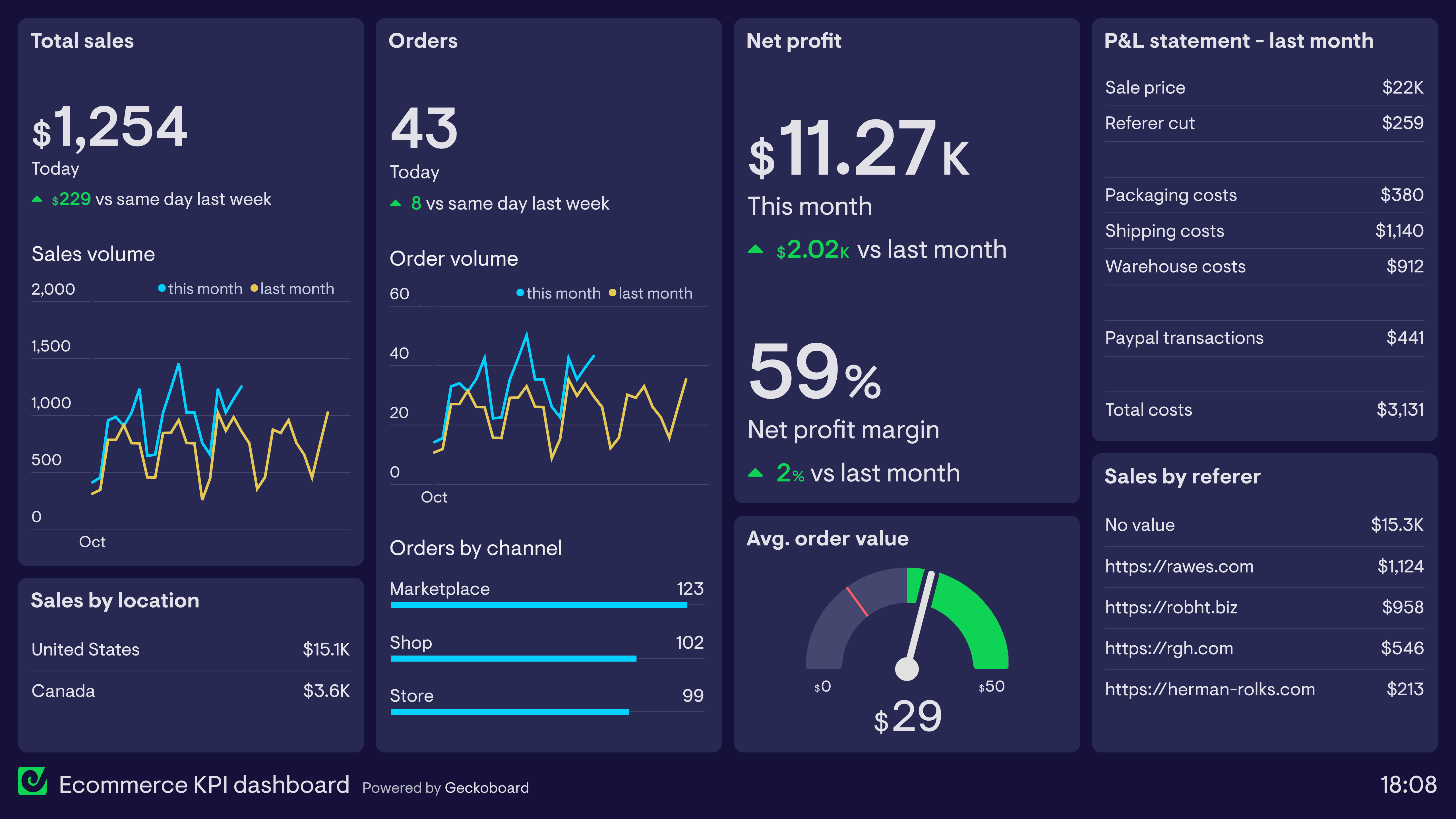
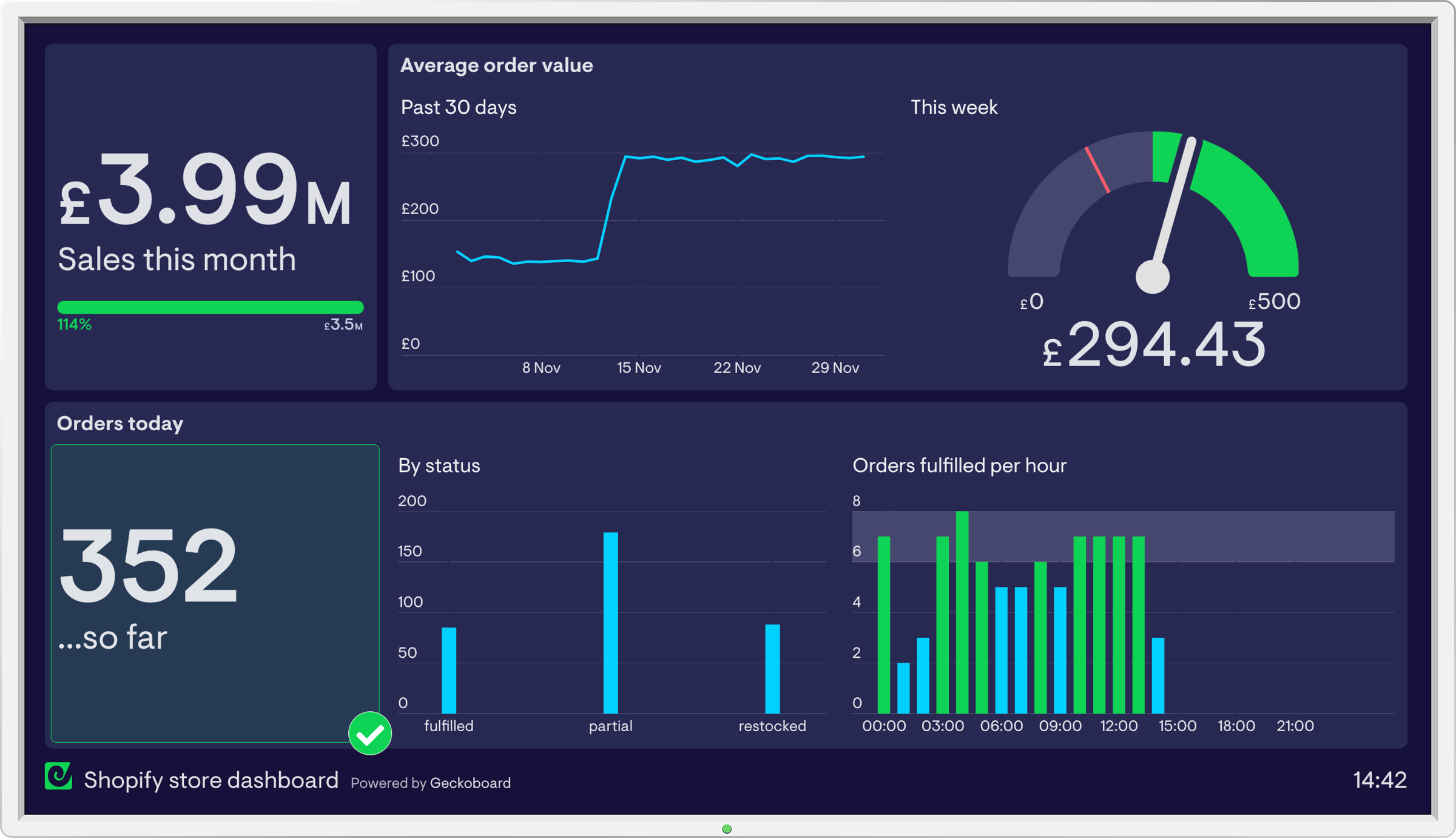
- CFO receives a live dashboard showing sales by channel, fee burden, net margin, and projected cash-flow.
- They spot that eBay US fees were eroding margin and decide to renegotiate shipping terms / adjust pricing.
This kind of shift is absolutely within reach, and the difference is in having the right integrations + change-management (training, process redesign) in place.
Key challenges & how to address them
Integration complexity
Connecting multiple sales channels, payment gateways, shipping platforms, and then syncing into QuickBooks can get messy. Different platforms have different data formats, latency, refund/chargeback treatment differences.
How to address: Use pre-built connectors or middleware designed for e-commerce-to-accounting systems. For example, there are solutions that support over 50 platforms + QuickBooks. Webgility
Data mapping & governance
You need to decide how orders, fees, shipping, returns map into your chart of accounts consistently. Without governance, you’ll still need spreadsheets.
Tip: Document your mapping; maintain a “glossary” of data fields; enforce naming conventions and account codes.
Returns/chargebacks & timing differences
E-commerce platforms often pay out after delays; refunds may cross-months; foreign currency issues. This creates timing mismatches and reconciliation headaches.
Solution: Build automation that handles accruals, timing adjustments, and multi-currency properly. Also include workflow alerts for refunds/chargebacks to ensure entries are captured.
Change management & skills
Finance teams used to manual spreadsheets may resist automation or lack skills for new workflows.
Solution: Invest in training; build documentation; show early wins (e.g., faster close, fewer errors) to build confidence.
Security & compliance
Financial data automation must secure data flows, maintain audit trails, ensure compliance (tax, multi-jurisdictional). As one article notes: “financial automation … must address security concerns and comply with relevant regulations.” fyorin.com
Tip: Select tools with audit-logs, role-based access, encryption in transit and at rest.
How PeopleOps helps
At PeopleOps, we specialise in bridging People + Operations + Technology. Here’s how we support e-commerce finance automation:
- Assessment & roadmap
We audit your current data-flows: sales channels, payment gateways, spreadsheets, accounting systems. We identify bottlenecks, risk points (e.g., reconciliation delays, manual errors). Then we craft a roadmap for automation from quick wins to full scale. - Connector & tool selection
Together with you, we select the right integration stack, whether off-the-shelf connectors (e.g., built for QuickBooks and e-commerce) or custom middleware. We ensure compatibility with your platforms and desired accounting configuration (chart of accounts, tax treatment, multi-currency). - Process redesign
Automation isn’t just “plug in and forget”. We redesign processes: define mapping rules (orders → sales; fees → expense; refunds → adjustments), establish workflows for exceptions, returns, chargebacks. We train your finance and operations teams on the new flow. - Implementation & data migration
We oversee the integration setup: connecting sales platforms, configuring exports/pushes, setting reconciliation logic. We assist with migrating historical data (if needed) so the books reflect accurate starting point. - Monitoring, governance & continuous improvement
Post-go-live, we help monitor the automation: set up dashboards, alerts for anomalies (e.g., fee spike, missing payout), ensure data governance protocols. Over time, we help you scale—adding other systems (inventory, procurement) or advanced analytics (cash-flow forecasting). - Business stakeholder alignment
Because this is not just a finance concern but impacts operations, marketing (channel profitability), supply chain (returns cost) and leadership (cash-flow visibility), we facilitate stakeholder alignment, making sure everyone understands benefits, dependencies and data flows.
Summary & Next Steps
If you’re in the e-commerce space and still reliant on spreadsheets to pull together sales, fees, refunds and then manually prepare entries for QuickBooks (or another accounting system), you’re carrying unnecessary cost, risk and delay.
By moving to a fully automated finance-flow from cart to books, you unlock speed, accuracy, transparency and scalability.
The key is to recognise:
- What to automate: order capture, fee/return reconciliation, payout posting, banking reconciliation
- How to integrate: channel → middleware/integration layer → accounting system (e.g., QuickBooks)
- What to change: processes, people, governance
- Why: faster closes, cleaner data, better decision-making
At PeopleOps we bring together the people, process and technologies needed to deliver this transformation so your finance team becomes a strategic partner, not a bottleneck.
Leave a Reply