
In the construction industry, where projects span sites, vendors abound, and cost codes and job-cost tracking are critical, accounts payable (AP) automation is not just nice to have; it’s essential. This blog explores three top solutions for AP automation—Bill.com, Stampli and Dext, with a specific lens on construction firms. We’ll cover: the industry pain-points, how each solution addresses (or doesn’t) them, a comparison table, real-world scenarios, and how PeopleOps (and your People + Finance teams) can lead a successful implementation.
Why AP automation matters in construction
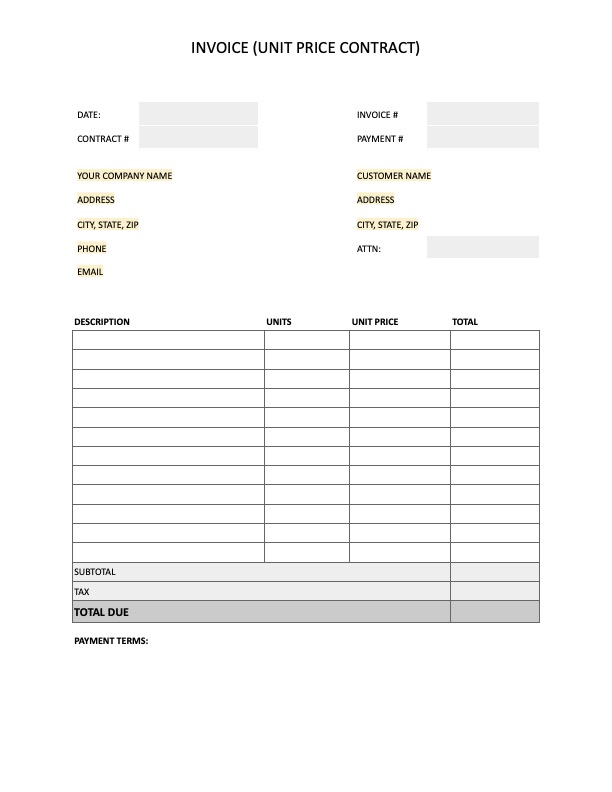
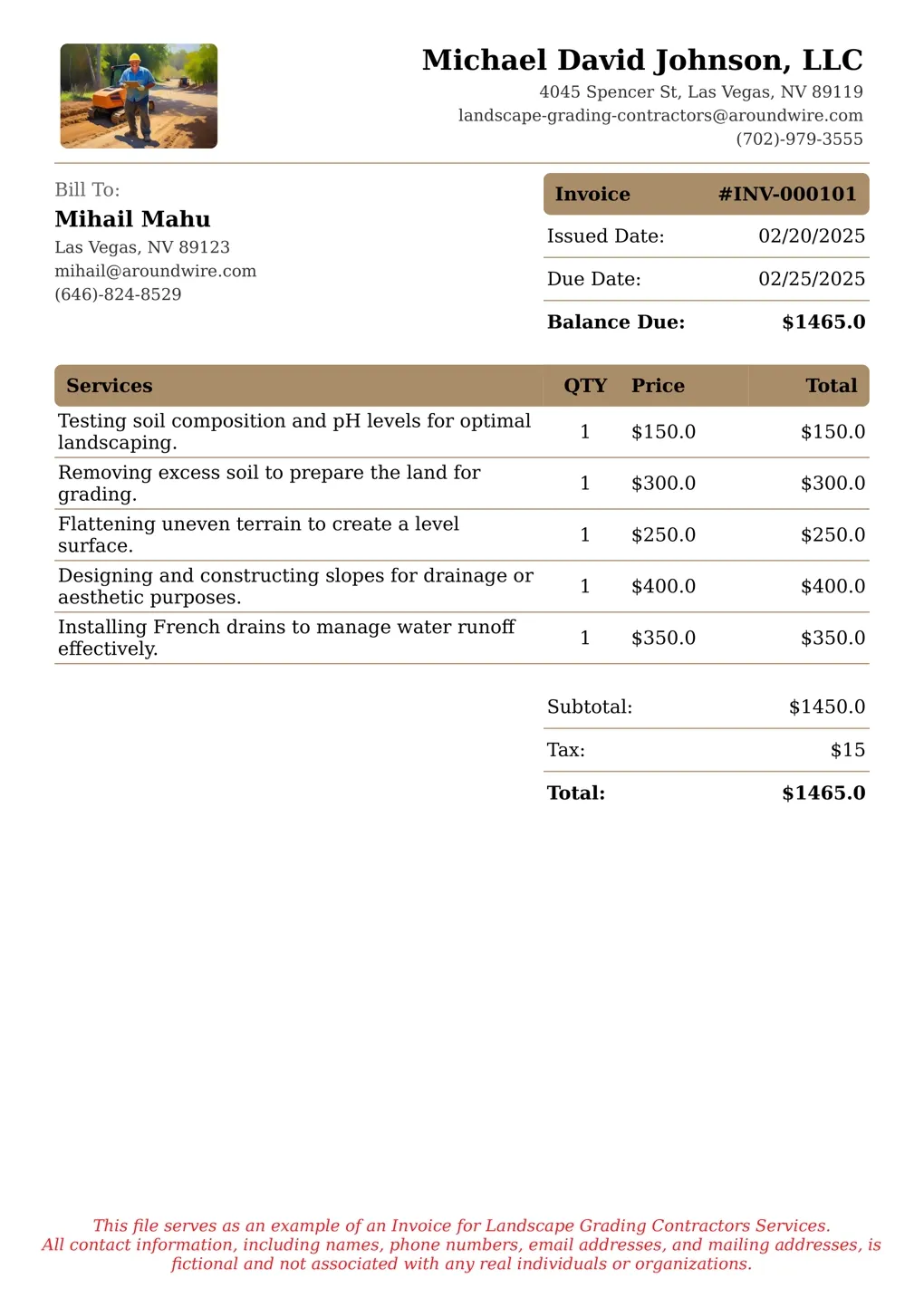
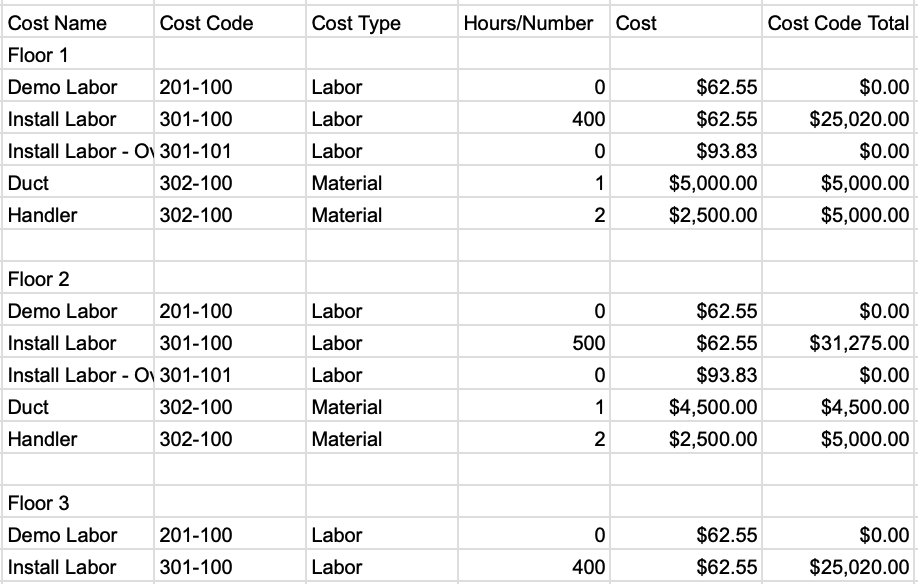
The pain-points
Construction companies face unique AP challenges:
- High transaction volume + many vendors/subcontractors: Multiple job sites, many small vendors, frequent change orders. This increases invoice volume and complexity.
- Job-costing and cost-code allocation: Every invoice must often be coded to a specific project, cost code, sometimes phase or location. If this is manual, errors creep in and profitability is reduced. redhammer.io
- Distributed approvals: Field managers, project leads, procurement and finance all need to approve. There can be delays from paper or email-based workflows.
- Vendor relationships & payments: Vendor satisfaction is critical (you don’t want delays to subcontractors). Payment methods vary (ACH, check, virtual card) and vendor portals help.
- Integration with construction accounting/ERP systems: Systems like Sage 300 CRE, Viewpoint, QuickBooks for contractors need to sync with AP. Without good integration, duplicate entry or errors occur. redhammer.io
- Cash-flow / project profitability visibility: Unprocessed or delayed invoices obscure actual job cost, making forecasts and profitability hard.
What good AP automation delivers
- Automated invoice capture (OCR/AI) → faster, fewer manual entries.
- Smart workflow routing: job-site to approver to finance, with roles & cost codes built in.
- Payment scheduling + methods (ACH, virtual card, check).
- Vendor portal or self-service for submission and status tracking.
- Integration with job-costing/accounting software so data flows seamlessly.
- Analytics & dashboards: invoice ageing, processing time, job cost variances.
- Security & audit trail (important in construction with high risk of change-order disputes).
As one recent review notes: “Native AP modules typically integrate well with job costing and payroll … but may lack advanced features found in dedicated AP software.” redhammer.io
Solution Overview: Bill.com, Stampli, Dext
Here are the three platforms and how they stack up for construction-AP use.
1. Bill.com
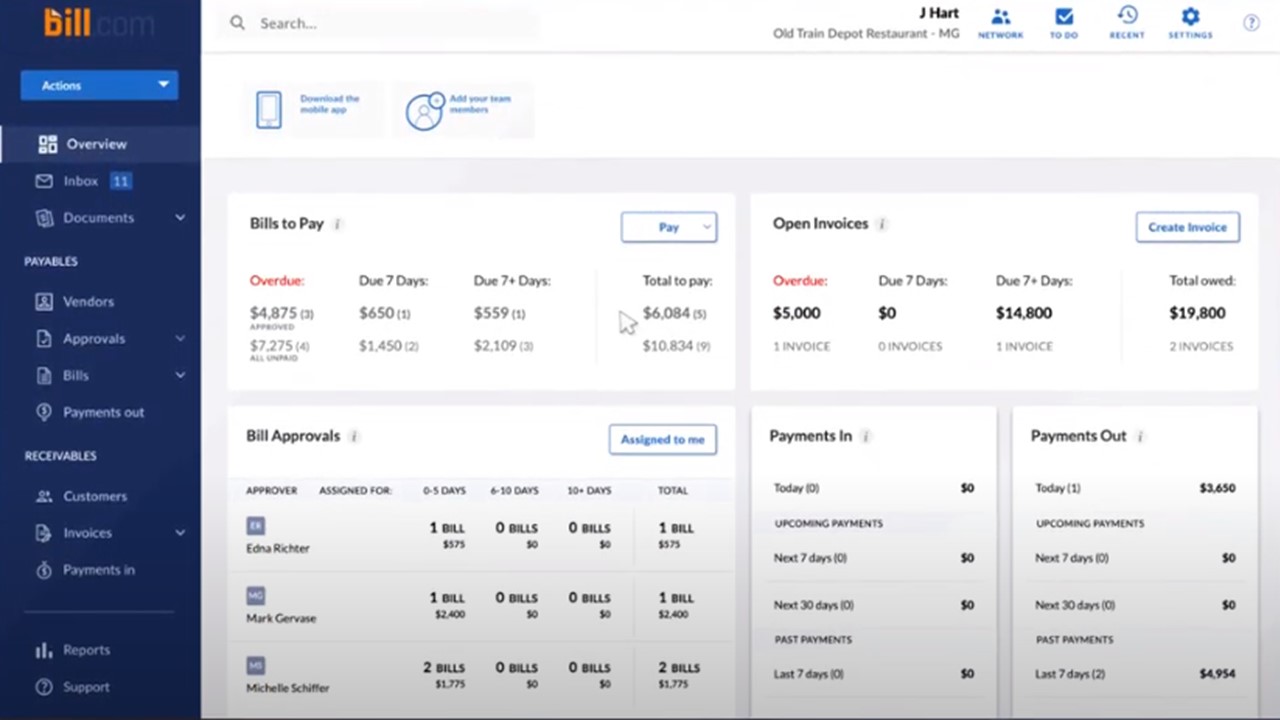

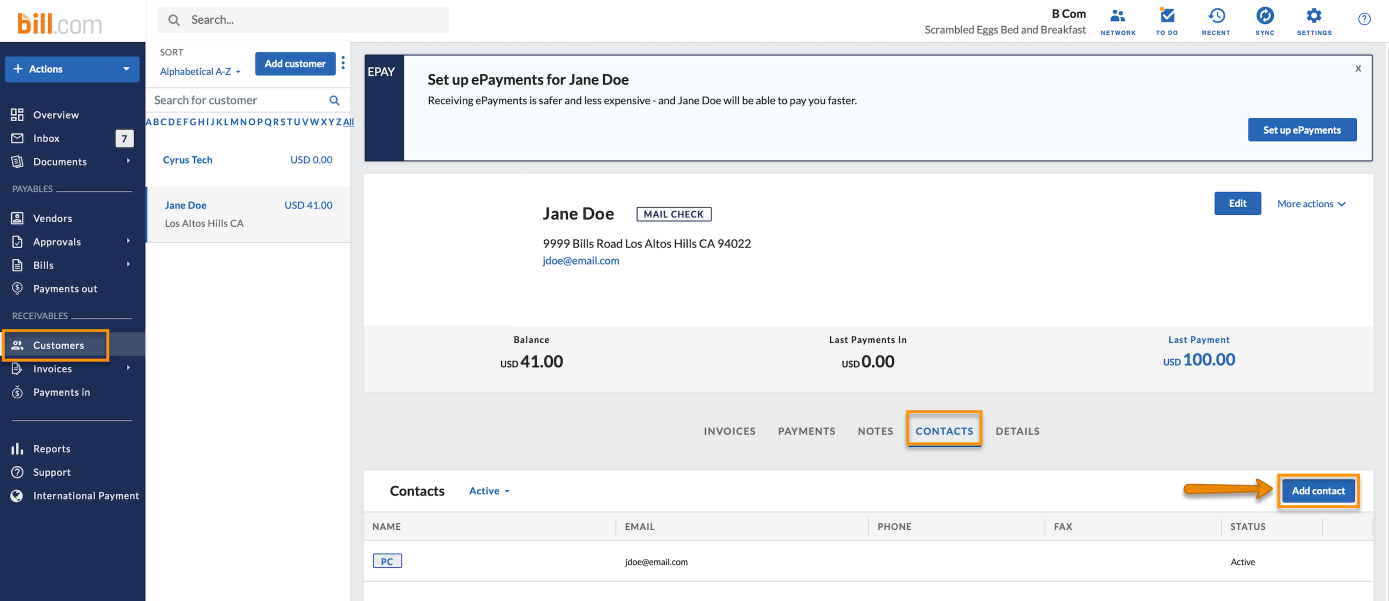
What it is: Cloud-based AP/AR platform that handles bill capture, approvals and payments. Wise+1
Strengths for construction:
- Strong vendor self-service portal: vendors submit invoices, check payment status help subcontractor relationships. blog.approvalmax.com+1
- Payment flexibility: supports ACH, virtual card and other methods. Wise
- User-friendly interface and relatively straightforward implementation.
Limitations / things to check: - While integration exists, deeper job-costing or construction-ERP workflows may be limited. Some complexity (cost codes, multi-entity projects) may need work-arounds. Wise+1
- For very high invoice volumes, or very complex multi-site workflows, might be less customizable than more “heavy” platforms.
Good fit: Small-to-mid sized contractors or construction firms with moderate complexity, wanting to quickly digitise AP, improve vendor payments and get better cash-flow visibility.
2. Stampli
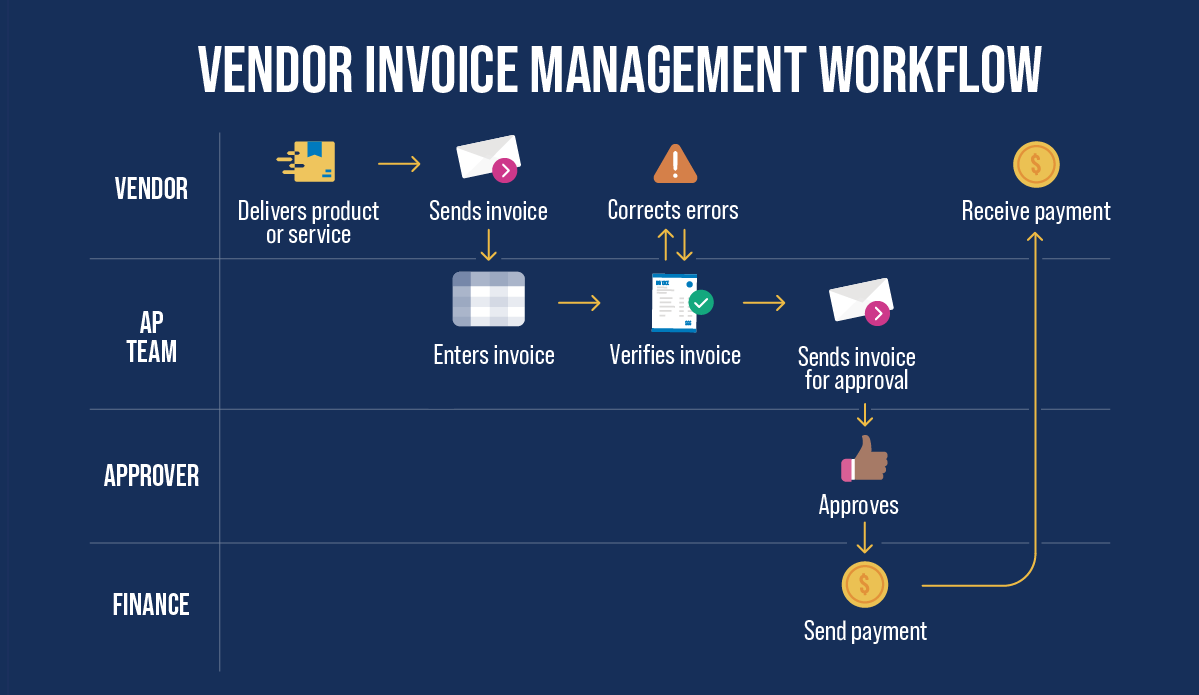
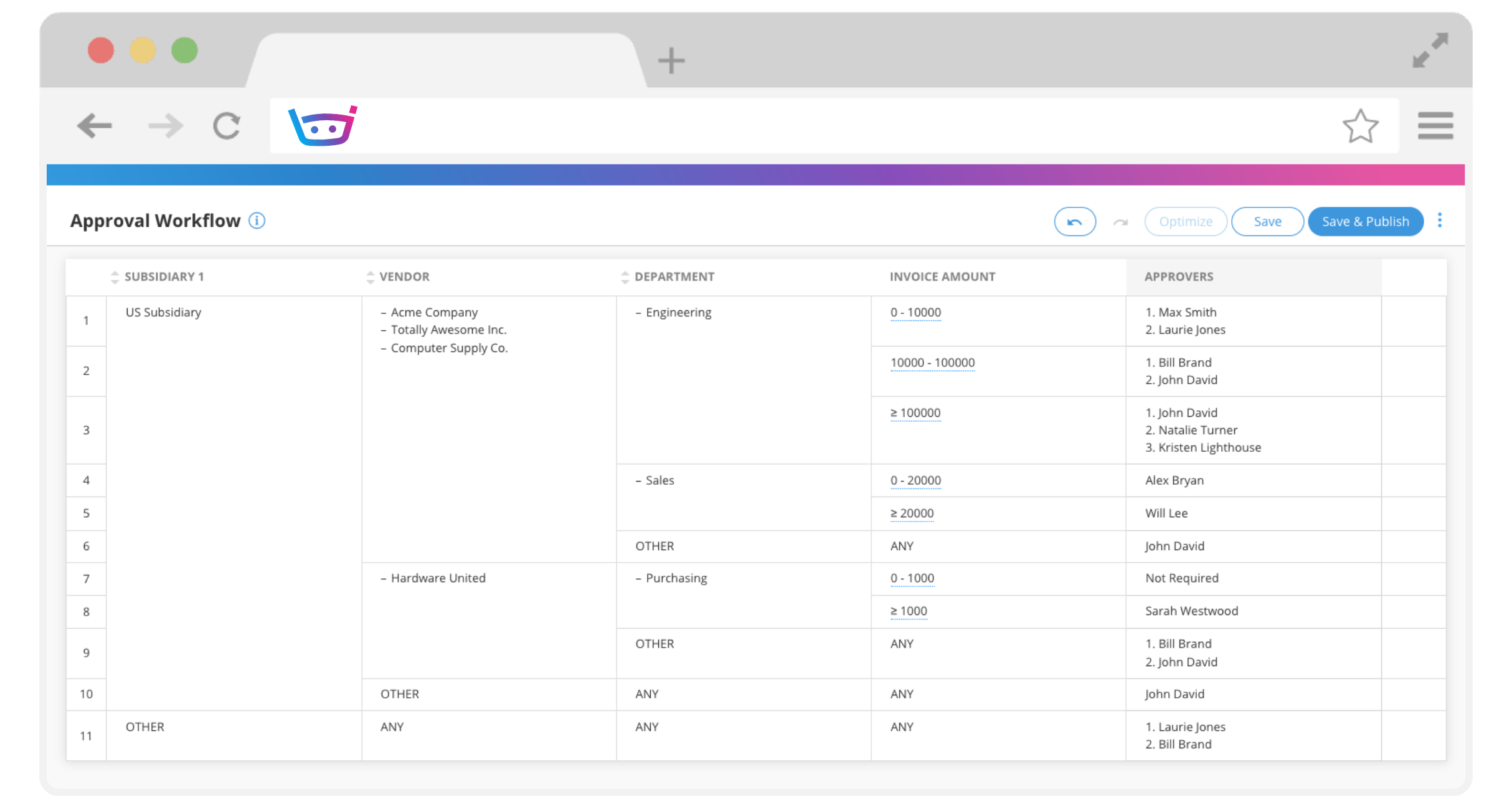
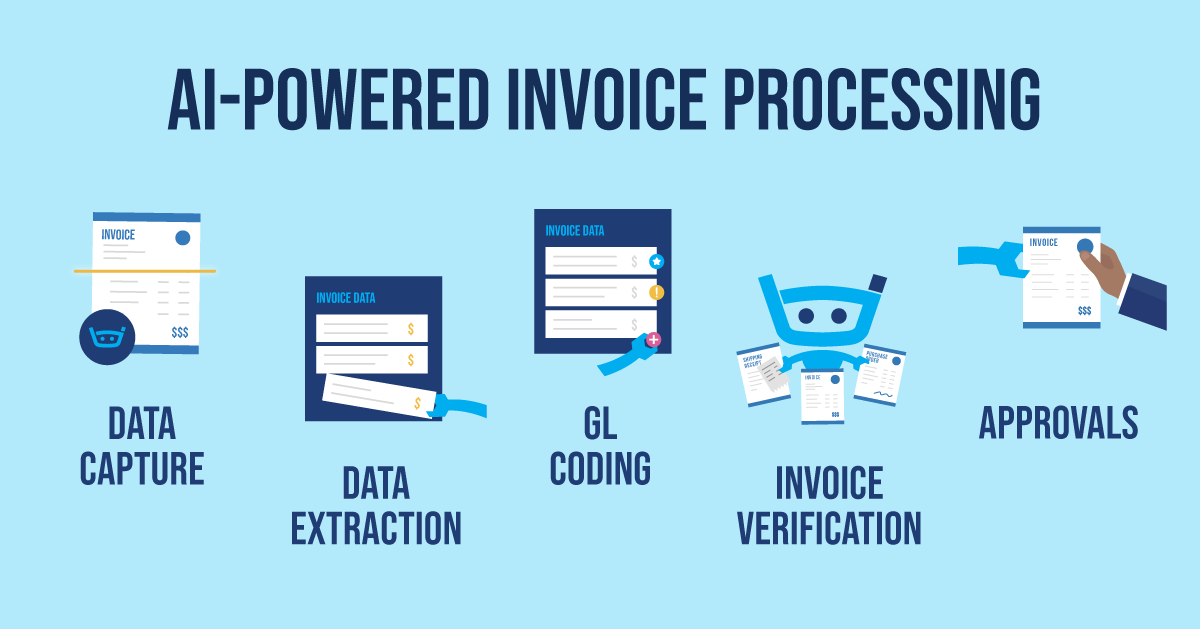
What it is: Cloud AP automation focused on AI invoice capture, workflow collaboration, deeper ERP integration. Stampli+1
Strengths for construction:
- Advanced invoice capture + line-level PO matching, cost-code allocation support. Stampli+1
- Strong ERP/Accounting system integrations (SAP, Oracle, Microsoft Dynamics, Sage Intacct). This is helpful when your construction firm uses heavy-duty systems. Stampli
- Collaboration hub: all invoice-related communication, attachments, approvals in one place which fits multi-stakeholder workflows (field + office + finance).
Limitations / things to check: - Pricing is custom/quote-based (not always public), which may raise budgeting challenges. Wise
- Implementation may be more involved (due to deeper feature set) and might take longer for smaller firms.
- For pure payment-processing (rather than deep workflow), might be more than you need.
Good fit: Construction companies with multiple projects, many cost codes, complex approvals, possibly multi-entity or multi-place operations; firms with larger invoice volumes that need tighter controls.
3. Dext


What it is: Bookkeeping/document capture and automation platform primarily for expense, receipt and invoice capture. dext.com
Strengths for construction:
- Excellent for on-the-go capture: mobile app, photo upload, email/invoice scanning. Good for field teams capturing receipts/invoices. dext.com
- High accuracy (99%+ claimed) of OCR / document extraction. dext.com
- Easy to integrate with many accounting packages; supports multiple users and multi-entity scenarios. dext.com
Limitations / things to check: - Dext is more “capture + pre-accounting” than full end-to-end AP automation with payments, buyer workflows and vendor payment methods.
- Its focus may be more suited to smaller firms or specific parts (expenses / receipts) rather than complex job-cost heavy AP automation for large construction firms.
Good fit: Construction firms that are primarily looking to digitise invoice/receipt capture (particularly field submissions) and improve their bookkeeping workflow before moving to full AP-automation. Or firms where AP is simpler, but mobile capture is critical.
Head-to-Head Comparison: Construction AP Use-Case
| Feature / Capability | Bill.com | Stampli | Dext |
|---|---|---|---|
| Invoice capture + OCR / AI | Good basic capture, workflows. Wise+1 | Strong capture, line-level PO matching, AI. Stampli | Excellent capture for receipts/invoices, mobile. dext.com |
| Approval workflow (field + office) | Solid for moderate complexity | Very strong for complex, multi-step workflows | Good for simpler workflows (mostly capture & coding) |
| Payment methods (ACH, virtual card, check) | Strong support. Wise | Good, but focus is more on workflow than payment network | More focused on capture, less payment-rail heavy |
| Job cost / cost-code / project support | Moderate, may require customisation | Stronger support especially if integrated with ERP | Basic may need other systems for full job cost heavy use |
| Vendor portal / self-service | Yes, vendor submission + tracking. blog.approvalmax.com | Yes, vendor communication hub plus portal. Stampli | Less vendor, portal emphasis; more on capture & bookkeeping side |
| Integration with construction accounting/ERP systems | Good for SMB systems; check for big-ERP depth | Very good, supports full ERP integrations. Stampli | Good for accounting software; may need add-ons for full ERP |
| Best-fit company size / complexity | Small-mid contractors, moderate AP volume | Mid-large contractors, high AP volume & complexity | SMEs, firms looking to upgrade capture or bookkeeping first |
| Budget / implementation complexity | Lower complexity, faster go-live | Higher complexity, longer implementation | Lower cost, but scope more limited |
Real-World Scenario: Construction Firm Example
Scenario: A mid-sized general contractor in India/US with multiple projects across sites, dozens of subcontractors, and uses a cost-code structure with 30 cost-codes per job.
- Before automation: Invoices arrive by email or paper to site managers → site manager fills a form, prints and forwards to finance → finance key-enters invoice, manually assigns cost-code, circulates to approver (project manager) via email → payment scheduled manually. Key issues: high data-entry cost, cost-code errors, delayed vendor payments, poor visibility on job cost.
- Using Bill.com: The firm uses Bill.com for centralising invoice inbox, automating vendor submission via portal, basic cost-code templates and mobile approvals. Result: Submissions faster, vendor inquiries reduced, payment scheduling improved. But they find that cost-code mapping per project site still needs manual work and the workflows for site manager → project manager → finance are somewhat rigid.
- Using Stampli: The same firm instead chooses Stampli. They configure project- and job-specific cost-code templates, use line-level PO matching (for subcontractor invoices tied to purchase orders), field managers approve via the mobile app (with attachments/photos). Integration to their ERP (e.g., Sage 300 CRE) means cost-codes flow automatically. Vendor portal allows submission and tracking. Result: AP cycle time shortens significantly, fewer cost code errors, better audit trail of who approved what when, cash-flow improved.
- Using Dext: The firm uses Dext for capturing field invoices and receipts: site manager takes photo of invoice or expense, Dext extracts data, forwards to accounting package. This improves the front-end capture, but they still rely on separate payment scheduling and vendor portal functions elsewhere. Good as part of a roadmap when full AP automation isn’t yet feasible.
Key take-aways for PeopleOps / Finance team:
- Focus first on capturing invoices early (mobile capture) to reduce delays.
- Ensure cost-code & job structure is built into the workflow.
- Vendor relations matter: portal, self-service reduce calls.
- Integration with your construction accounting/ERP matters; don’t pick a tool that will force heavy manual uploads.
- Choose a solution aligned with your current complexity and roadmap (you might start simple, then scale to advanced).
How PeopleOps Can Lead the Change
As PeopleOps (or HR/Finance PM), you’re well-positioned to lead this digital transformation. Here’s how:
- Stakeholder alignment
- Set up a working group: Finance/Accounting, Procurement, Project Managers, Site Managers, IT, and of course PeopleOps (for change management).
- Define key metrics: invoice processing time, number of manual cost-code corrections, vendor payment delays, cost-code accuracy.
- Map current state: who approves what, how invoices move, where delays live.
- Define requirements from construction-perspective
- Job cost/cost-code structure: how many cost codes per job, how are they mapped?
- Approval hierarchy: Which roles approve (site manager? procurement? finance?)
- Vendor size & submission method: Many smaller subs may not use portals; ease of submission matters.
- Field/mobile access: Can site managers use mobile apps?
- ERP integration: Does the tool connect to your accounting/ERP system (e.g., Sage 300 CRE, Viewpoint)?
- Payment options & vendor relationships: Are vendor portals available? Can vendors track status?
- Choose the solution that matches your stage
- If you’re just starting: capture and digitise invoices → Dext or Bill.com could fit.
- If you have complex workflows, many jobs/sites, cost-codes, you might go deeper → Stampli.
- Consider implementation time, budget, change management and integration effort.
- Change management and rollout
- Train site managers, project leads on mobile capture and approval workflows.
- Communicate vendor portal rollout and benefits to subs: fewer queries, faster payment.
- Monitor early KPI improvements and celebrate wins (e.g., “We cut invoice-to-payment by 40 % in month 1!”).
- Gather feedback: what’s working, what’s not; iterate workflow rules.
- Ongoing governance
- Set dashboard reporting (e.g., average days to approve, % invoices with correct cost code first time, vendor payment on time).
- Maintain cost-code library and approval matrix; ensure they reflect new projects/sites.
- Audit vendor portal engagement and user adoption.
Summary: Which tool when?
- Choose Bill.com if you are a small-to-mid contractor, with moderate invoice volume, seeking quick wins in AP digitisation and vendor payments.
- Choose Stampli if you are a larger contractor or have multiple jobs/sites, complex cost-code/PO matching, need deep integration and full workflow control.
- Choose Dext either as a front-end capture solution (especially field/site invoices and expenses) or if your immediate need is to improve invoice capture rather than full AP/Payment automation.
Final Thoughts
In construction, AP automation is far more than “modernising finance”, it’s about enabling faster vendor payments, tighter project cost control, better profitability and clearer visibility into job cost. For PeopleOps, this is a chance to partner with Finance and IT to drive meaningful operational improvement.
By choosing the right AP tool, one that fits your size, complexity, existing systems and driving stakeholder alignment, change management and governance, you can turn AP from a back-office cost centre into a strategic enabler.
Leave a Reply